EasyManua.ls Logo

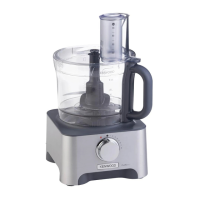
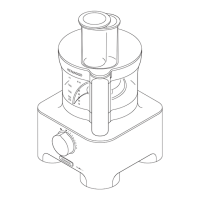
Kenwood FDM78 - User Manual

Kenwood FDM78
121 pages
Print Icon
To Next Page IconTo Next Page
Loading...
instructions
istruzioni
instrucciones
Bedienungsanleitungen
gebruiksaanwijzing
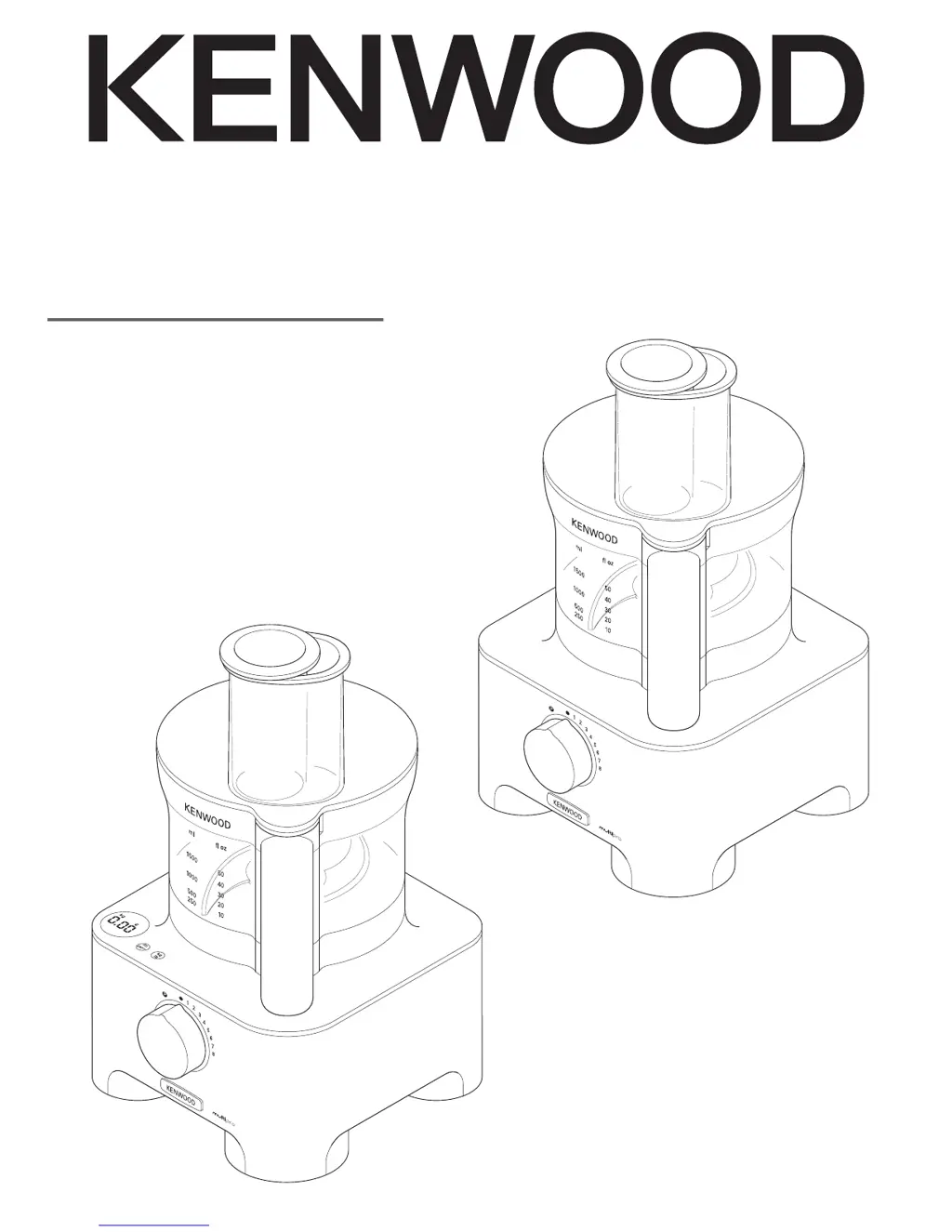
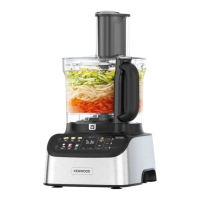
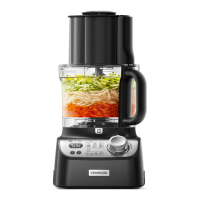
TYPE FDM78
TYPE FDM79
Type FDM79
Type FDM78

Questions and Answers

  • K
    Karen BeanJul 26, 2025
    How to fix a Kenwood FDM78 Food Processor that won't turn on?
    • B
      Bruce MayJul 26, 2025
      If your Kenwood Food Processor won't operate, start by checking if it's properly plugged into a power source. Also, ensure the bowl is correctly fitted to the power unit with the handle on the right side, and that the bowl lid is securely locked into the handle area. A loose connection or incorrectly fitted components can prevent the processor from starting.
  • C
    crodriguezJul 31, 2025
    Why is my Kenwood FDM78 Food Processor blender not working?
    • J
      jeffreymcgrathJul 31, 2025
      If the Kenwood Food Processor blender will not operate, ensure that the blender is correctly locked onto the interlock. Also, check that the blade unit is fully tightened into the goblet. Incorrect assembly can prevent the blender from working.
  • D
    diana20Aug 4, 2025
    Why does my Kenwood FDM78 Food Processor stop while processing?
    • T
      Tammy JohnsonAug 4, 2025
      If your Kenwood Food Processor stops or slows down during use, it might be due to the overload protection being activated or the processor overheating. To resolve this, switch off and unplug the appliance, then let it cool down for about 15 minutes. Also, make sure you haven't exceeded the maximum capacity for processing; check the speed chart for guidance.
  • K
    Kevin CampbellAug 8, 2025
    What to do if Kenwood FDM78 Food Processor blender is leaking?
    • S
      Sandra BerryAug 8, 2025
      If the Kenwood Food Processor blender is leaking from the blade assembly base, the seal may be missing or incorrectly fitted, or damaged. Check that the seal is correctly fitted and not damaged.
  • D
    Danielle HernandezAug 13, 2025
    How to troubleshoot a Kenwood Food Processor compact chopper/grinder that won't start?
    • N
      Nathan BrowningAug 13, 2025
      If your Kenwood Food Processor's compact chopper/grinder isn't working, it might not be correctly locked onto the interlock or properly assembled. Make sure the compact chopper/grinder is correctly fitted, and check that the blade unit is fully tightened onto the compact chopper/grinder jar.
  • S
    Stephanie LawrenceAug 17, 2025
    What causes the weighing function to freeze on my Kenwood Food Processor?
    • J
      John CowanAug 17, 2025
      If the weighing function display screen freezes on [- - - -] or the weight changes on the display screen of your Kenwood Food Processor, it could be due to weighing too small quantity or moving the power unit during operation. For very small quantities, use teaspoon and tablespoon measures. Also, do not move the unit during use.
  • A
    Amy BaileyAug 21, 2025
    Where is the blender seal on my new Kenwood Food Processor?
    • B
      breannamcdonaldAug 21, 2025
      Unscrew the goblet and check that the seal is fitted to the blade unit. The seal is packed pre-fitted to the blade unit.

Summary

Safety Information

Blender Safety Guidelines

Safe Blender Operation

Focuses on safe blender operation, child safety, and capacity limits for optimal performance.

Hot Blending Instructions

Minimizing Scalding Risks

Precautions for blending hot ingredients, managing steam, and preventing burns.

Safe Hot Liquid Handling

Guidelines on capacity limits, speed control, and secure lid fitting for hot liquids.

Using Your Food Processor

Weighing Function Operation

Instructions for using the built-in weighing function for ingredients.

Thermoresist Blender Usage

Step-by-step guide for assembling and using the thermoresist blender attachment.

Recommended Speed Chart

Attachment Speed and Capacity

Provides recommended speeds, processing times, and maximum capacities for each attachment.

Troubleshooting Guide

Processor Operation Issues

Addresses problems like the processor not operating or stopping during use.

Kenwood FDM78 Specifications

General IconGeneral
Control typeRotary
Bowl capacity3 L
Product colorSilver
Pulse functionYes
Variable speedNo
Number of speeds8
Chopper bowl capacity1.5 L
Bowl materialPlastic
Housing materialAluminum
Weight and Dimensions IconWeight and Dimensions
Depth213 mm
Width387 mm
Height219 mm
Weight5400 g

Related product manuals