EasyManua.ls Logo

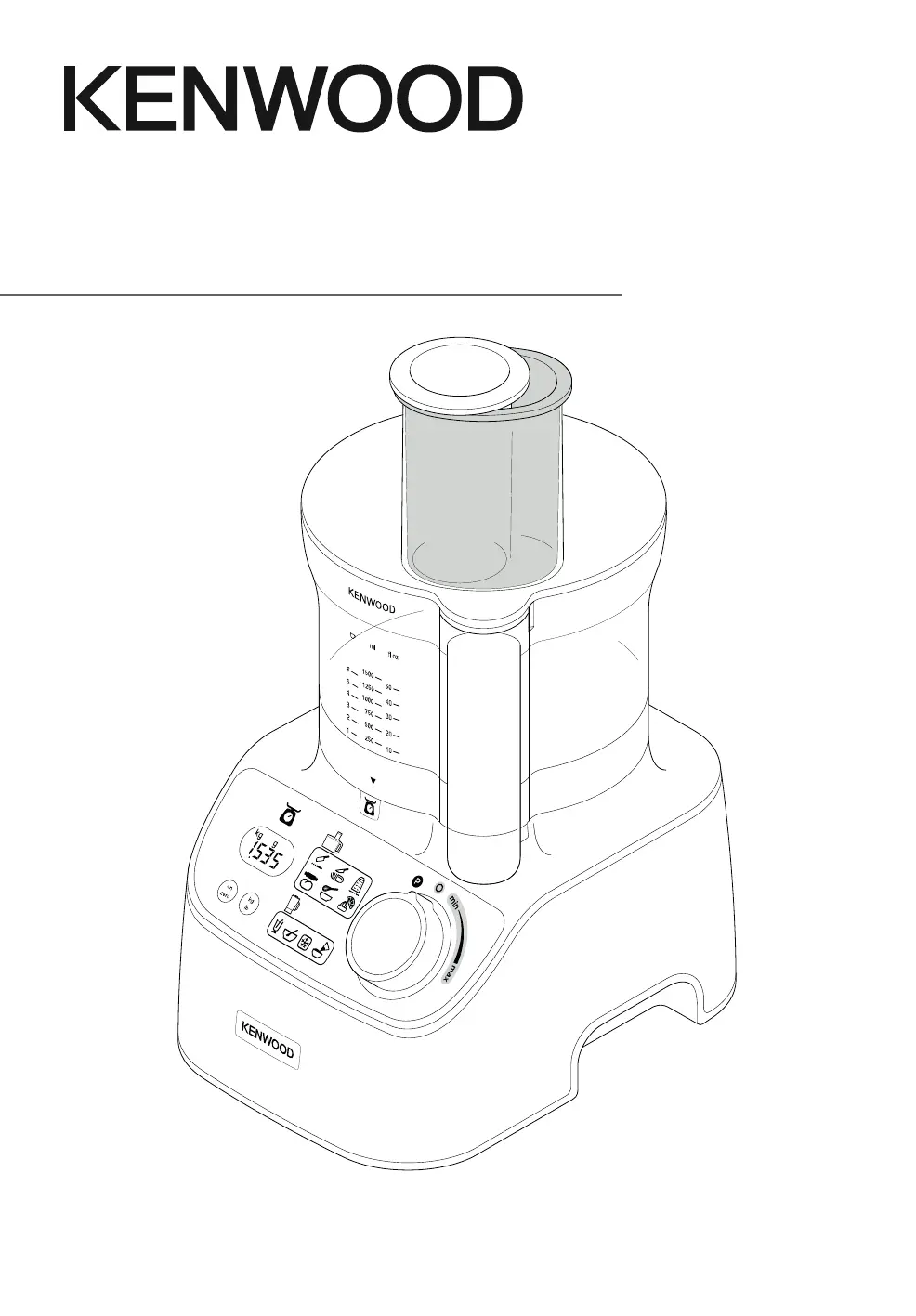
Kenwood FDM71 - User Manual

Kenwood FDM71
38 pages
Print Icon
To Next Page IconTo Next Page
Loading...
Instructions
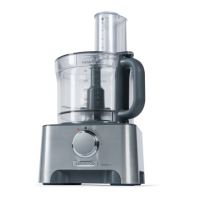
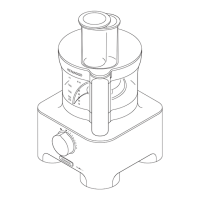
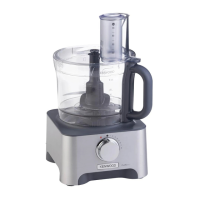
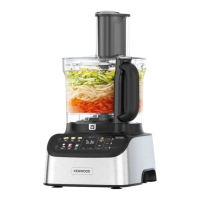
MultiPro Express Weigh
+
TYPE FDM71

Questions and Answers

  • M
    maria73Aug 9, 2025
    Why is my Kenwood FDM71 not working?
    • M
      Megan TurnerAug 9, 2025
      If the Kenwood Food Processor is not operating, first, ensure it is plugged in and the bowl is correctly located with the handle towards the right front corner. Also, verify that the lid interlock is correctly located into the handle area, as it won't work if the bowl and lid are fitted incorrectly. Finally, make sure the detachable drive shaft is fitted onto the power unit before fitting the bowl, as the bowl tools and attachments will not operate without it.
  • C
    Cheyenne Perry MDAug 15, 2025
    What to do if my Kenwood Food Processor stops during processing?
    • M
      Michael BoydAug 15, 2025
      If the Kenwood Food Processor stops during processing, it might be overloaded or exceeding maximum capacities. Check the recommended usage chart for maximum capacities. Also, ensure the lid is locked correctly.
  • W
    Wendy MeyerAug 22, 2025
    How to turn on the display screen on Kenwood Food Processor?
    • S
      Samantha FletcherAug 22, 2025
      If the display screen of your Kenwood Food Processor is turned off, ensure the power unit is plugged in. If the same weight reading is shown for 5 minutes, press the ON/ZERO button once to light it up. Also, do not exceed the maximum weighing capacity of 3Kg, as overloading the weighing function can cause the display to turn off.
  • V
    Valerie GuerraAug 27, 2025
    Why does the weight change on the display of my Kenwood FDM71?
    • A
      Aaron ThomasAug 28, 2025
      If the weight changes on the display of your Kenwood Food Processor, it might be because the power unit was moved during operation. Always place the processor on a dry, flat surface before weighing. Avoid moving the power unit while weighing and zero the display before weighing the next ingredients.
  • B
    Benjamin CunninghamSep 2, 2025
    What to do if the Kenwood FDM71 weighing function freezes?
    • S
      Sarah HernandezSep 2, 2025
      Normal operation. Either zero the screen or replace the missing ingredients or refit the bowl/lid/attachment.

Summary

Kenwood MultiPro Express Weigh+ FDM71 Instructions

Safety Instructions

Using Your Food Processor

Operating the Weighing Function

Instructions on how to use the weighing feature.

Using Food Processor Attachments

Knife Blade, Dough Tool, Dual Whisk Usage

Usage instructions and tips for specific attachments.

More Attachment Guides

Blend-Xtract 2 GO Operation

Instructions for using the Blend-Xtract 2GO.

Care and Cleaning

Service and Customer Care

Recommended Usage Chart

Troubleshooting Guide

Kenwood FDM71 Specifications

General IconGeneral
BrandKenwood
ModelFDM71
CategoryFood Processor
LanguageEnglish

Related product manuals