EasyManua.ls Logo

Kenwood FDM791 - User Manual

Kenwood FDM791
121 pages
Print Icon
To Next Page IconTo Next Page
Loading...
instructions
istruzioni
instrucciones
Bedienungsanleitungen
gebruiksaanwijzing
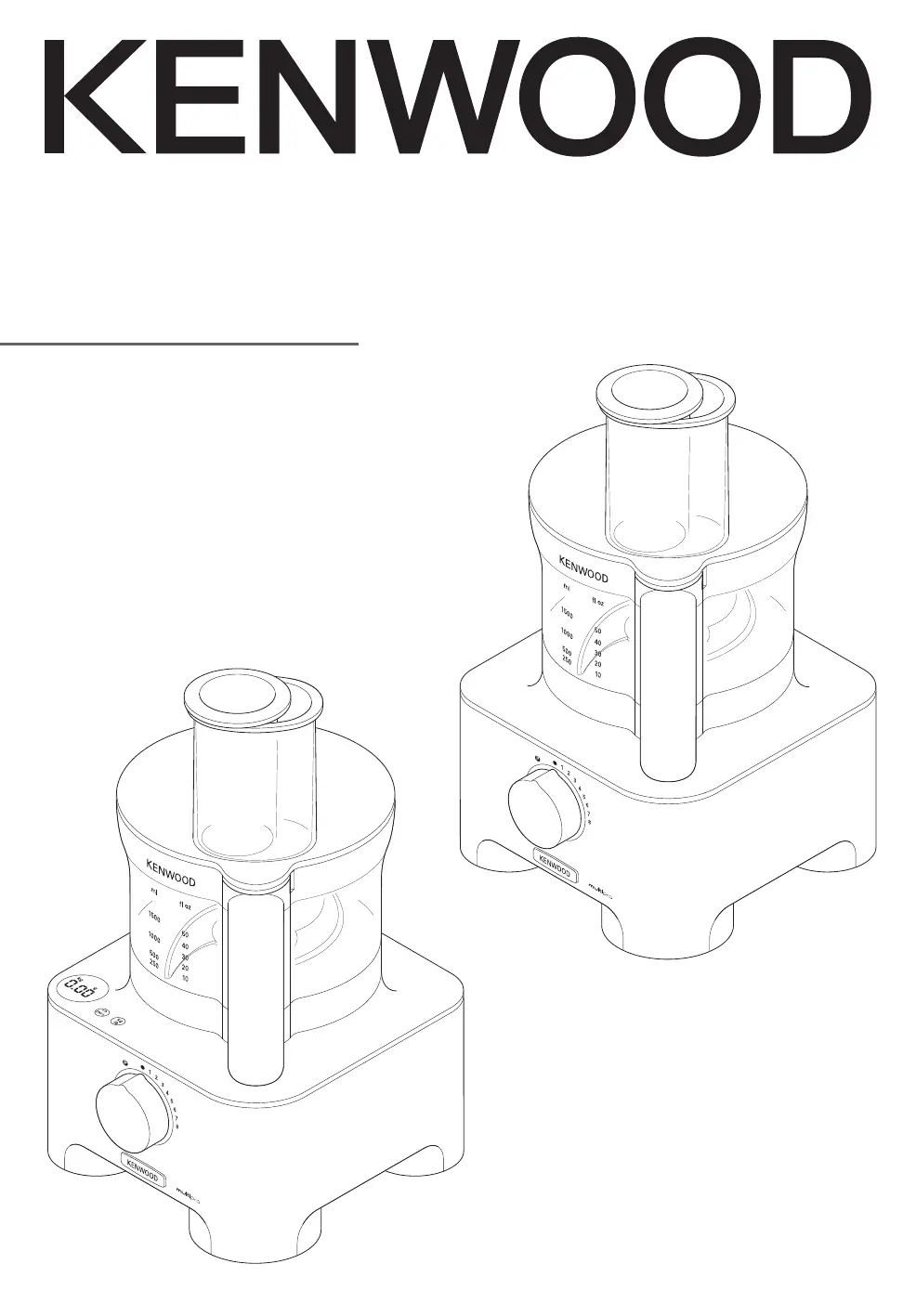
TYPE FDM78
TYPE FDM79
Type FDM79
Type FDM78
Downloaded from www.vandenborre.be

Questions and Answers

  • E
    Eric HuntAug 8, 2025
    How to fix a Kenwood FDM791 that won't turn on?
    • A
      Allen MedinaAug 8, 2025
      If your Kenwood Food Processor won't operate, start by checking if it's properly plugged into a power source. Also, ensure the bowl is correctly fitted to the power unit with the handle on the right side, and that the bowl lid is securely locked into the handle area. A loose connection or incorrectly fitted components can prevent the processor from starting.
  • M
    maryjohnsonAug 12, 2025
    Why is my Kenwood FDM791 blender not working?
    • T
      travislewisAug 12, 2025
      If the Kenwood Food Processor blender will not operate, ensure that the blender is correctly locked onto the interlock. Also, check that the blade unit is fully tightened into the goblet. Incorrect assembly can prevent the blender from working.
  • M
    Mariah DayAug 17, 2025
    Why does my Kenwood FDM791 Food Processor stop while processing?
    • G
      Glen MillerAug 17, 2025
      If your Kenwood Food Processor stops or slows down during use, it might be due to the overload protection being activated or the processor overheating. To resolve this, switch off and unplug the appliance, then let it cool down for about 15 minutes. Also, make sure you haven't exceeded the maximum capacity for processing; check the speed chart for guidance.
  • S
    Stephanie HarveyAug 21, 2025
    What to do if Kenwood FDM791 Food Processor blender is leaking?
    • T
      Thomas SimmonsAug 21, 2025
      If the Kenwood Food Processor blender is leaking from the blade assembly base, the seal may be missing or incorrectly fitted, or damaged. Check that the seal is correctly fitted and not damaged.
  • P
    paulamorrisonAug 25, 2025
    How to troubleshoot a Kenwood FDM791 compact chopper/grinder that won't start?
    • C
      Christine MayAug 26, 2025
      If your Kenwood Food Processor's compact chopper/grinder isn't working, it might not be correctly locked onto the interlock or properly assembled. Make sure the compact chopper/grinder is correctly fitted, and check that the blade unit is fully tightened onto the compact chopper/grinder jar.
  • O
    Olivia MillsAug 29, 2025
    What causes the weighing function to freeze on my Kenwood FDM791 Food Processor?
    • D
      Donna JordanAug 29, 2025
      If the weighing function display screen freezes on [- - - -] or the weight changes on the display screen of your Kenwood Food Processor, it could be due to weighing too small quantity or moving the power unit during operation. For very small quantities, use teaspoon and tablespoon measures. Also, do not move the unit during use.
  • E
    Evelyn OsborneSep 3, 2025
    Where is the blender seal on my new Kenwood Food Processor?
    • K
      Kaylee GarrettSep 3, 2025
      Unscrew the goblet and check that the seal is fitted to the blade unit. The seal is packed pre-fitted to the blade unit.

Kenwood FDM791 Specifications

General IconGeneral
BrandKenwood
ModelFDM791
CategoryFood Processor
LanguageEnglish

Related product manuals