EasyManua.ls Logo

Kenwood HM-233 - User Manual

Kenwood HM-233
28 pages
Print Icon
To Next Page IconTo Next Page
Loading...
Thank you for purchasing this KENWOOD product.
To obtain the best performance from this product, please
read this
manual carefully. It will guide you in operating your
KENWOOD
product.
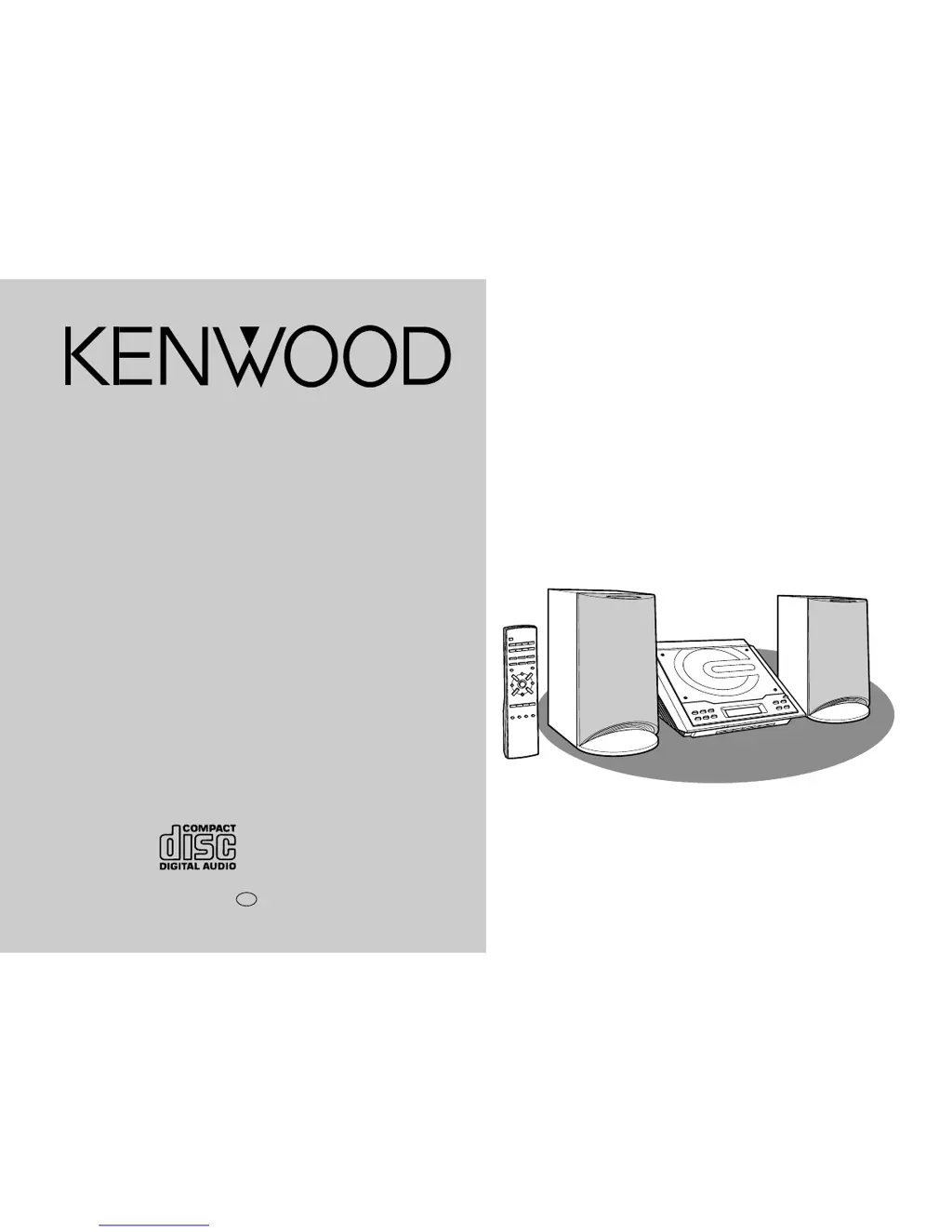
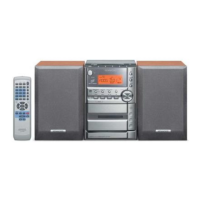
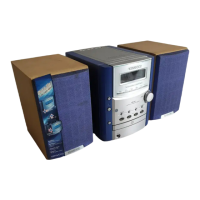
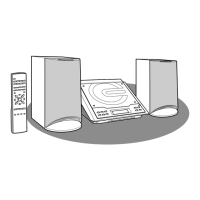
HM-233 Micro HI-FI Component System consisting of RD-M23
(main unit) and LS-M23 (speaker system).
MICRO HI-FI COMPONENT SYSTEM
HM-233
INSTRUCTION MANUAL
KENWOOD CORPORATION
B60-5125-08 00 CH (T) 0105

Questions and Answers

  • N
    Norma McgeeAug 12, 2025
    How to fix unusual noise from Kenwood Stereo System radio?
    • A
      Amanda FlemingAug 12, 2025
      If your Kenwood Stereo System radio is making unusual noises, it might be due to its placement near a TV or computer. If located near, move the AC power lead away from the aerial. Also, ensure the FM/AM loop aerial is placed properly and if located near, move the AC power lead away from the aerial.
  • E
    Erin JohnsonAug 16, 2025
    Why is there no sound coming from my Kenwood HM-233 Stereo System?
    • J
      Julia DennisAug 16, 2025
      If you are not getting any sound from your Kenwood Stereo System, there might be a few reasons. First, check whether the volume level is set to "0" and adjust it accordingly. Also, make sure that headphones are disconnected. Finally, verify that the speaker wires are properly reconnected.
  • M
    moniquemedinaAug 19, 2025
    What to do if Kenwood HM-233 remote control does not operate?
    • C
      Christopher MendezAug 19, 2025
      If the remote control for your Kenwood Stereo System isn't working, begin by ensuring the AC power lead of the unit is plugged in. Next, verify that the battery polarity is correct and replace the batteries if they are dead. Also, adjust the distance or angle when using the remote control. Finally, make sure the remote control sensor isn't exposed to strong light.
  • V
    Victoria SmithAug 23, 2025
    What to do if my Kenwood HM-233 Stereo System skips or stops playback?
    • C
      carrie05Aug 23, 2025
      If your Kenwood Stereo System is skipping or stopping during playback, it could be due to a few reasons. First, check if the unit is near excessive vibrations and move it away if necessary. Additionally, ensure the disc is clean.
  • J
    John GordonAug 27, 2025
    What to do if Kenwood HM-233 playback does not start?
    • P
      parksstevenAug 27, 2025
      If playback on your Kenwood Stereo System doesn't start, or if it stops or isn't performing correctly, check if the disc is loaded upside-down. Also, ensure the disc meets the required standards and isn't distorted or scratched.
  • M
    Marc GreenAug 31, 2025
    What to do if Kenwood HM-233 Stereo System button is pressed, but the unit does not respond?
    • H
      Hannah SosaAug 31, 2025
      If your Kenwood Stereo System doesn't respond when a button is pressed, set the unit to the power stand-by mode and then turn it back on. If the unit still malfunctions, reset it.
  • D
    Dr. Melissa Patton MDSep 3, 2025
    Why Kenwood Stereo System clock is not on time?
    • E
      Eric BrownSep 4, 2025
      If the clock on your Kenwood Stereo System is not on time, it may be because of a power failure. Reset the clock.
  • A
    Anthony HuntSep 7, 2025
    Why does my Kenwood HM-233 Stereo System have condensation?
    • H
      Heidi CallahanSep 7, 2025
      Condensation in your Kenwood Stereo System may occur due to sudden temperature changes or storage/operation in a very humid environment. Leave the power on with no disc in the unit until normal playback is possible (about 1 hour). Wipe off any condensation on the transmitter with a soft cloth before operating the unit.

Kenwood HM-233 Specifications

General IconGeneral
CD PlayerYes
TunerFM/AM
BluetoothNo
USB PortYes
Remote ControlYes
TypeMicro System
Power Output20W per channel

Related product manuals