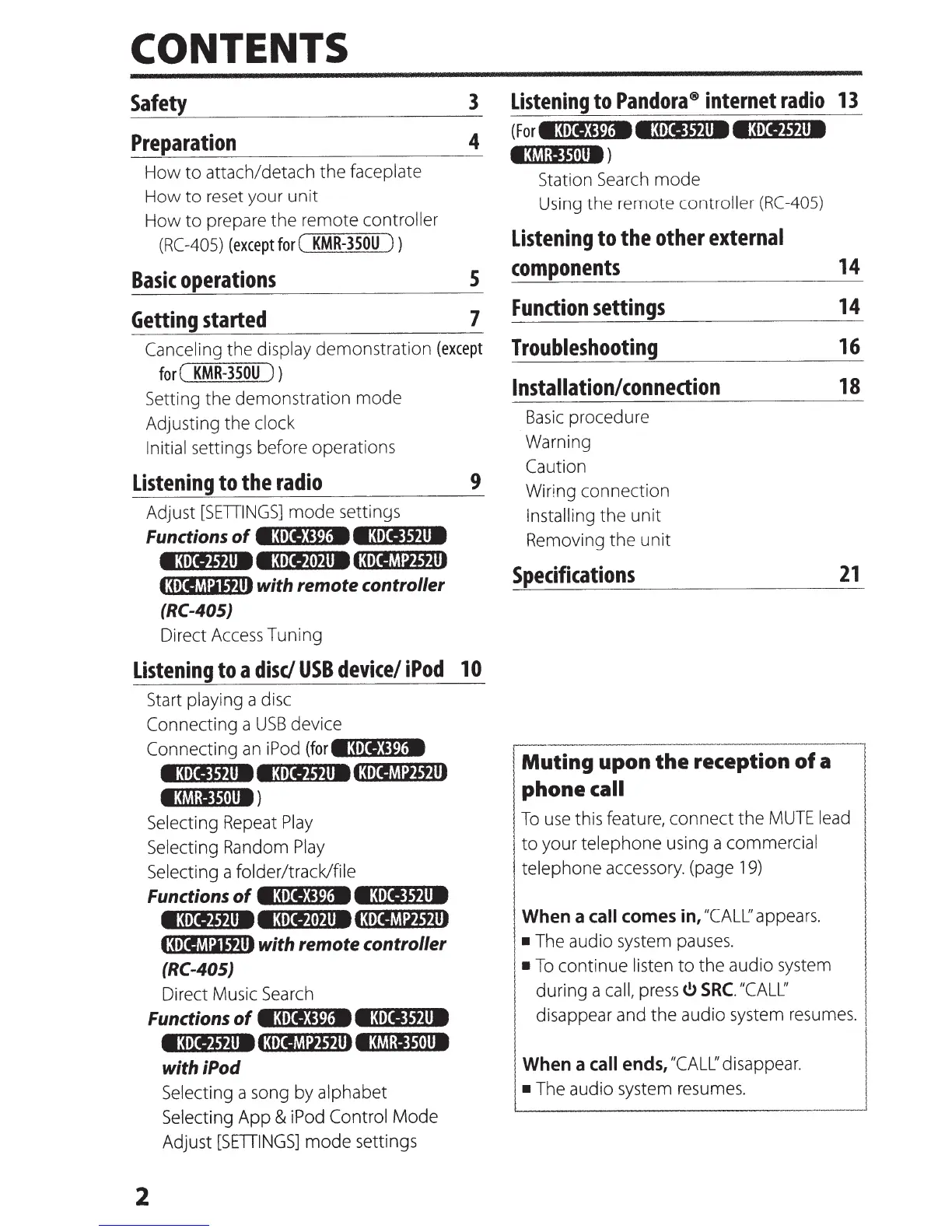
CONTENTS
Safety
Preparation
How to attach/detach the faceplate
How to
reset
your unit
How to prepare the remote controller
(RC-405)
(except
for
(
KMR-350U
) )
3
4
Basic
operations
5
Getting
started
7
Canceling the display demonstration
(except
for
(
KMR-350U
) )
Setting the demonstration mode
Adjusting the clock
Initial
settings before operations
Listening
to
the
radio
Adjust
[SETIINGS]
mode settings
Functions
of
e:oltia
e~:o~Ie
...
~-tl""'I8-
•3•IIJifA18
e:i•IIl•)A1813•IIflhiJitlll
l:oiiMaiJjlll
with remote controller
(RC-405)
Direct
Access
Tuning
9
Listening
to
a
disc/
USB
device/
iPod
10
2
Start
playing a
disc
Connecting a
USB
device
Connecting
an
iPod
(fore~:o~rellr\"!:i!!'9!'P1
..
._-
e3.XI~tll8
ea•IIJit11813•II~hiJjlll
e:~M:JJ1t111)
Selecting
Repeat
Play
Selecting
Random
Play
Selecting a folder/track/file
Functions
of
e:ote:Ca
e~:o~re
...
~~"~"'ifl""'18-
etuii)tj.u8
e:uxtl•fA1813•II~t:iJflll
13•IIma,jlll
with remote
controller
(RC-405)
Direct Music
Search
Functions
of
•3•II!W.
e3tl1Jfjll8
e3tii}tjll81:oiiM:iJjl1113M:IJJ1H18
with iPod
Selecting a song by alphabet
Selecting App &
iPod
Control Mode
Adjust [SffiiNGS]
mode settings
Listening
to
Pandora®
internet
radio
13
(For
e:ore)PM
•3•II~tAI8
e3tXIJtll8
1W.1:1~1tll8)
Station
Search
mode
Using
the remote controller
(RC
-405)
Listening
to
the
other
external
components
Function
settings
Troubleshooting
Installation/
connection
Basic
procedure
Warning
Caution
Wiring
connection
Installing
the unit
Removing the unit
Specifications
14
14
16
18
21
[-M-u-ti-ng
upon the-reception
of
a l
phone
call
To
use
this feature, connect the
MUTE
lead
I
to your telephone using a commercial
I
I
telephone
accessory.
(page
19)
When
a
call
comes
in,
"CALL:'
appears.
•
The
audio
system
pauses.
•
To
continue
listen
to the audio
system
during a
call,
press~
SRC.
"CALL'
disappear
and
the audio
system
resumes.
When
a
call
ends,
"CALL'
disappear.
•
The
audio
system
resumes.



 To Next Page