EasyManua.ls Logo

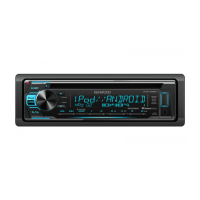
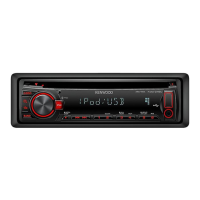
Kenwood KDC-252U - Basic Unit Operations; Understanding Controls and Indicators

Kenwood KDC-252U
24 pages
Print Icon
To Next Page IconTo Next Page
To Previous Page IconTo Previous Page
Loading...
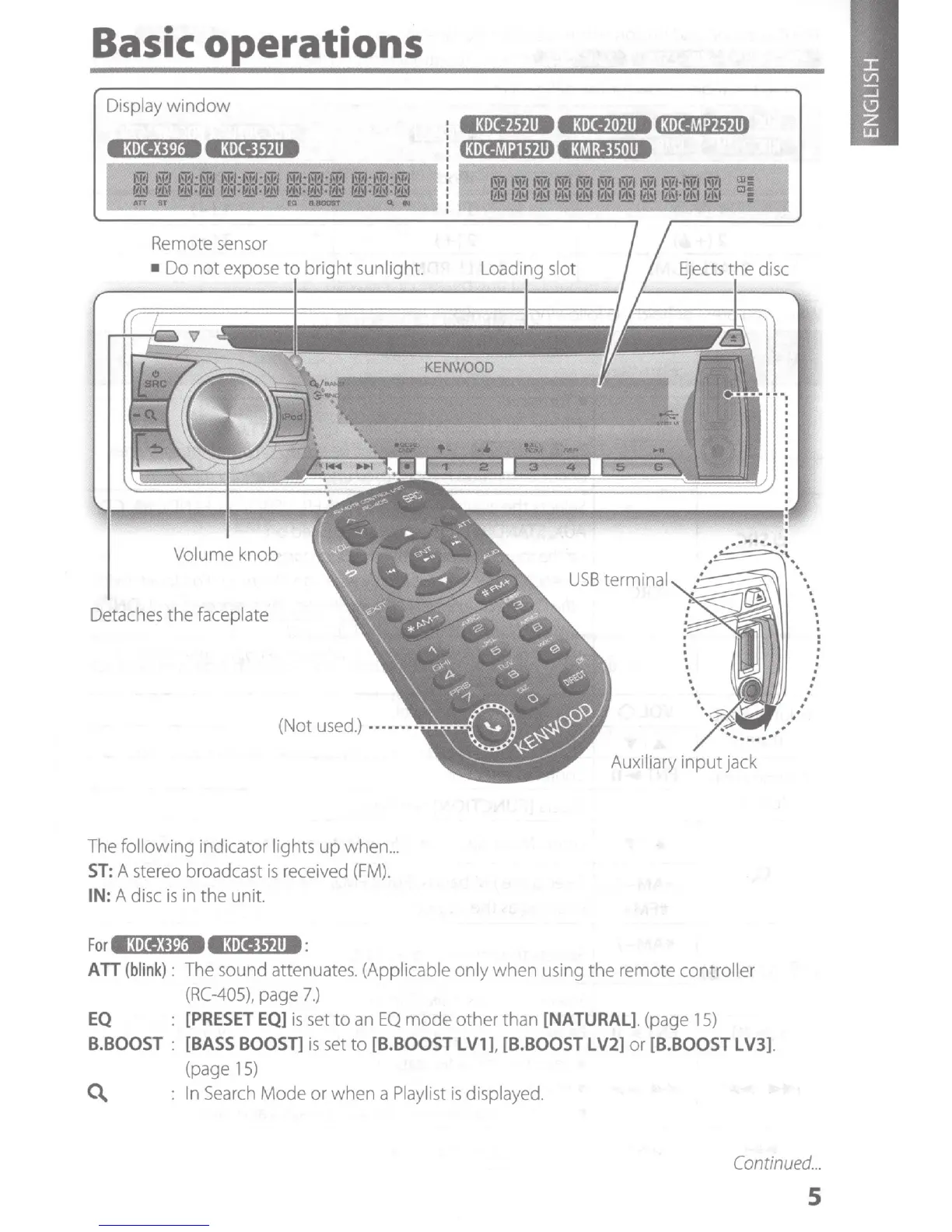
Basic operations
Display
window
Volume knob
Detaches
the faceplate
(Not
used.)
·
••
·
The
following indicator lights up when
...
ST:
A stereo broadcast
is
received
(FM).
IN: A disc
is
in the unit.
For
•a•xe:m•
eatXI,tll8:
USB
terminal
Auxiliary input jack
ATT
(blink):
The
sound attenuates. (Applicable only when
using
the remote controller
(RC-405),
page
7.)
EQ
[PRESET
EQ]
is
set
to
an
EQ
mode other than
[NATURAL].
(page
15)
B.BOOST
:
[BASS
BOOSn
is
set
to
[B.BOOST
LV1
l
[B.
BOOST
LV2]
or
[B.
BOOST
L V3].
(page
15)
C\.
:
In
Search
Mode or when a
Playlist
is
displayed.
.
.
.
.
.
.
.
.
.
.
.
:
.
.
.
.
.
.
Continued.
..
5

Other manuals for Kenwood KDC-252U

Related product manuals