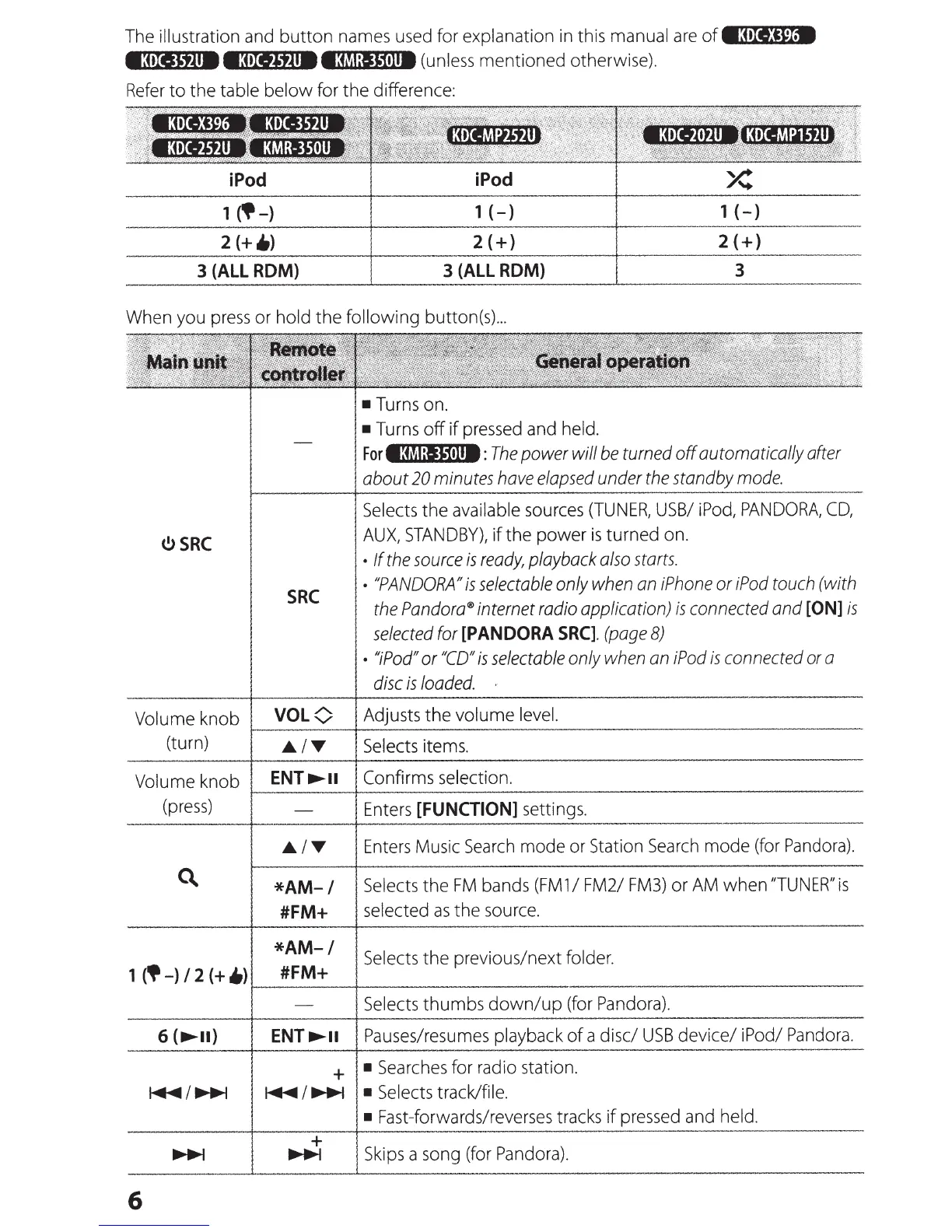
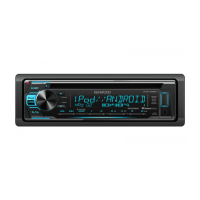
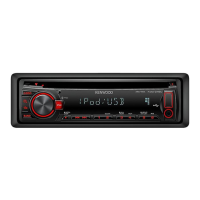
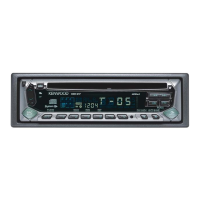
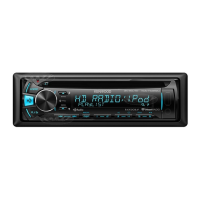
The
illustration
and
button
names
used
for explanation
in
this manual
are
of•3•li%B
•3•reJf.ll8 e3tii.Jtf.ll8 I:MI:IJ1tll8
(unless
mentioned otherwise).
Refer
to the table below for the difference:
1
~-)
1
(-)
1
(-)
2(+)
2(+)
3
(ALL
ROM)
3
(ALL
ROM)
3
When
you
press
or
hold the
following
button(s)
...
(!)
SRC
SRC
•
Turns
on.
•
Turns
off if
pressed
and
held.
Forl:!.f.I:IJ1tll8:
The
power will
be
turned off automatically after
about
20
minutes
have
elapsed
under
the
standby
mode.
Selects
the available
sources
(TUNER,
USB/
iPod,
PANDORA,
CD,
AUX,
STANDBY),
if the power
is
turned
on.
•
If
the
source
is
ready,
playback
also
starts.
•
"PANDORA"
is
selectable
only
when
an
iPhone
or
iPod
touch
(with
the
Pandora®
internet
radio
application)
is
connected
and
[ON]
is
selected
for
[PANDORA
SRC].
(page
8)
•
"iPod"
or
"CD"
is
selectable
only
when
an
iPod
is
connected
or
a
disc
is
loaded.
·
Volume
knob
VOL<)
Adjusts the
volume
level.
~·-------~--------------------------------------------
(turn)
.A.
IT
Selects
items.
Volume knob
ENT
...,....
Confirms
selection.
r-------~------------------------------------------
(press)
Enters
[FUNGION]
settings .
.A.
IT
Enters
Music
Search
mode
or
Station
Search
mode
(for
Pandora).
*AM-
I
Selects
the
FM
bands
(FM
1
I
FM2/
FM3)
or
AM
when
"TUNER"
is
#FM+
selected
as
the
source.
*AM-/
1
('-)I
2
(+
.)
#FM+
r-------~------------------------------------------
Selects
the previous/next
folder.
6 (
.....
II)
6
Selects
thumbs down/up
(for
Pandora).
ENT
.......
Pauses/resumes
playback
of
a disc/
USB
device/
iPod/
Pandora.
+
•
Searches
for
radio
station.
~I..._.,
•
Selects
track/file.
+
.....,
• Fast-forwards/reverses
tracks
if
pressed
and
held.
Skips
a
song
(for
Pandora)
.



 To Next Page