EasyManua.ls Logo

Kenwood RD-M23 - User Manual

Kenwood RD-M23
28 pages
Print Icon
To Next Page IconTo Next Page
Loading...
Thank you for purchasing this KENWOOD product.
To obtain the best performance from this product, please
read this
manual carefully. It will guide you in operating your
KENWOOD
product.
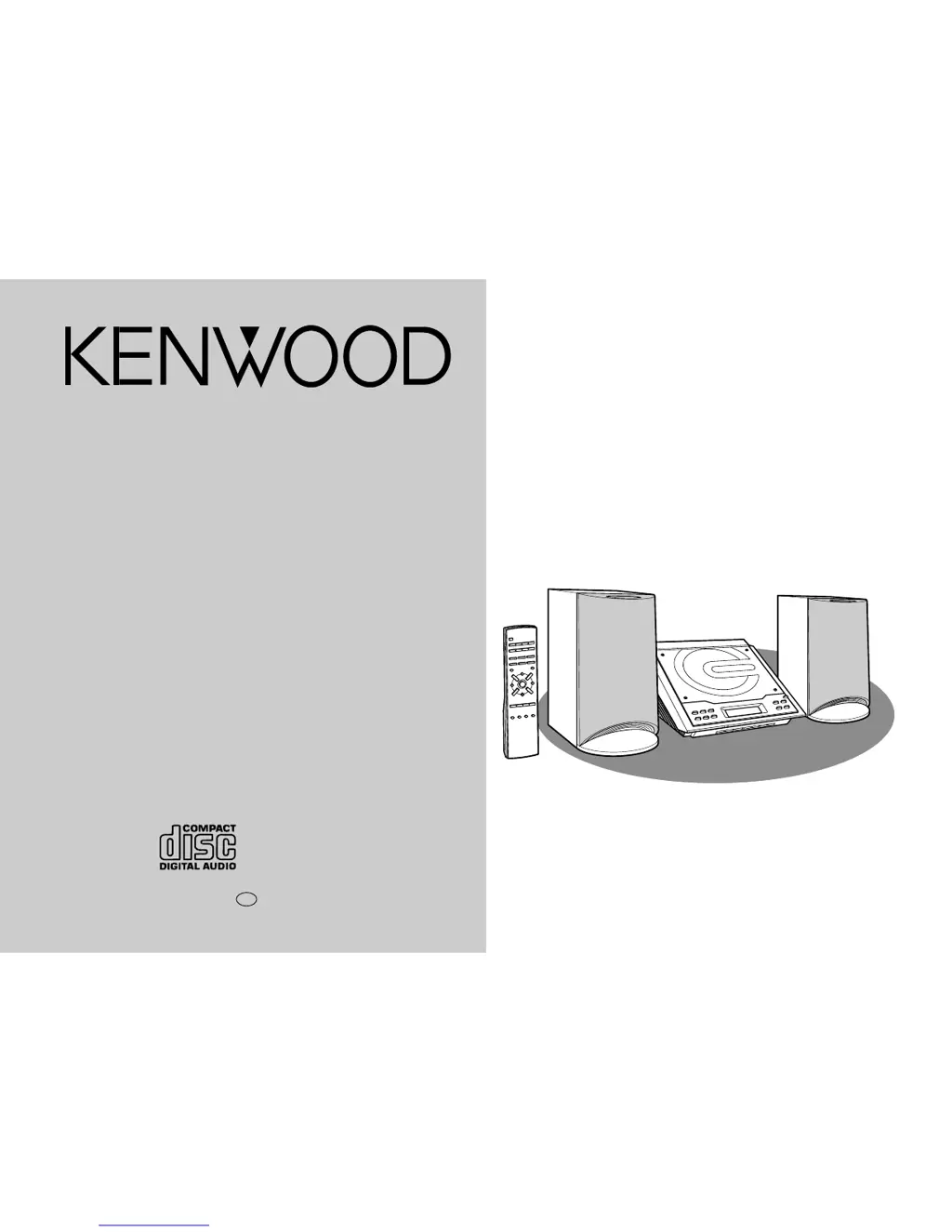
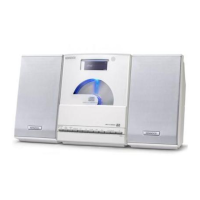
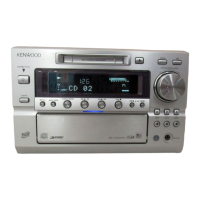
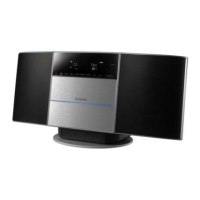
HM-233 Micro HI-FI Component System consisting of RD-M23
(main unit) and LS-M23 (speaker system).
MICRO HI-FI COMPONENT SYSTEM
HM-233
INSTRUCTION MANUAL
KENWOOD CORPORATION
B60-5125-08 00 CH (T) 0105

Other manuals for Kenwood RD-M23

Questions and Answers

  • E
    ebruceAug 13, 2025
    How to fix unusual noise from Kenwood Stereo System radio?
    • S
      Steve MckeeAug 13, 2025
      If your Kenwood Stereo System radio is making unusual noises, it might be due to its placement near a TV or computer. If located near, move the AC power lead away from the aerial. Also, ensure the FM/AM loop aerial is placed properly and if located near, move the AC power lead away from the aerial.
  • A
    Amanda GordonAug 16, 2025
    Why is there no sound coming from my Kenwood RD-M23?
    • S
      Shelby MooreAug 16, 2025
      If you are not getting any sound from your Kenwood Stereo System, there might be a few reasons. First, check whether the volume level is set to "0" and adjust it accordingly. Also, make sure that headphones are disconnected. Finally, verify that the speaker wires are properly reconnected.
  • A
    aparkAug 20, 2025
    What to do if Kenwood RD-M23 remote control does not operate?
    • J
      Janet ReedAug 20, 2025
      If the remote control for your Kenwood Stereo System isn't working, begin by ensuring the AC power lead of the unit is plugged in. Next, verify that the battery polarity is correct and replace the batteries if they are dead. Also, adjust the distance or angle when using the remote control. Finally, make sure the remote control sensor isn't exposed to strong light.
  • G
    Gabrielle JacksonAug 25, 2025
    What to do if my Kenwood RD-M23 Stereo System skips or stops playback?
    • B
      brookskathleenAug 25, 2025
      If your Kenwood Stereo System is skipping or stopping during playback, it could be due to a few reasons. First, check if the unit is near excessive vibrations and move it away if necessary. Additionally, ensure the disc is clean.
  • M
    Michelle LinAug 27, 2025
    What to do if Kenwood RD-M23 playback does not start?
    • G
      Gregory JimenezAug 27, 2025
      If playback on your Kenwood Stereo System doesn't start, or if it stops or isn't performing correctly, check if the disc is loaded upside-down. Also, ensure the disc meets the required standards and isn't distorted or scratched.
  • M
    Monica KelleyAug 31, 2025
    What to do if Kenwood Stereo System button is pressed, but the unit does not respond?
    • E
      erin12Aug 31, 2025
      If your Kenwood Stereo System doesn't respond when a button is pressed, set the unit to the power stand-by mode and then turn it back on. If the unit still malfunctions, reset it.
  • A
    Allison SnyderSep 4, 2025
    Why Kenwood RD-M23 Stereo System clock is not on time?
    • D
      Douglas ThompsonSep 4, 2025
      If the clock on your Kenwood Stereo System is not on time, it may be because of a power failure. Reset the clock.
  • R
    Rachel MclaughlinSep 8, 2025
    Why does my Kenwood Stereo System have condensation?
    • V
      Veronica ThomasSep 8, 2025
      Condensation in your Kenwood Stereo System may occur due to sudden temperature changes or storage/operation in a very humid environment. Leave the power on with no disc in the unit until normal playback is possible (about 1 hour). Wipe off any condensation on the transmitter with a soft cloth before operating the unit.

Summary

KENWOOD HM-233 Instruction Manual

Product Introduction and Overview

Welcome to the KENWOOD HM-233 hi-fi component system and its basic features.

Important Safeguards

Comprehensive Safety Instructions for Appliance Use

Detailed safety guidelines covering power, placement, environment, and operation to prevent hazards.

Special Notes and Warnings

Critical Warnings and Cautions for Safe Operation

Highlights hazards like mains voltage, laser exposure, and improper adjustments.

General Information: Precautions

Unit Placement, Ventilation, and Environmental Guidelines

Ensuring proper airflow, avoiding direct sunlight, and maintaining optimal temperature.

General Information: Accessories and CD Care

Compact Disc Handling and Included Accessories

Proper methods for CD care and a list of supplied accessories for the system.

General Information: Controls and Indicators

Front Panel Controls and Display Indicators

Identification and function of buttons on the main unit and display symbols.

General Information: Controls and Indicators

Rear Panel Connections and Ports

Details on all input/output sockets and terminals located on the rear of the unit.

General Information: Controls and Indicators

Remote Control Layout and Operation Guide

Diagram and explanation of the remote control's buttons and functions.

General Information: Controls and Indicators

Speaker System Components and Placement Advice

Description of speaker parts and recommendations for optimal positioning.

Preparation for Use: System Connections

Overall System Connection Diagram

Visual guide illustrating how to connect all components of the hi-fi system.

Preparation for Use: System Connections

Aerial, Speaker, and AC Power Connections

Step-by-step instructions for connecting aerials, speakers, and the power cord.

Preparation for Use: Remote Control

Battery Installation and Remote Operation Guide

Instructions for inserting batteries and ensuring the remote control functions correctly.

Basic Operation: General Controls

Power On;Stand-by, Display Brightness, and CD Compartment

How to turn the unit on/off, adjust display, and manage the CD tray.

Basic Operation: Sound Controls

Adjusting Volume, Bass, and Treble Settings

Guide to controlling the audio output level and tone adjustments.

Basic Operation: Setting the Clock

Clock Setting, Confirmation, and Resetting Procedure

Steps to set, verify, and readjust the unit's internal clock.

CD Playback: Listening to a CD

Starting, Controlling, and Stopping CD Playback

Instructions for playing, pausing, resuming, and stopping CD tracks.

CD Playback: Listening to a CD

CD Ejection and Track Navigation Techniques

How to remove CDs and efficiently move between tracks or portions of tracks.

CD Playback: Repeat or Random Play

Selecting Playback Modes and Programmed Sequence

Choosing repeat, random play, or setting up a programmed track sequence.

CD Playback: Programmed Play

Creating and Managing CD Programmed Tracks

Detailed steps for programming custom track orders and clearing them.

Radio: Listening to the Radio

Tuning Stations and FM Stereo Reception

Methods for finding radio stations and optimizing FM stereo signals.

Radio: Listening to the Memorized Station

Storing, Recalling, Scanning, and Clearing Presets

Managing saved radio stations for quick access and editing.

Advanced Features: Timer and Sleep Operation

Setting the Timer Playback Function

Guide to programming the unit to turn on and play at a specific time.

Advanced Features: Timer and Sleep Operation

Timer Completion, Sleep Operation, and Combined Use

Managing timer end-of-play, setting sleep timer, and using both features together.

Advanced Features: Enhancing Your System

External Sources, Digital Recording, and Headphones

Connecting other devices, recording CDs, and using headphones.

References: Troubleshooting Chart

Troubleshooting Common System Issues

Solutions for general, tuner, remote, CD player, and condensation problems.

References: Troubleshooting and Maintenance

Handling Malfunctions and Cleaning Procedures

Steps for resetting the unit and guidelines for cleaning the pickup lens and cabinet.

References: Specifications

Comprehensive System Specifications

Detailed technical data for the unit's general, amplifier, CD player, tuner, and speaker components.

For Your Records

Model and Serial Number Recording

Space to record product details for warranty and service purposes.

Kenwood RD-M23 Specifications

General IconGeneral
BrandKenwood
ModelRD-M23
CategoryStereo System
LanguageEnglish

Related product manuals