EasyManua.ls Logo

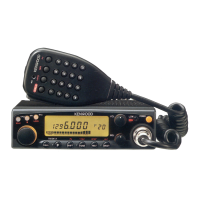
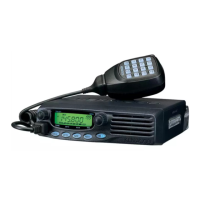
Kenwood TM-281A - Service Manual

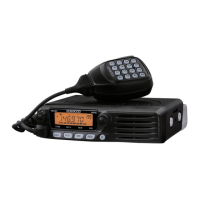
Kenwood TM-281A
50 pages
Print Icon
To Next Page IconTo Next Page
Loading...
SERVICE MANUAL
This product uses Lead Free solder.
This product complies with the
RoHS
directive for the European market.
© 2011-8 PRINTED IN JA PAN
B51-8988-00
(
N
)
217
TM-281A
144MHz FM TRANSCEIVER
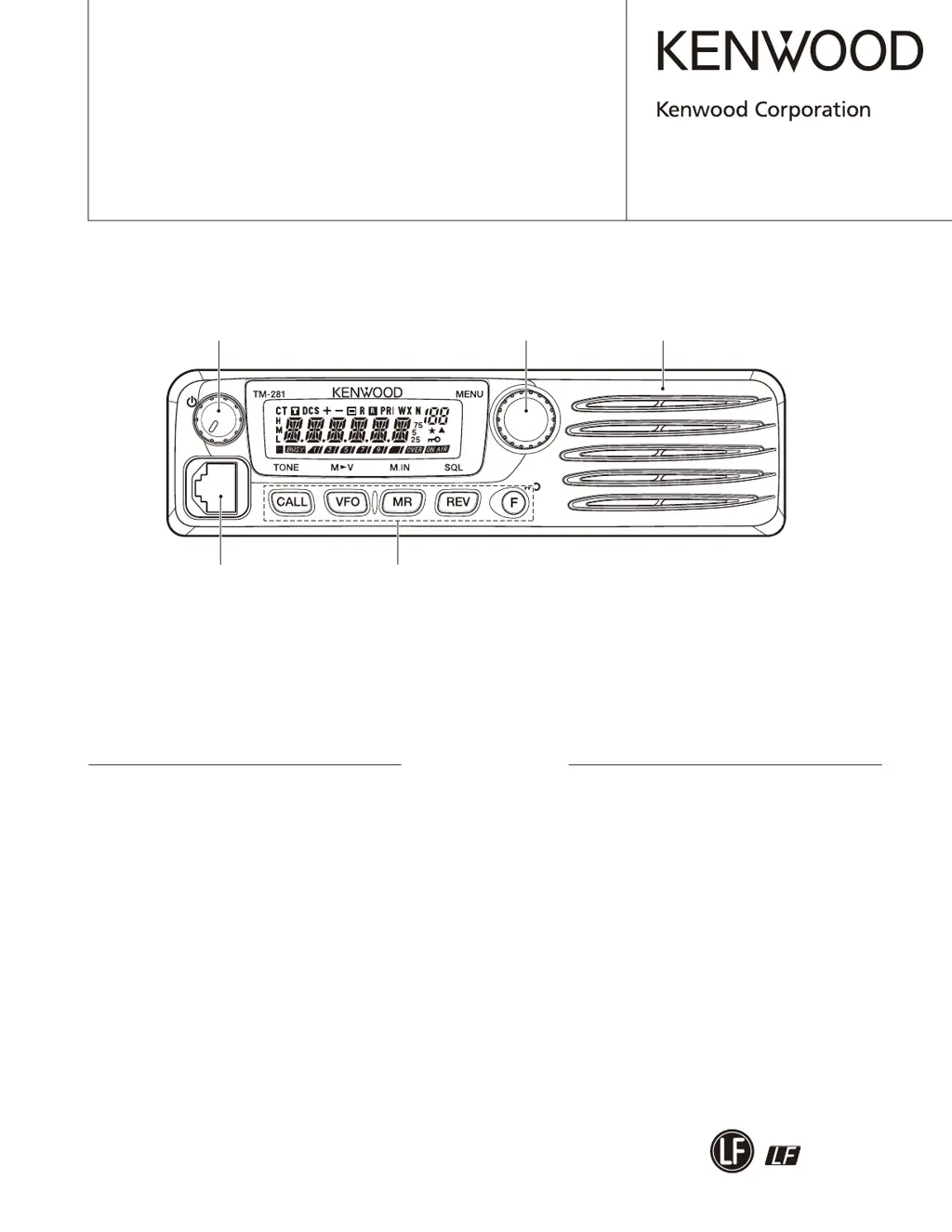
Key top
(K29-9497-01)
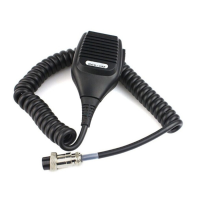
Modular jack (MIC)
(E58-0535-05)
Panel assy
(A62-1187-13)
Knob (VOL)
(K29-9498-03)
Knob (ENC)
(K29-9499-03)
DISASSEMBLY FOR REPAIR ......................2
CIRCUIT DESCRIPTION ..............................5
COMPONENTS DESCRIPTION ...................9
SEMICONDUCTOR DATA .........................11
PARTS LIST ...............................................12
EXPLODED VIEW ......................................18
PACKING ....................................................19
ADJUSTMENT ..........................................20
TERMINAL FUNCTION .............................29
PC BOARD
TX-RX UNIT (X57-8130-XX) ..................30
SCHEMATIC DIAGRAM ............................36
BLOCK DIAGRAM .....................................40
LEVEL DIAGRAM ......................................42
SPECIFICATIONS ...................BACK COVER
CONTENTS

Other manuals for Kenwood TM-281A

Questions and Answers

  • C
    Connie HamiltonJul 27, 2025
    What to do if Kenwood Transceiver won't transmit?
    • M
      Matthew DiazJul 27, 2025
      If your Kenwood Transceiver won't transmit when you press the Mic [PTT], first ensure the microphone plug is fully inserted into the front panel connector until the locking tab clicks. If that's not the issue, you may have selected a transmit offset that puts the transmit frequency outside the allowed range. To fix this, press [F], then [MENU], and use the Tuning control to choose Menu No. 5 (SFT). Press [MENU] again and use the Tuning control to select 'OFF'. Store the setting by pressing [MENU], and then press any key (except [MENU]) to exit Menu Mode.
  • C
    Carol HortonAug 7, 2025
    Why Kenwood Transceiver won't turn on?
    • D
      Dennis EstradaAug 7, 2025
      If your Kenwood Transceiver won't power up after connecting a 13.8V DC power supply and pressing the power switch, and nothing appears on the display, it could be due to the power cable being connected backwards. Ensure you connect the supplied DC power cable correctly, with Red to (+) and Black to (–). Also, check if any of the power cable fuses are open. Find the cause of the blown fuse(s), and after fixing any issues, install new fuses with the same ratings.
  • V
    vmorganAug 16, 2025
    How to fix Kenwood Transceiver memory channels not selectable?
    • Z
      zgrossAug 17, 2025
      If memory channels cannot be selected on your Kenwood Transceiver, it might be because no data has been stored in any memory channels. To resolve this, store data in some memory channels.

Summary

DISASSEMBLY FOR REPAIR

Disassembly Procedure

Steps for removing transceiver cabinet and panel assembly.

Precautions for Reassembly

Important steps and considerations for reassembling the unit.

CIRCUIT DESCRIPTION

Frequency Configuration

Explanation of the receiver's double conversion frequency setup.

Receiver System

Overview of the receiver's double conversion superheterodyne circuitry.

ADJUSTMENT

Measuring Equipment for Alignment

List of necessary equipment for calibration and adjustment.

Adjustment Mode

Procedure for entering and operating in adjustment mode.

Transmitter Section Adjustments

Adjustment procedures for transmitter parameters.

Receiver Section Adjustments

Adjustment procedures for receiver parameters.

SCHEMATIC DIAGRAM

SPECIFICATIONS

Kenwood TM-281A Specifications

General IconGeneral
Microphone includedYes
Product typePortable CB radio
Product colorBlack
Housing material-
Frequency range49.95 - 450000 MHz
Channels quantity100 channels
Input voltage13.8 V
Weight and Dimensions IconWeight and Dimensions
Depth126 mm
Width160 mm
Height43 mm

Related product manuals