SELENA Multifunctional LED Clock USER MANUAL V32D
KERA TECHNOLOGIES INC. 2013 www.ledclocks.com
39
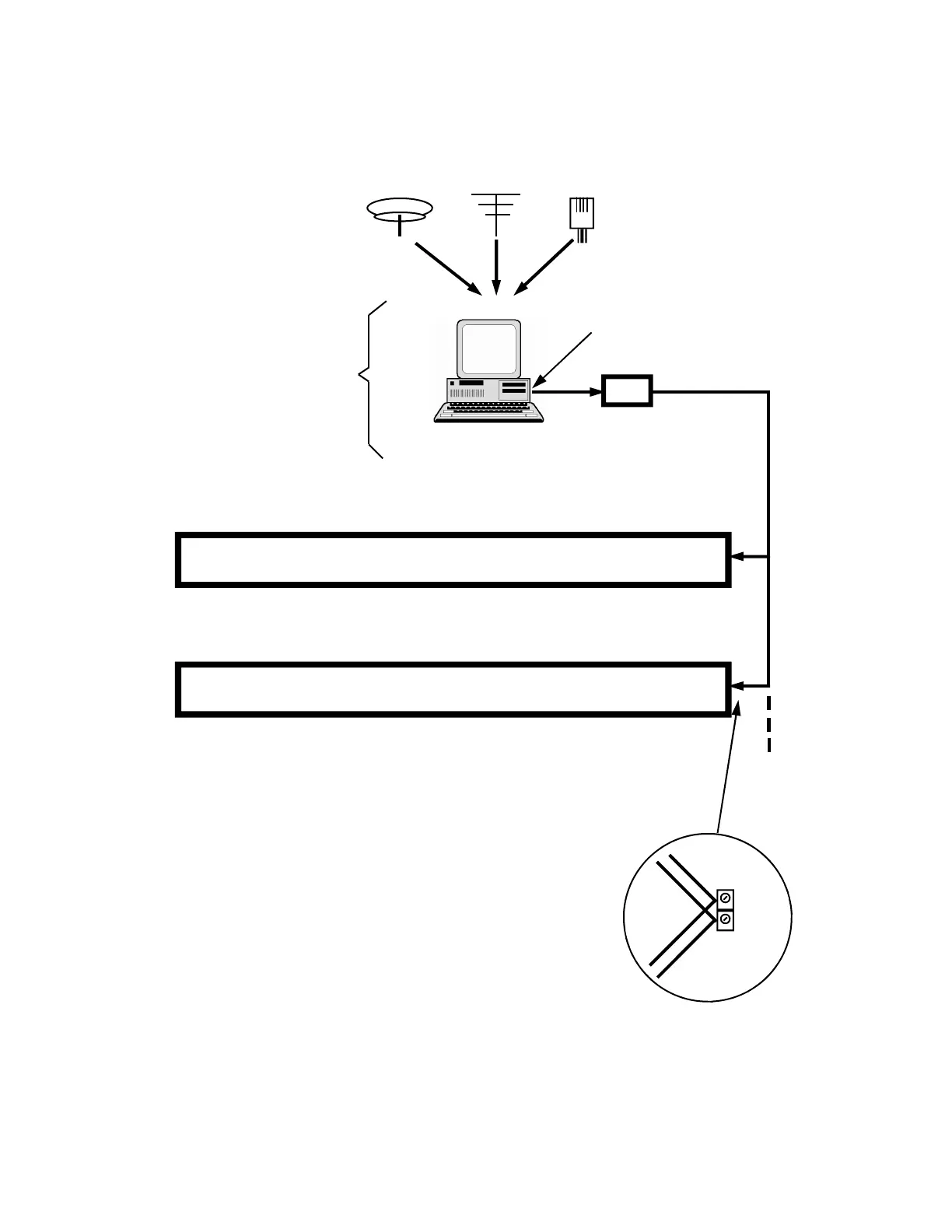
EXAMPLE OF WIRED MULTI-ZONE SYSTEM
WITH ZONE CLOCKS ENCLOSED IN COMMON ENCLOSURE
GPS WWVB
INTERNET
RS232 OR RS485
COMMUNICATION
Optional
PC as MASTER
88:88
ZONE 1
88:88
ZONE 2
88:88
ZONE 3
88:88
ZONE 4
88:88
ZONE 5
88:88
ZONE 6
OPTIONAL
RS-232 or USB (PC) to RS-485
CONVERTER
( option # 901 )
88:88
ZONE 7
88:88
ZONE 8
88:88
ZONE 9
88:88
ZONE 10
88:88
ZONE 11
88:88
ZONE 12
PC SERIAL PORT
RS232 OR USB
TO MORE ZONES
IF NECESSARY
PC COMPUTER
With installed
PC2KERA driver S/W
( option # 721 )
NOTES:
1) For Multi-Zone Type “A” the slave zones should have the function Fn 34 and also function
Fn 50 enabled.
2) For Multi-Zone Type “B” the slave zones should have the function Fn 34 and also functions
Fn 90 and / or Fn 91 enabled.
3) If a PC or other external reference is NOT used as the Master, one of the zones may be
assigned as the SUB-MASTER by disabling Fn34 and enabling the function Fn 32.
+ comm
- comm
R
E
D
B
L
A
C
K
RED
BLACK
NOTE: Similar configuration may be setup using any type of wire-less communication.
Selena clocks with wired or wireless option series # 725 or # 724RS installed.



 To Next Page