SELENA Multifunctional LED Clock USER MANUAL V32D
KERA TECHNOLOGIES INC. 2013 www.ledclocks.com
5
IR Remote Control
All operation and settings are accomplished by means of the Remote Control. The
SELENA
dedicated Remote Control is
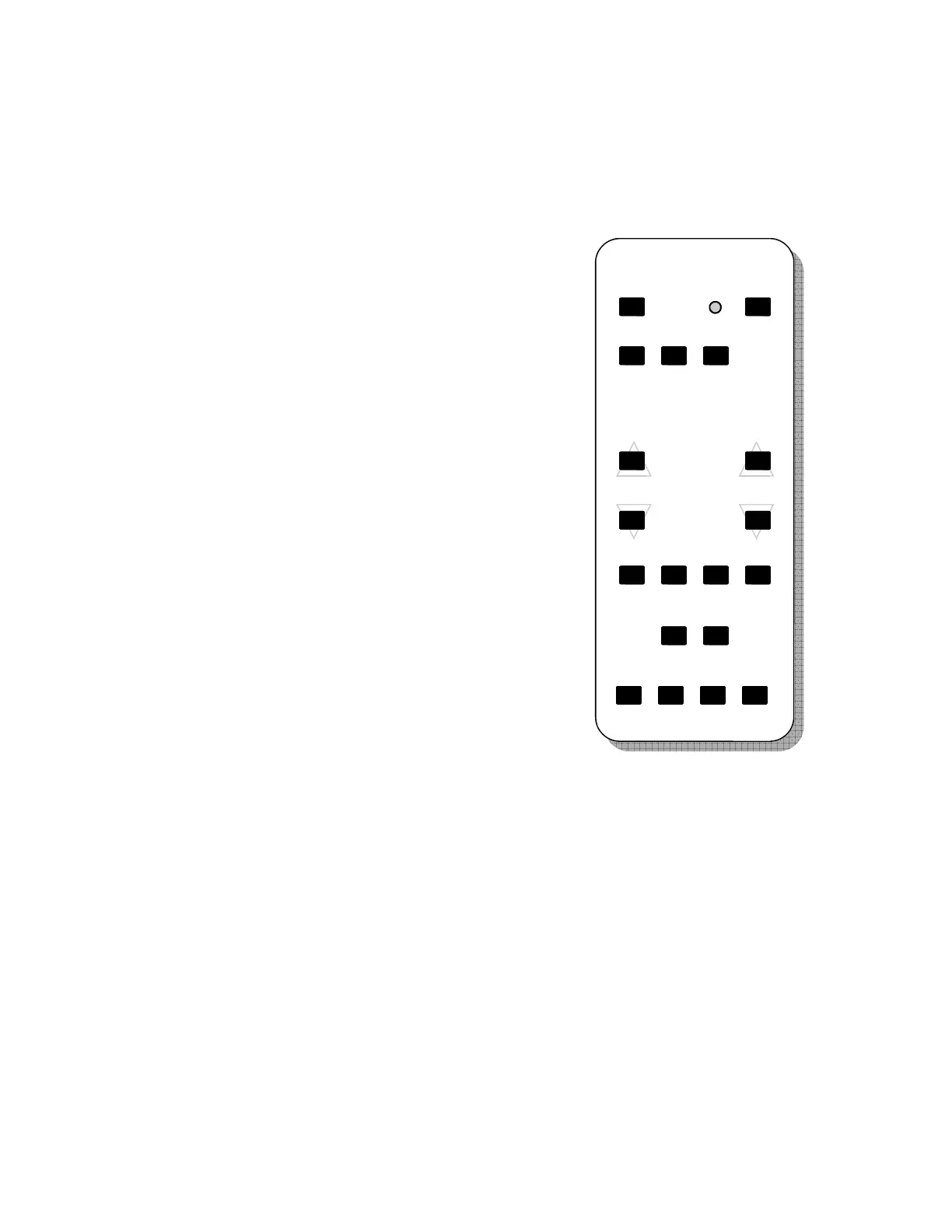
recommended, however most RCA TV compatible remotes will function properly. Use the reference list and the drawing below
to determine the function of the keys used to operate the clock.
List of REMOTE CONTROL keys
SELENA Remote key RCA Remote key
MUTE MUTE
TALK POWER
CLK TV
AP1 CABLE
AP2 VCR
UP VOLUME UP
DN VOLUME DOWN
NXT CHANNEL UP
FUN CHANNEL DOWN
SET REW
STRT PLAY
SCAN FF
CLR REC
STOP STOP
HOLD PAUSE
REMOTE CONTROL KEYS description
MUTE 1. Activates the Programming Mode by pressing the MUTE key 5 times within appx. 4 seconds.
2. MUTE internal Alarm Buzzer. 3. Stores the custom TEXT in memory.
TALK Initiates spoken announcement ( optional ) or start / restart the Text display scan ( in selected models ).
CLK Press it before operating other keys to put the Remote in the clock communication mode.
AP1 Appliance Type 1 remote operation mode
(not used in regular clock operation)
AP2 Appliance Type 2 remote operation mode
(not used in regular clock operation)
UP 1. Increments the count during data preset in clock, timer/counter or temperature presets modes.
2. In the Function Selection Mode, increments the number of the Function selected for (de)activation.
3. In the Normal Operation Mode, displays MAX TEMPERATURE MEMORY content.
DN 1. Decrements the count during data preset in clock, timer/counter or temperature presets modes.
2. In the Function Selection Mode, decrements the number of the Function selected for (de)activation.
3. In the Normal Operation Mode, displays MIN TEMPERATURE MEMORY content.
MUTE
TALK
CLK AP1 AP2
FUN
NXT UP
DN
SELECT COUNT
CLR
STOP HOLD
SET STRT SCAN
P
R
O
G
K4 K1 K2 K3



 To Next Page