6.2 Seng connecons
Before seng all connecons, ensure that the power supply is not connected to the mains
supply.
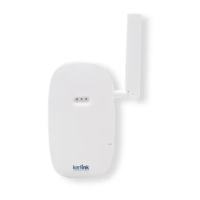
An external LoRa antenna is connected to SMA or RP SMA connector. A 4G/3G antenna is
integrated.
Once the Wirnet™ iFemtoCell-evoluon is installed, you can select up to 2 technologies to access
to Internet for the data backhaul:
• Ethernet connecon, requiring an Ethernet access through a dedicated RJ45 cable (not
included)
• 4G/3G cellular connecon, requiring an USIM (not included) and a data subscripon (not
included)
Note that both conguraons can be used in parallel. For example, RJ45 Ethernet with a 4G/3G
link as a backup.
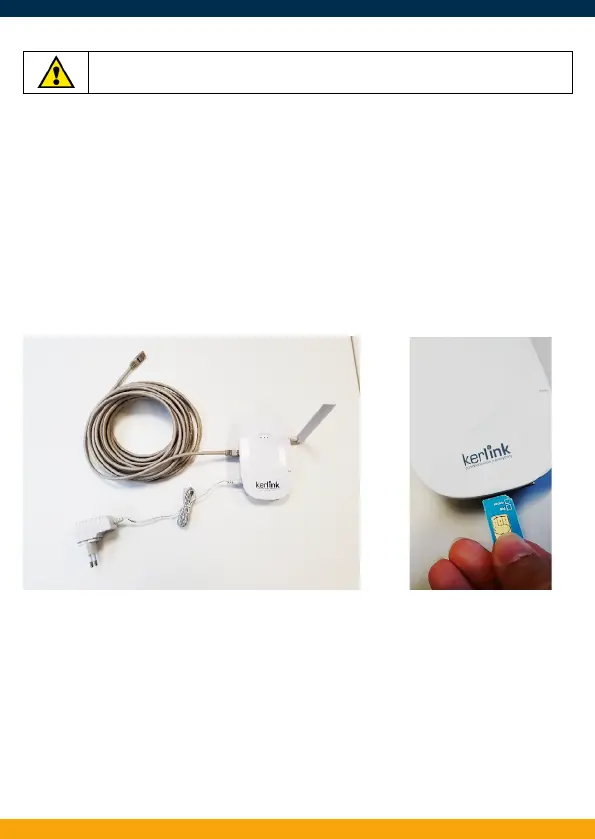
Ethernet cable, power supply and LoRa antenna connecons USIM card inserted
Once the LoRa RF antenna, the Ethernet cable (if used) or the 4G/3G (with USIM card inserted)
and the power supply jack connector are plugged, the Wirnet™ iFemtoCell-evoluon can be
powered ON by connecng the power supply.
V3.0 | 01.06.2020 | Page 5



 To Next Page