25
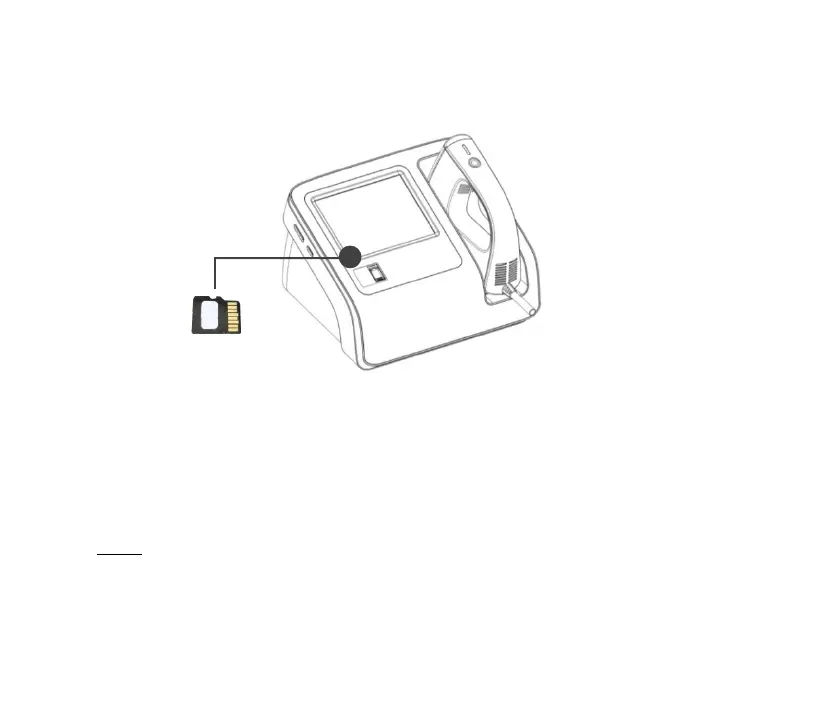
3.4.3 Installation of micro SD card
Figure 3-2
⚫ Insert the micro SD card into the “micro SD” slot on the side of the
equipment with the direction as shown in the figure.
⚫ When taking out the card, push it inward and the card will pop up
automatically.
Note!
⚫ The micro SD card should be inserted and removed only after the



 To Next Page