37
interface.
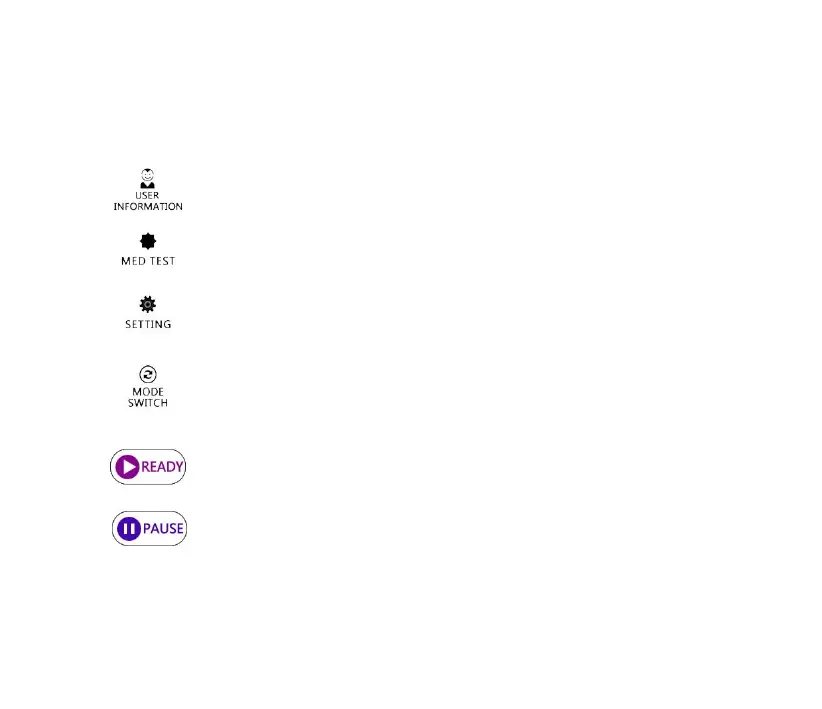
⚫ Definition of the operation buttons:
Review and manage the user treatment information.
Please refer to the section 4.3.3. for details.
Press the button to enter the MED test interface. Please
refer to the section 4.3.1. for details.
Press the button to enter the setting interface. Please refer
to the section 4.3.4. for details.
Click the button to switch over the free treatment mode
and the user treatment mode. Please refer to the section
4.3.5. for details.
Press the button to prepare for turning on the UV output.
Please refer to the section 4.3.2. for details.
Press the button to pause the UV output. Please refer to
the section 4.3.2. for details.



 To Next Page