52
➢ Search: Click the blank space after “Name/Patient ID” to enter the
keyword in “Name” or “Patient ID”, and click “SEARCH” to display
the result of user information in the list.
➢ Treatment: Select a piece of user information, click “Treatment”, the
equipment will directly recall the last treatment record of the user to
start a new treatment. The user information will be displayed in the
upper left corner of the main interface.
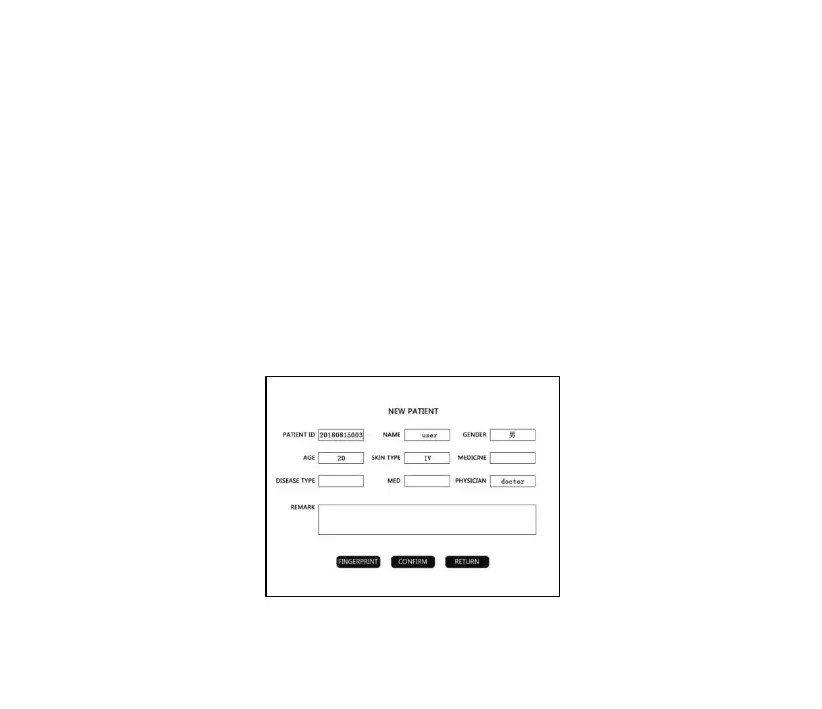
➢ New: Click “New” to enter the following interface, enter user
information, and click “Confirm” to save.



 To Next Page