54
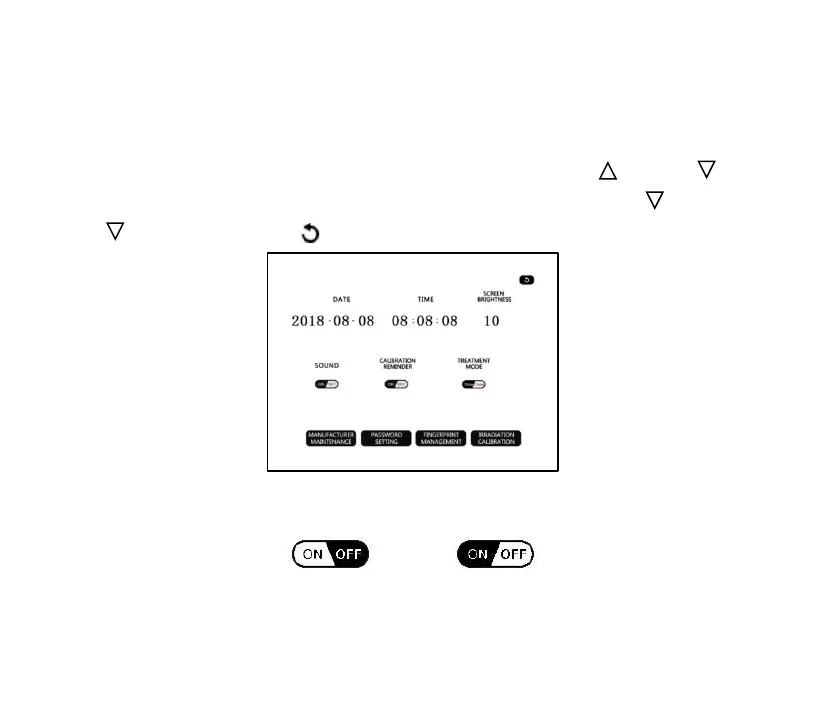
interface. In the interface, the date, time, screen brightness, sound,
calibration reminder and treatment mode can be modified. Click the
"Date", "Time" or "Screen Brightness" display box, the " ” and " "
symbols will appear on the upward and downward side, click " ” and
" ” to modify. Click " " button to return to the previous page.
Figure 4-12
➢ Sound
Turn on the sound Turn off the sound



 To Next Page