56
default password is "654321". You can turn on or turn off and change
the password.
✓ Permission password setting: Set the administrator password. The
default password is "500021".
➢ Fingerprint management (applicable to KN-5000D)
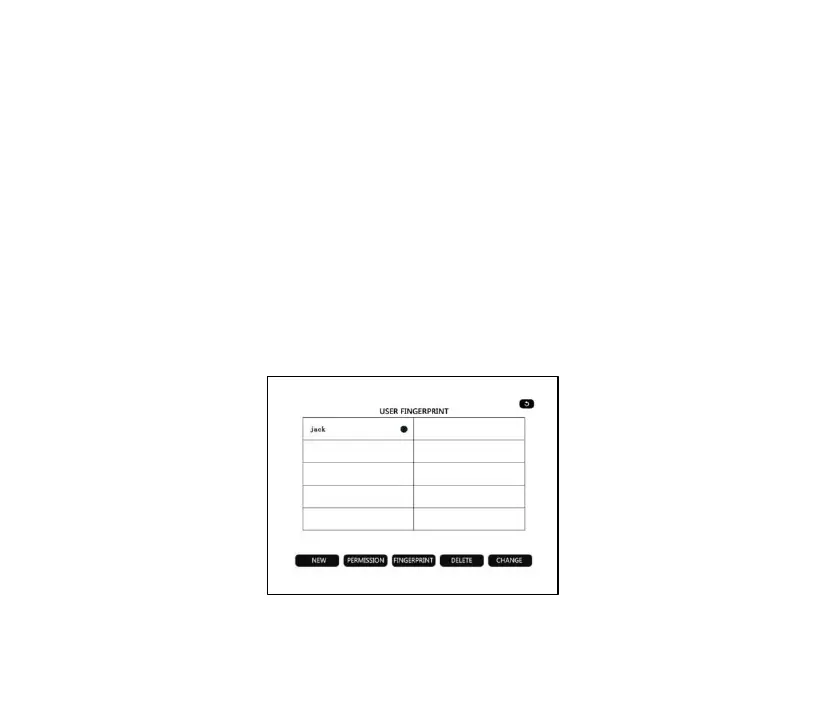
Click “Fingerprint Management”, enter the password and enter the
following interface to manage the advanced user fingerprint. You can
create and delete new advanced users, manage permissions and
fingerprints.



 To Next Page