uninstalling the application as then you can re-send them back to the application after it is
reinstalled.
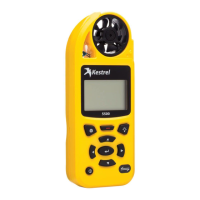
13) Connect to Kestrel LiNK and are not getting prompted for FW upgrade?
First, make sure you have a strong Wifi (i.e., turned on) or Cellular connection to download the
firmware file. If you have a good connection, please try the following:
Close Kestrel LiNK application
Turn Kestrel off
Toggle Airplane mode to ON and then OFF on your mobile device
Open Kestrel LiNK application
Turn Kestrel on (make sure Bluetooth is ON as well)
Prompt should come up to upgrade firmware
Press upgrade button from the dialog box - new screen pops up and the file downloads
automatically
Press the upload firmware button on the new screen



 To Previous Page