Lyrics & Score
https://www.ketron.it/images/ketron/Manuali_HTML/SD90/english/54_lyrics_score.html[13/05/2020 13:50:39]
If you want to control PDF file from STYLE Menu you can access to the functions above mentioned by pressing
CTRL PDF tab located on the left part of layout
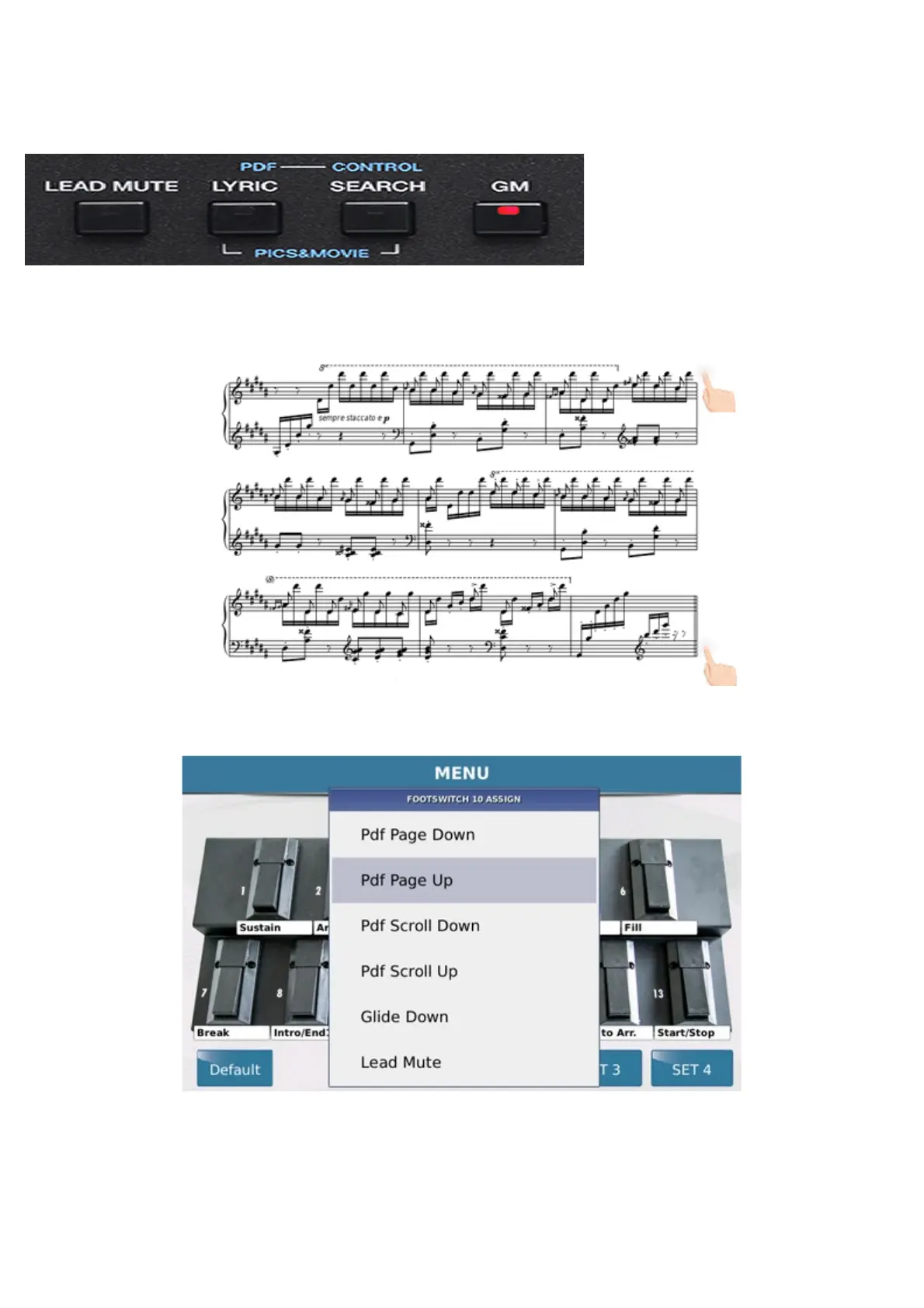
You can control pages of the PDF even just touching the edge of the touch screen display in the lower right corner to
advance or up to return to the previous page.
PDF scroll could be managed with external footswitch previously linked on FOOTSWITCH menu.
Pdf Page Down and Pdf Page Up buttons allow the "change page" function direct (forward and
backward). If instead we use the functions Pdf Scroll Up and Pdf Scroll Down pages will "browse"
button continuously until the switch will be hold on.
If we use TXT format (for lyrics or other text information, signs agreement, reminder etc.) we can handle it in



 To Next Page