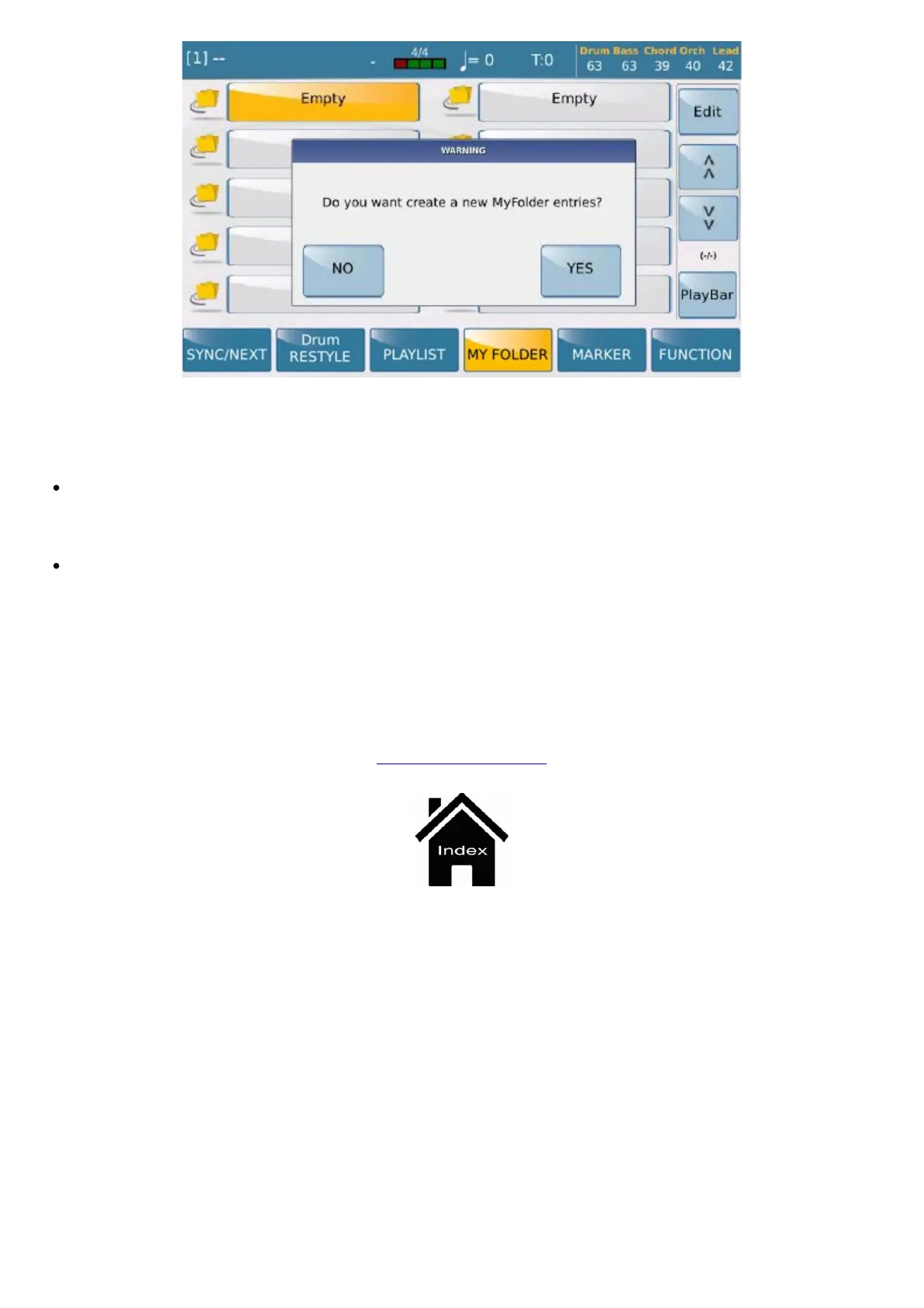
My Folder
https://www.ketron.it/images/ketron/Manuali_HTML/SD90/english/36_myfolder.html[13/05/2020 12:36:22]
At this point all you need to do is select the directory and then INSERT ITEM to add it to your preferred
folders.
To do this enable the REPLACE function and select the directory you wish to replace; the display
shows you the current directory where you may select the new directory. Select the directory and then select
INSERT ITEM.
Finally, you may also delete a directory in Myfolder by selecting the required directory and then the
REMOVE function.
Info: Since these are simply “directory links” if you accidentally delete a directory in Myfolder the “real”
directory and the files it contains are not deleted.
PLAYER GM



 To Next Page