LaunchPad
https://www.ketron.it/images/ketron/Manuali_HTML/SD90/english/78_launchpad.html[13/05/2020 13:52:36]
When active sequence note will be retriggered if Chord is changed (see on
Style section).
- CHORD MODE on DRUM KIT:
Pitch: Kit Pitch is allowed.
Filter: Kit Filter (open or closed) is allowed
Reso: Resonance filter is allowed when selected
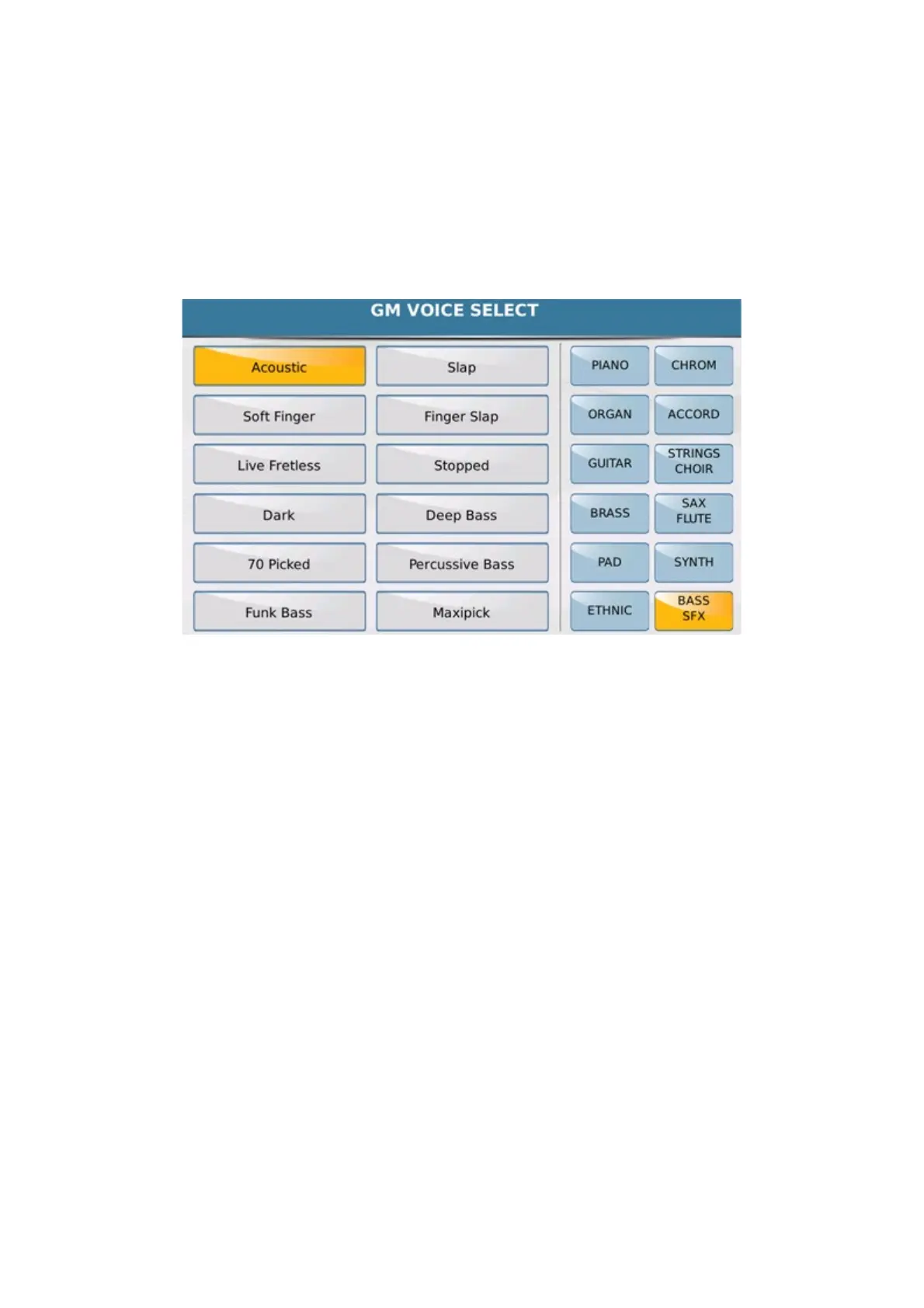
-VOICE CHANGE: Voice Change button allows to change voice on selected pad (Timbre selection
allowed on related menu).
-ORIGINAL VOICE: Allows to restore original VOICE on sequence or Drum Kit.
-RECORD MODE:User can assign a real time sequence on Active (or un active) Pad (icon show FREE).
-RECORD BAR:Allows to set recording measures ( from 1 to 32) .Record will Stop automatically
when measure set is achieved
-QUANTIZE: Allows Quantize event feature before to start record:
-REAL: Real time event mean no quantize
-4,4T,8, etc: Different set of quantize available .
Info: Quantize feature must be set before to star recording Quantize will be applied when recording will
Stop
HOT TO RECORD:
Once Pad is select and parameters are assigned press REC PHRASE button.
If Pad is already assigned as sequence a pop-up s shown if delete ( or keep) sequence recorded previously just in
case of overdub mode. (Sequence is erased only from the pad memory. It still remain available in the menu).
Here you can assign a timbre on pad to record using the Voice button Change.



 To Next Page