Double
https://www.ketron.it/images/ketron/Manuali_HTML/SD90/english/65_keyc.html[13/05/2020 13:53:56]
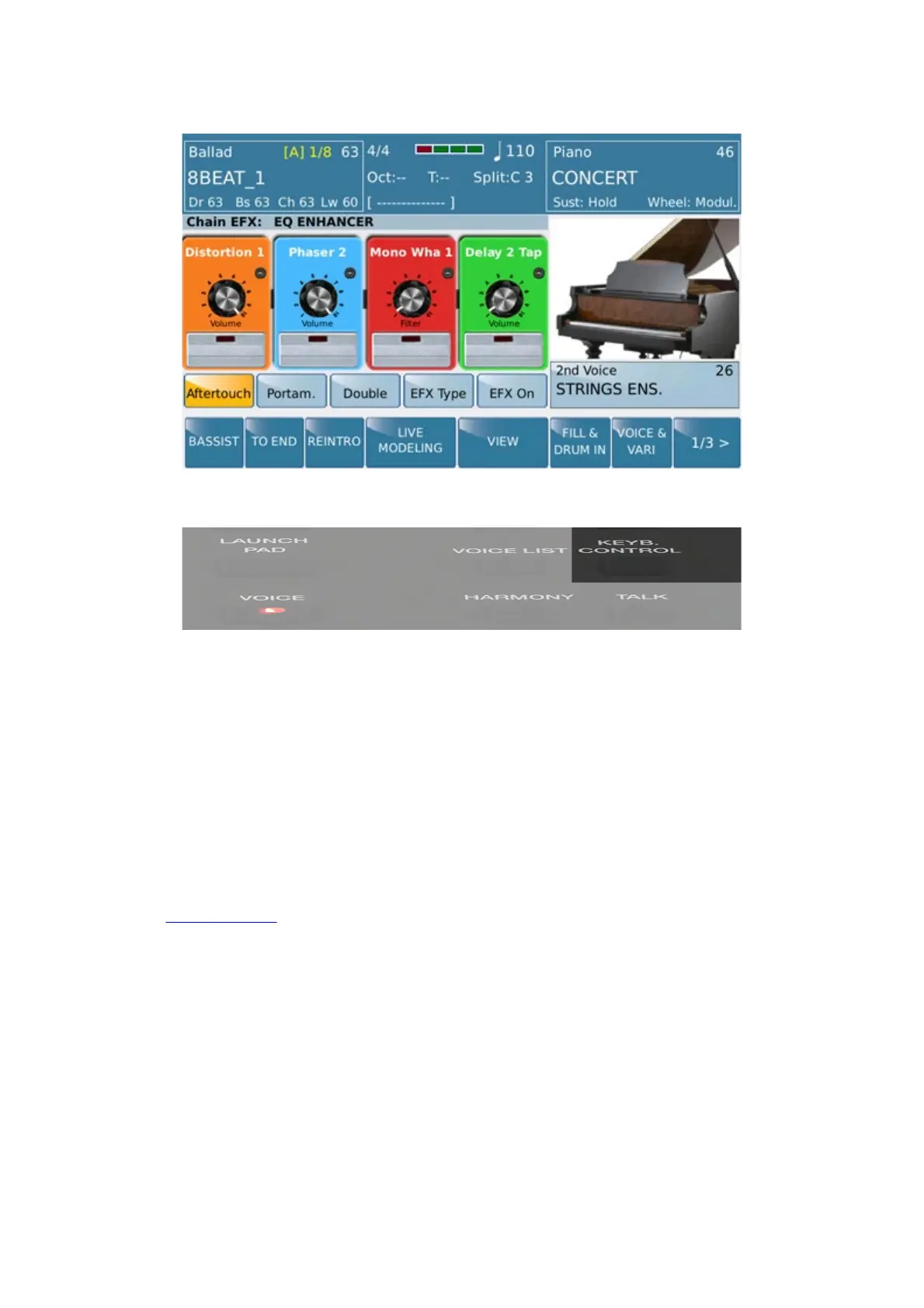
Key Control
This menu appears by pressing Key Control button whne STYLE environment is active
In this menu are a number of features that can be used with the VOICE.
-AFTERTOUCH: Enable Aftertouch on selected Voice. The effect is operating in relation to the
parameter (LFO, Soft LFO, BEND, Off) stored on Edit Voice menu.
-PORTAMENTO: Enable Portamento on selected Voice. The effect is operating in relation to the value
(5/128) and Portamento mode (Poly, Mono, Off) stored on Edit Voice menu.
-DOUBLE: Adds an octave (up or below) on the note played of the selected Voice. Octave type is assigned
on menu 4 of 6 on EDIT VOICE
-EFX Type: Enable by a Pop Up menu selection of EFX to insert on Edited VOICE.



 To Next Page