Audio Recording
https://www.ketron.it/images/ketron/Manuali_HTML/SD90/english/57_audio_recording.html[13/05/2020 13:51:56]
Otherwise, pressing WAVEFORM icon you can access the
menu for further editing on
recorded track
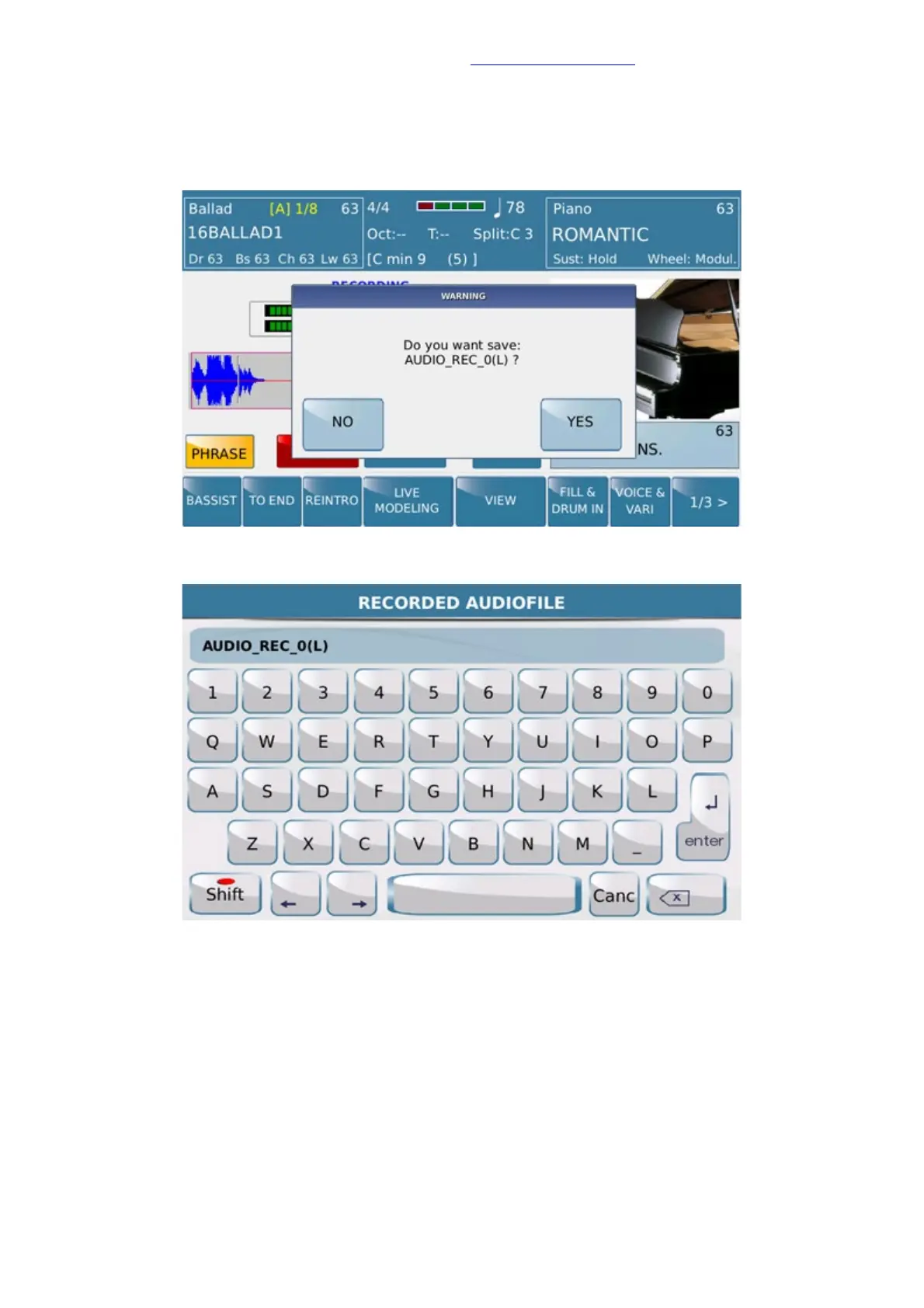
Just to save you music work press SAVE tab and confirm with default name or your own title.
SD90, related of Phrase mode used, will apply by default a suffix (L) as meaning of Loop.
When procedure is completed file will be available with suffix (L) as showed



 To Next Page