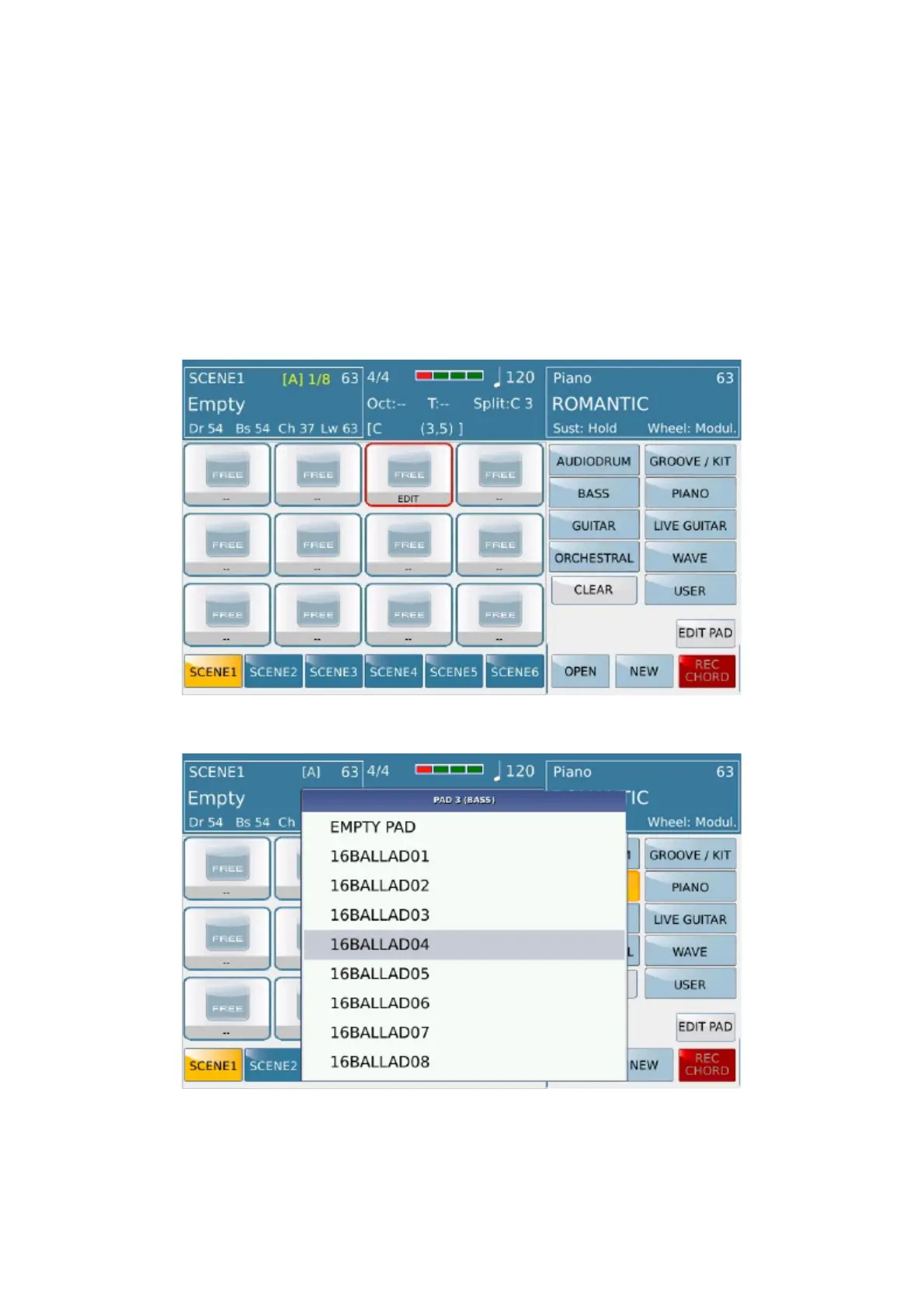
LaunchPad
https://www.ketron.it/images/ketron/Manuali_HTML/SD90/english/78_launchpad.html[13/05/2020 13:52:36]
: Active a menu where loading a complete LAUNCH PAD project , or rather all scenes with audio /
midi sequences associated with on different pads plus all playing rules (which will be described later.).
-NEW:Clear memory of LAUNCH PAD current to allow the new construction from scratch.
-TASTO SAVE (on display) :Save the LAUNCH PAD project on disk rent on related LAUNCH PAD
folder with .LSX extension
- SELEZIONE DELLE SCENE :Below the display there are buttons that allow you to select one
of the 6 scenes available. On Start mode , the active pads of the scene, come into play at the beginning of the new
measure at the same time (as works on Arranger Style.



 To Next Page