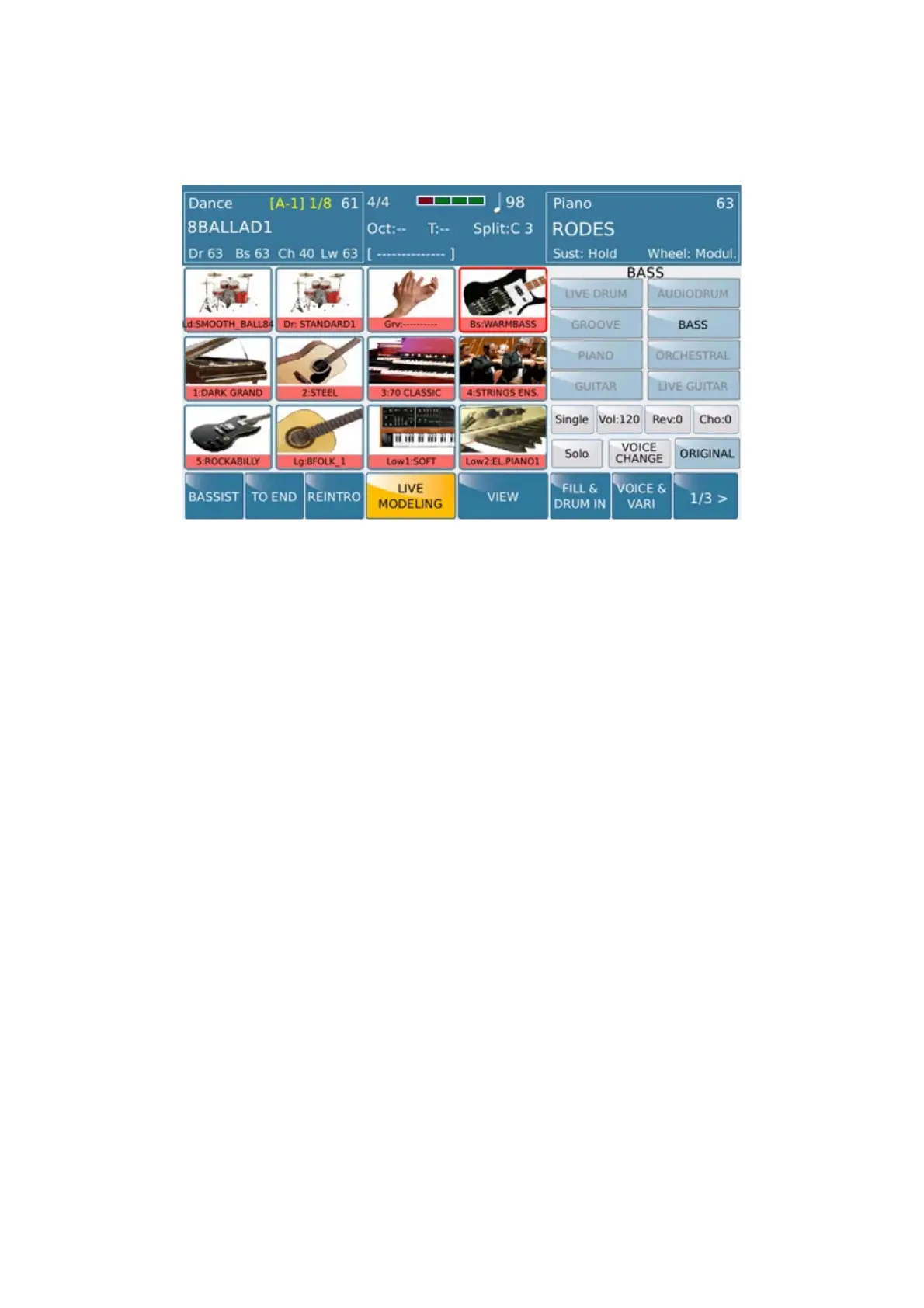
Modeling
https://www.ketron.it/images/ketron/Manuali_HTML/SD90/english/79_useraudiodrum.html[13/05/2020 13:55:02]
User Audio Drum
SD 9 allows you to manage your User Audio Drum Drum environment through the Live Modeling section
User Audio Drum can be realized by you (Wave 44,100, 16-bit) using a specific Audio Editor software or by
importing User Audio Drum already 'existing” library from AUDYA.
Whatever the origin of these files, SD 9 can "locate" and manage them through the DRUM part of
Live
Modeling
. These files must have the following names.
ARRA.wav = Variation A
ARRB.wav = Variation B
ARRC.wav = Variation C
ARRD.wav = Variation D
FILA.wav = Fill A
FILB.wav = Fill B
FILC.wav = Fill C
FILD.wav = Fill D
BRKA.wav = Break A
BRKB.wav = Break B
BRKC.wav = Break C
BRKD.wav = Break D
INT1.wav = Intro 1
INT2.wav = Intro 2
INT3.wav = Intro 3



 To Next Page