Utility
https://www.ketron.it/images/ketron/Manuali_HTML/SD90/english/83_edit_user_drum.html[13/05/2020 13:56:12]
Using the keyboard or by pressing the Key icon and using the Dial, select the note of the drumset to be modified.
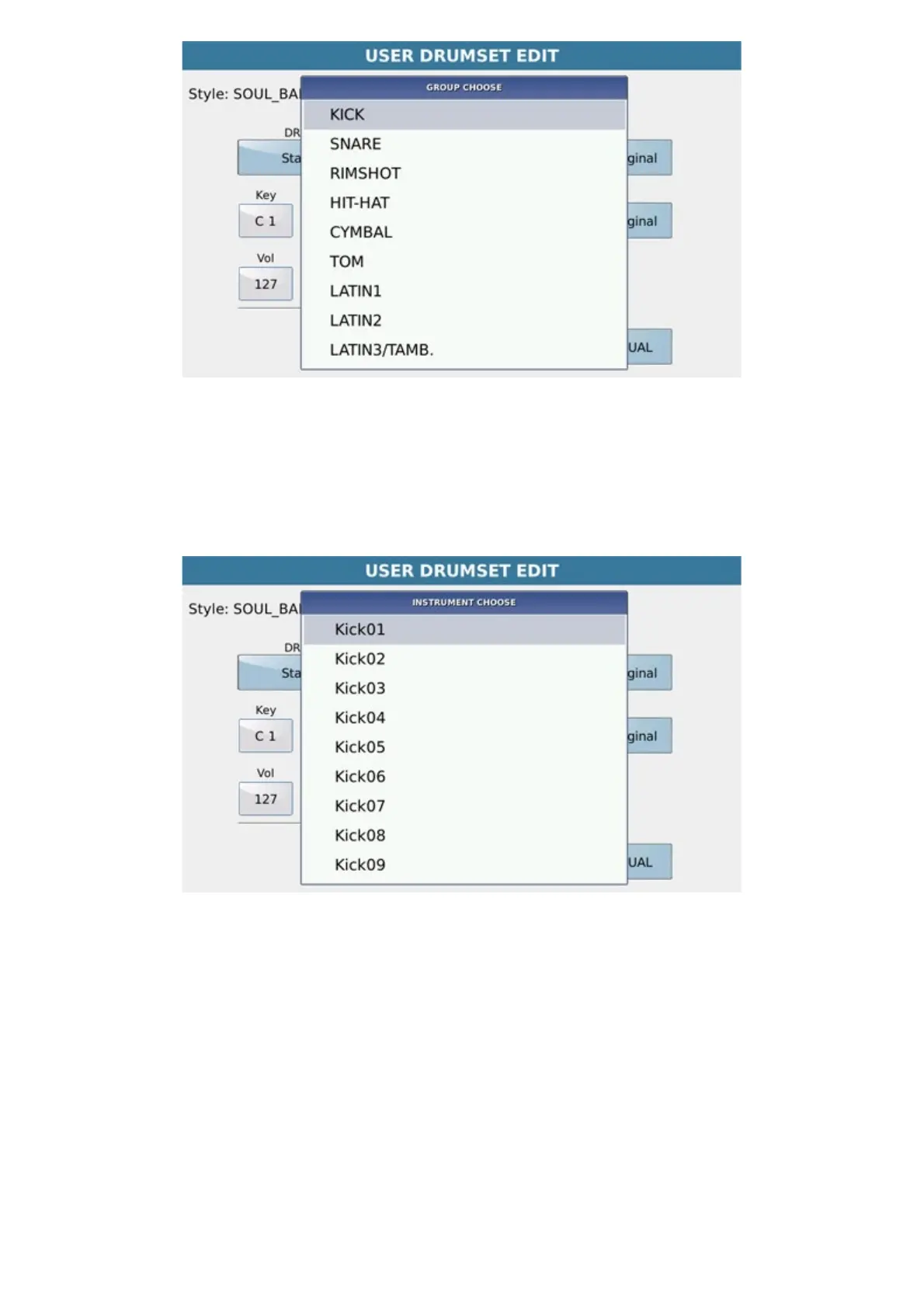
Pressing Group opens the pop-up of choice of the group of instruments to assign to the Key note.
At the bottom of the pop up Group, there are any MS2 drumsets created by Sample Edit.
Pressing the Instrument box accesses the pop-up of choice of the instrument belonging to the selected group, to
replace the key note that is being edited.



 To Next Page