Player
https://www.ketron.it/images/ketron/Manuali_HTML/SD90/english/05_player.html[13/05/2020 12:37:26]
-
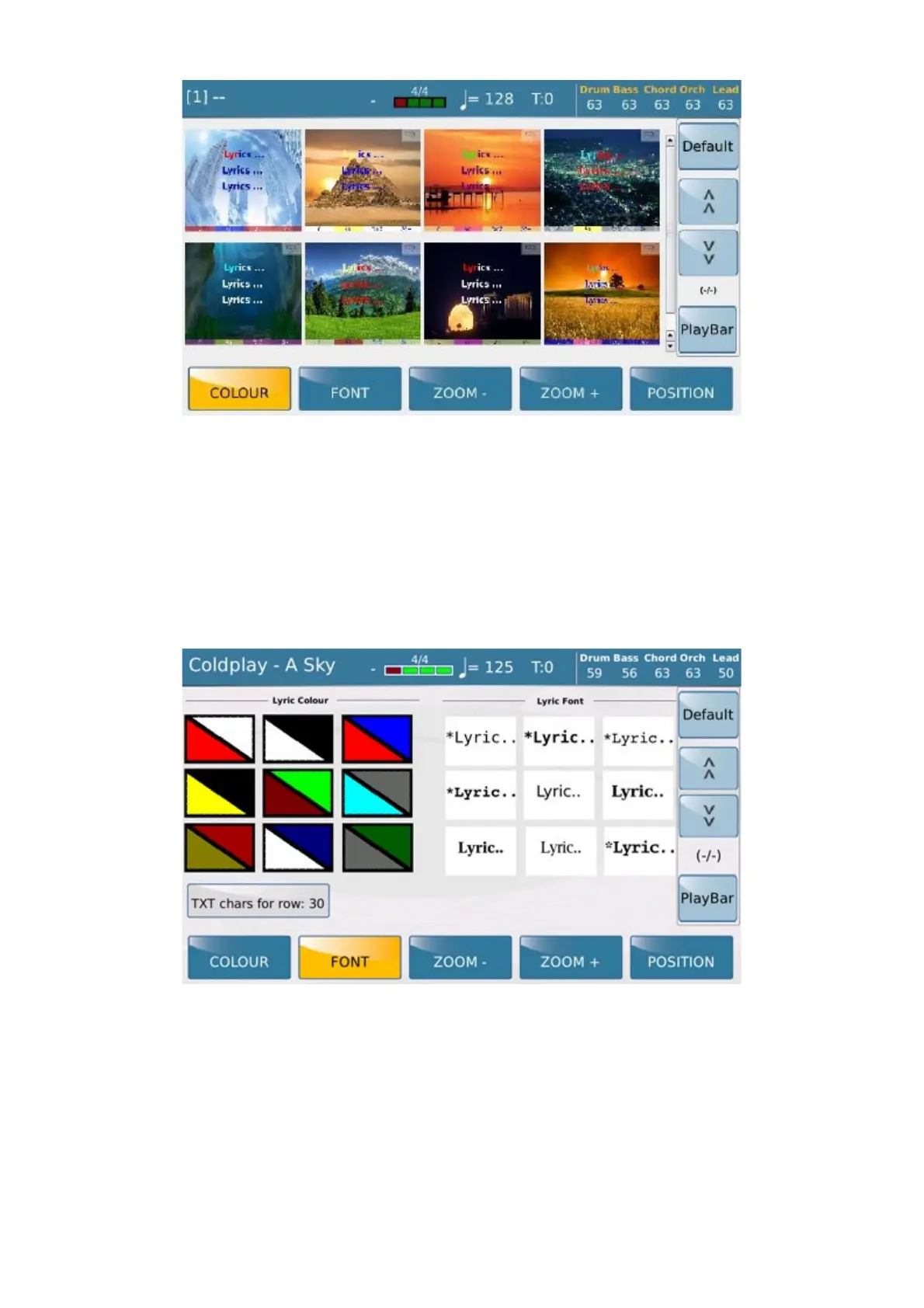
COLOUR : Allows you to select the background for the lyrics
- FONT: Allows you to select the font and colour of the lyrics.
-LYRIC TEXT: inserted in the Karaoke menu -> FONT the possibility to choose the maximum number of
characters for each line of text. The range is from 30 to 50. Can be saved on Custom Startup Default value: 30
-
ZOOM-: Reduces the size of the lyrics.
- ZOOM+: Increases the size of the lyrics.
- POSITION: Aligns the lyrics at the centre when enabled, and to the left when disabled.
- DEFAULT: Restores the original settings of the colours and Karaoke desk, if these have been modified.



 To Next Page