Media
https://www.ketron.it/images/ketron/Manuali_HTML/SD90/english/08_media.html[13/05/2020 12:39:42]
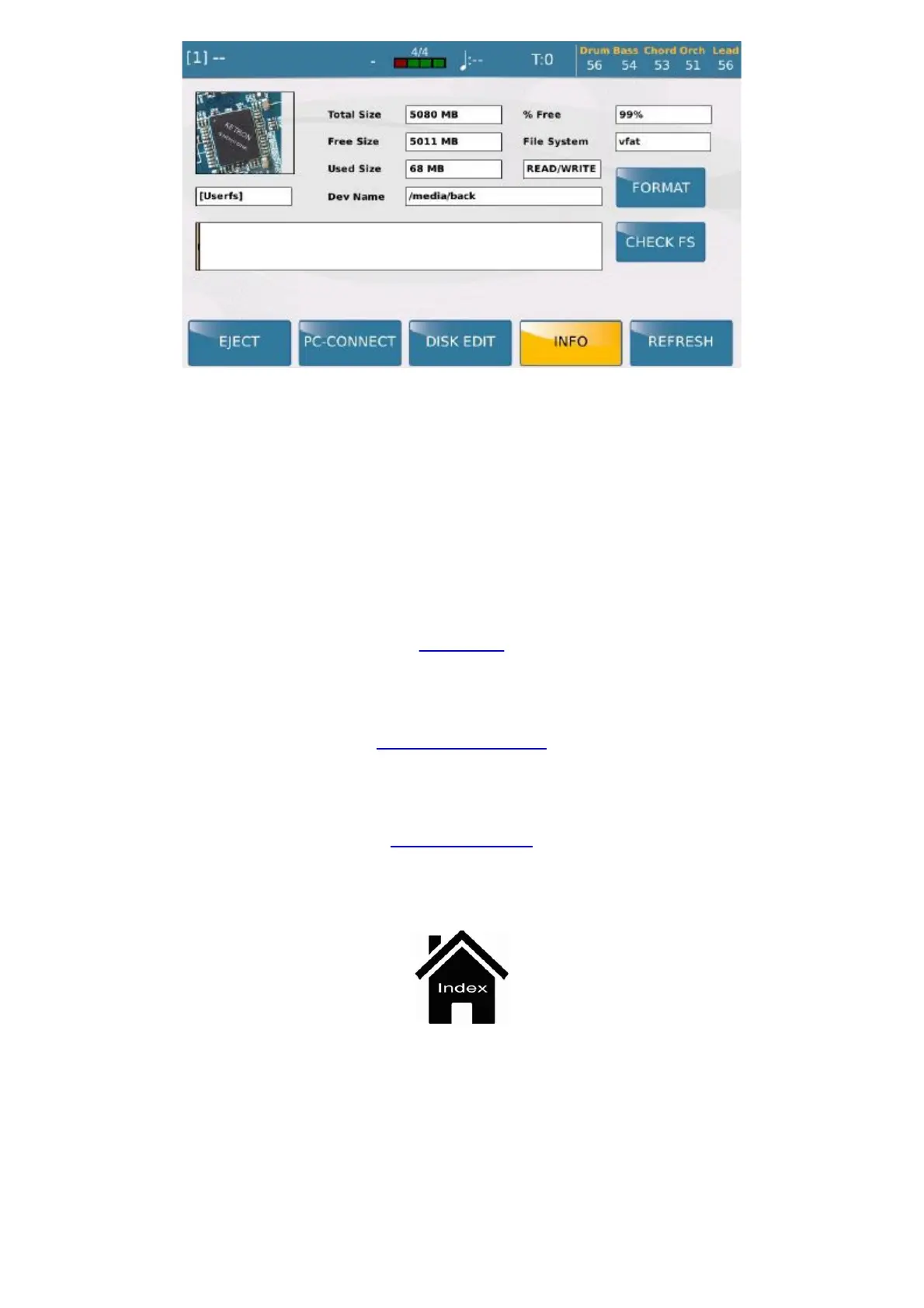
- FORMAT: Formats the selected device.
- CHECK FS: Check the device faults selected.
- REFRESH: Carries out another scan of all the disks and USB peripherals connected. If the machine does
not automatically read a connected USB pen drive, this function restarts detection of the peripherals and devices
connected.
MENU
PLAYER GM
Front Panel



 To Next Page