Edit Voicetron
https://www.ketron.it/images/ketron/Manuali_HTML/SD90/english/22_edit_voicetron.html[13/05/2020 13:45:49]
Edit Voicetron
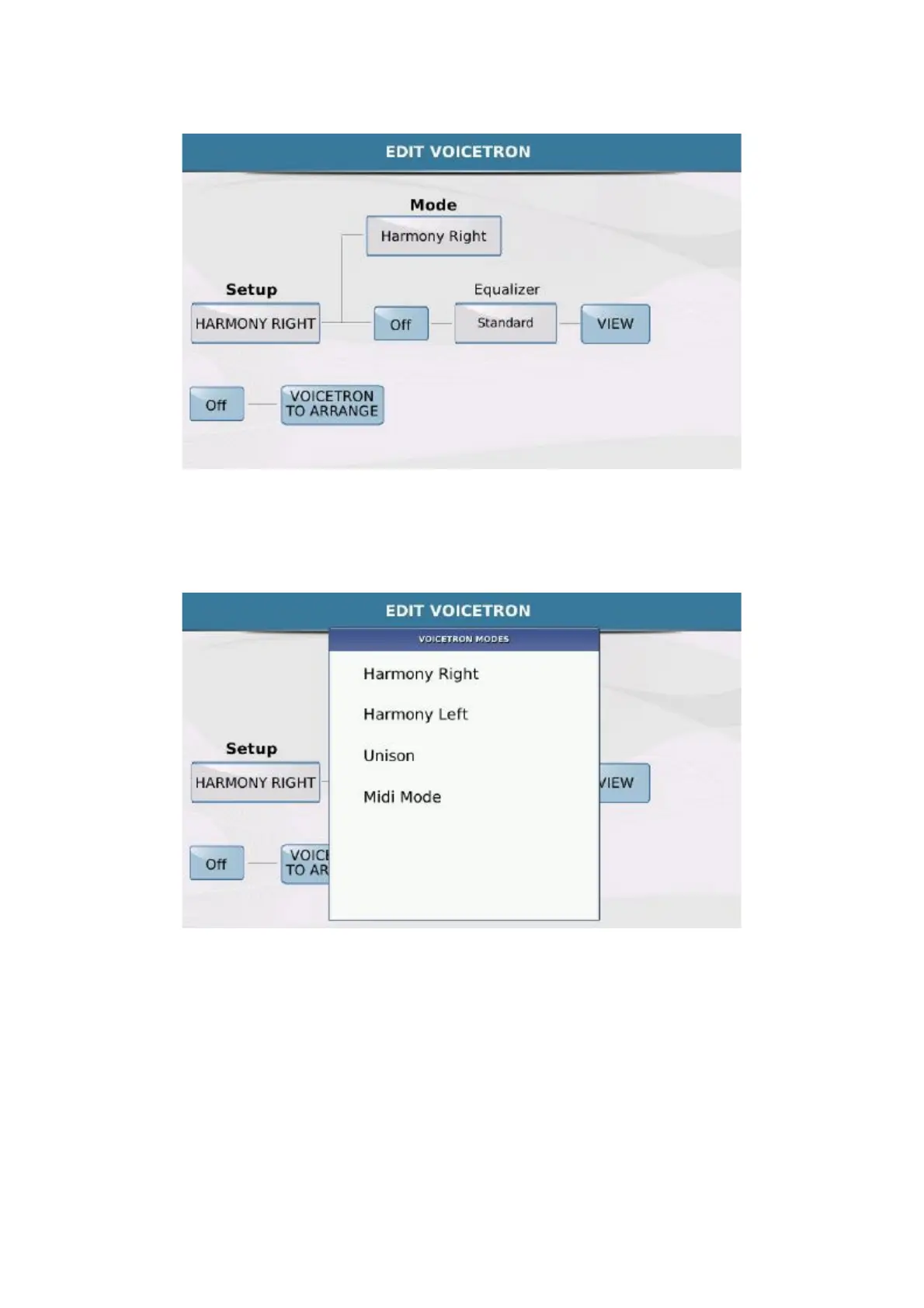
The SETUP box displays the Voicetron preset selected. When you touch the box, a Pop up window is displayed
in which you can select the preset. To select the harmonisation, touch the MODE box. You may select one of
the following harmonisation modes on the Pop up window that is displayed:
The Voicetron processor may be connected to an equalizer if the ON/ Off box of the diagram is ON.
The presets of the equalizer are displayed in the EQUALIZER box and may be selected on the Pop up
window.



 To Next Page