Front Panel
https://www.ketron.it/images/ketron/Manuali_HTML/SD90/english/03_pannello%20frontale.html[13/05/2020 12:36:44]
effects (reverb, panpot etc...).
- LYRIC : Turns the screen which displays the lyrics of the file on or off.
-
SEARCH: File search key.
-
GM : : Allows you to manage the sounds assigned to the Midi tracks of the file you have loaded.
-
PIC&MOVIE: Opens a screen on which you can manage graphic and video files by pressing LYRICS and
SEARCH tab.
-
PDF ON: This tab enables / disables the display of PDF files on STYLE / REGISTRATION / PLAYE
environments
-
PDF CTRL: This tab allows control of the PDF files from environments such STYLE / REGISTRATION of
SD90. It activates a new screen will pop up where you can control some functions related to display PDF file
-
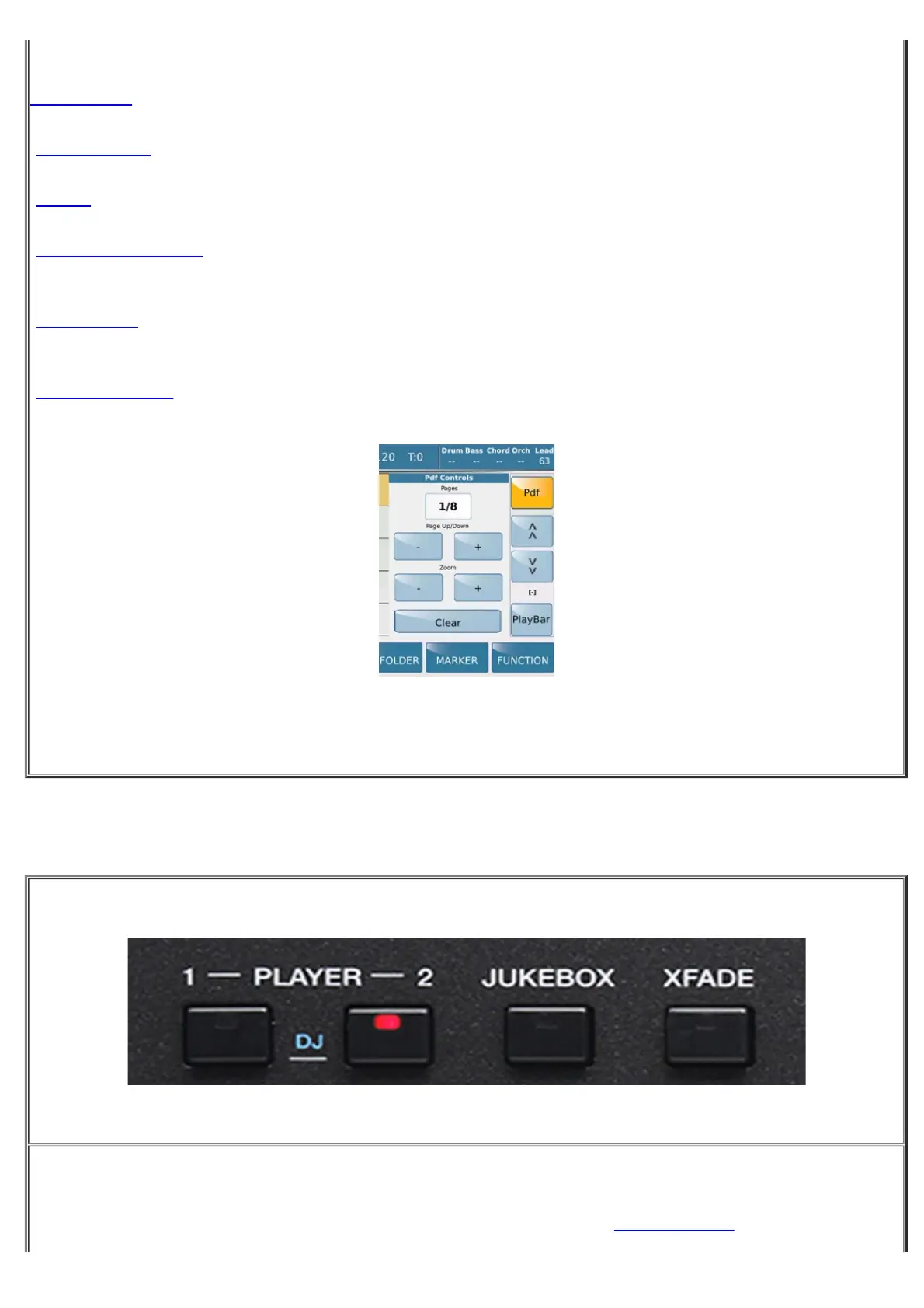
PLAYER 1 e 2: Use these keys to select the player you wish to use in PLAYER mode.



 To Next Page