Edit Voicetron
https://www.ketron.it/images/ketron/Manuali_HTML/SD90/english/22_edit_voicetron.html[13/05/2020 13:45:49]
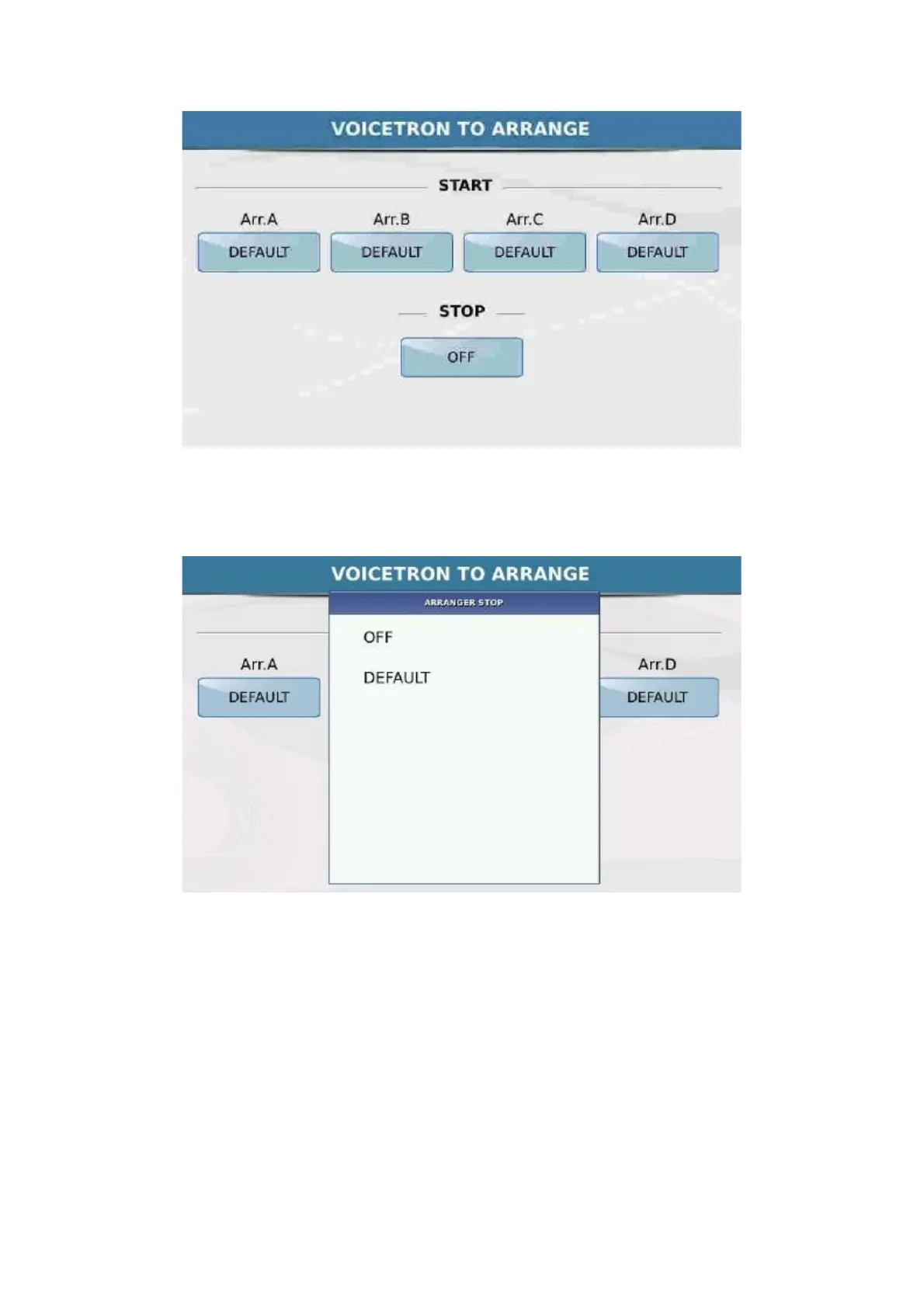
The
function allows you to assign a different Voicetron preset for each
of the ABCD arrangements. By touching the corresponding box, the following window is displayed.
Touch the corresponding box to assign the relevant preset to the 4 Arranges. Off disables harmonisation.
The
STOP box at the bottom allows you to disable the harmonizer when the Style is on Stop.
You can save the preset of the Voicetron on the edit page by pressing the key SAVE on the panel.



 To Next Page