To Lowest: this function causes the Automatic Bass to perform its harmony loop starting always
from the lowest note between those that make up the chord and not from the fundamental note
of the chord acknowledged.
To Root: the Bass to Root function returns all the automatic Bass notes to the fundamental note of
the chord, despite notes or harmony loops programmed in the Arrange.
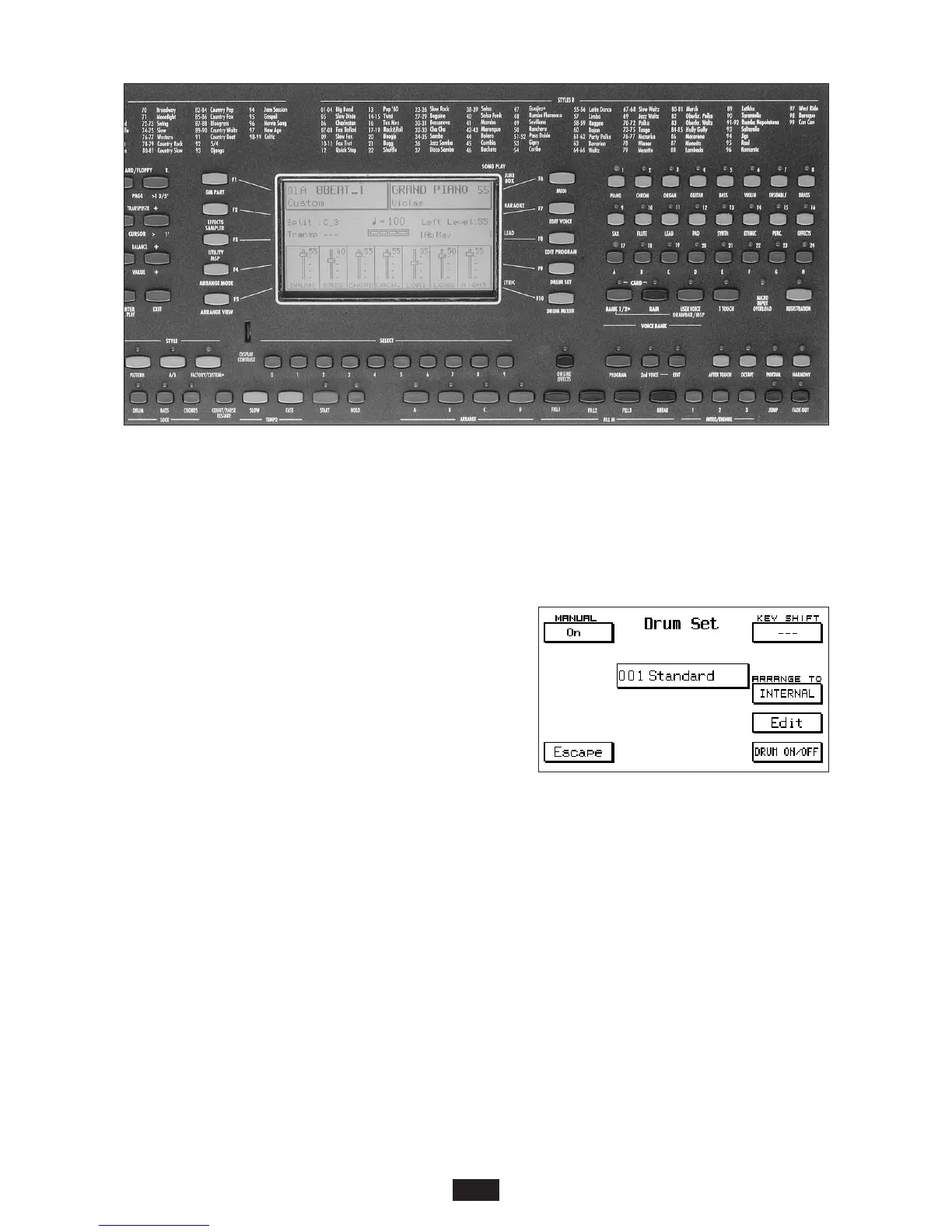
ARRANGE TO.
Differentiated activation of the Program Changes on the
Arranger section when the keyboard is working with
the Simm loaded and the Card inserted. To have
access to this function, press F9 – Drum Set.
F8 corresponds with the ARRANGE TO option, which
allows you to assign one of the following 3 Program
Changes onto the Arranger:
INTERNAL (Internal Sounds)
RAM (Simm Sounds)
CARD (Card Sounds)
To select, press the F8 button repeatedly. In Simm position, the Arranger can accept the sounds
contained within the Simm as Program Change, and in Card position, it can accept those contai-
ned within the Card.
32



 To Next Page