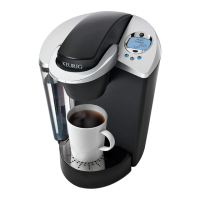
STRONG
STRONG
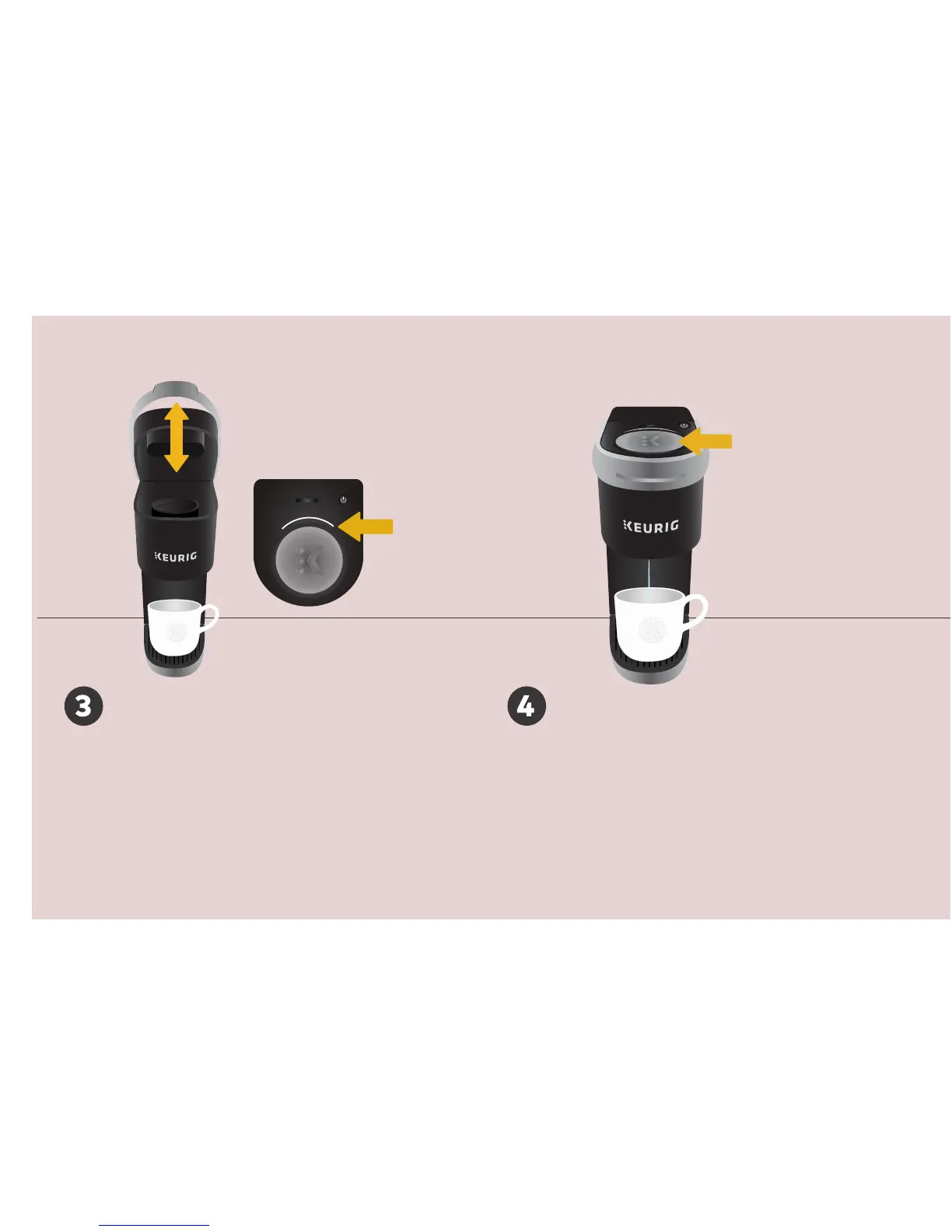
Brew Button
STRONG
Brew Indicator
Cleansing Brew
Press the brew button. The brew indicator light
will illuminate solid, then begin to pulse while the
brewer is heating. After about 2 minutes, the
brew indicator light will illuminate solid again
and the water will begin to dispense. Pour the
hot water into the sink.
The one-time setup process is now complete
and you are ready to brew!
Lift & Lower
Lift and lower the handle. Do not insert a
K-Cup® pod. The brew indicator light will
flash to indicate that the brewer is ready.


 To Next Page