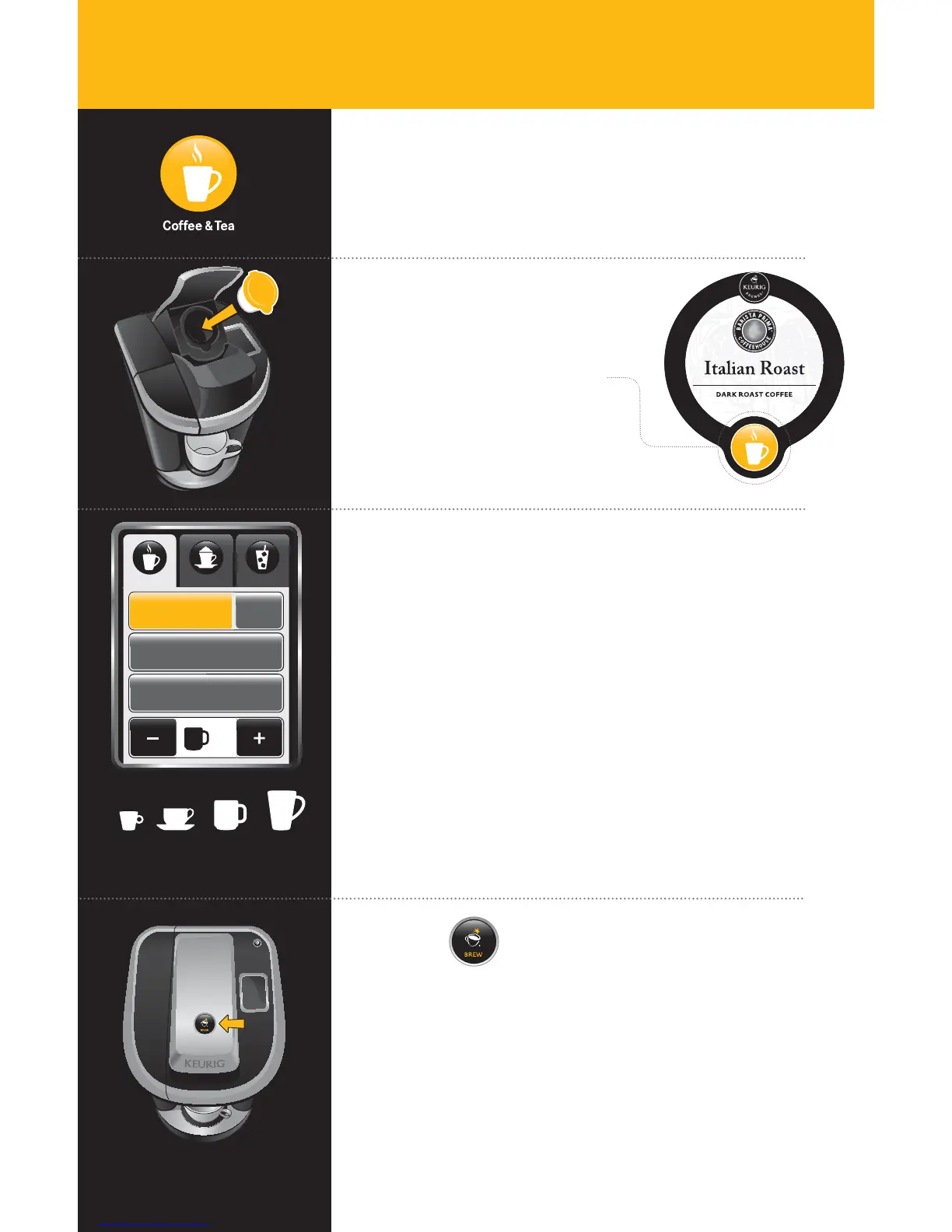
Select Beverage Type & Size
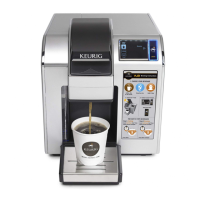
After you lower the Brewer Handle, the Touchscreen will
display as pictured.
If making coffee, ensure “Coffee” remains highlighted. If
making tea or hot cocoa, select the correct beverage type.
For hot cider, select “Tea/Other.” Select your beverage size
using the + and - buttons at the bottom of the Touchscreen.
Strength Selection
The “Strong” setting gives you a more robust brew by slowly
pulsing water through the Vue
™
Cup. To brew a stronger cup,
simply select “Strong.” (Available only for coffee.)
For Café Escapes
®
beverages, please select the Hot Cocoa
setting for an optimal brew.
oz8
8 oz
Hot Cocoa
Tea +Tea/Other
Strong
Coffee
Brew Over IceCafé
Coffee & Tea
Coffee & Tea
Coffee
8oz6oz 10oz
4oz
Available Sizes
Press
& Enjoy!
Do not remove mug or lift the Brewer Handle until “Enjoy!”
appears on Touchscreen.
Remove the Vue
™
Cup after brewing is complete.
The Vue
™
Cup will be HOT after brewing. Use caution when removing.
Allow it to cool completely before handling.
Immediately after using a hot cocoa portion pack, we
recommend running a cleansing brew to avoid clogging.
See page 15 for directions.
Brewing Coffee, Tea,
Hot Cocoa and Hot Apple Cider
SECTION 3
Using Your Brewer
Choose Vue
™
Cup
Portion Pack
Make sure your Vue
™
Cup
features the Coffee & Tea Icon.
Lift the Brewer Handle, insert
the Vue
™
Cup into the Holder
and lower the Brewer Handle.
10
KER484_UserGuide.indd 10 9/16/11 9:35 AM

 To Next Page
 Loading...