SECTION 3
Using Your Brewer
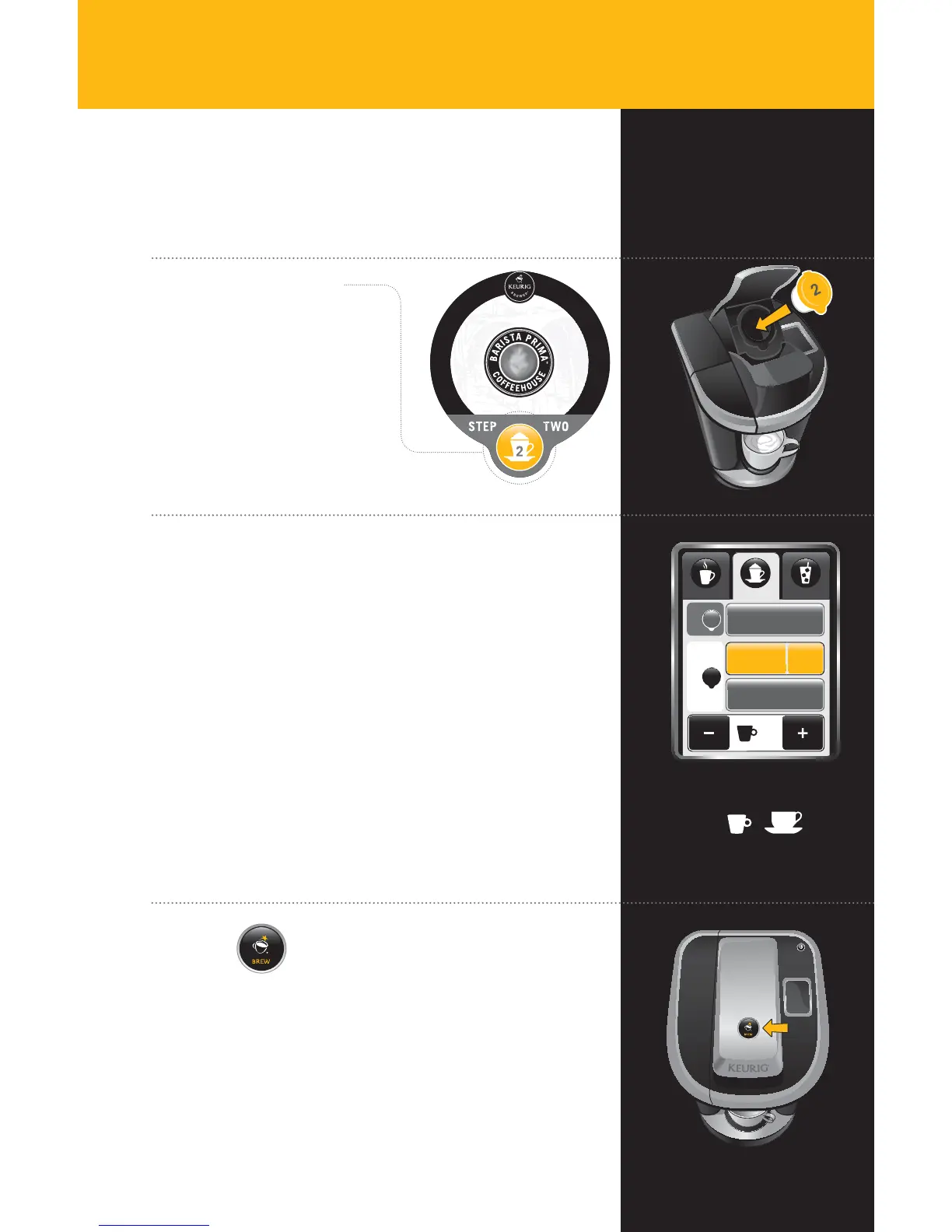
Choose Café 2
Portion Pack
Lift the Brewer Handle, insert
the Vue
™
Cup into the Holder
and lower the Brewer Handle.
Step 2
8oz
Froth
22
Brew Over IceCafé
Coffee & Tea
Café
oz4
2
STEP
1
Tea/Other
STEP
Coffee
Strong
Select Beverage Type & Size
After you insert the second Vue
™
Cup and lower
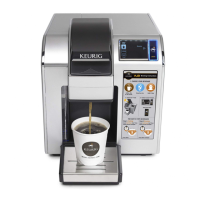
the Brewer Handle, the Touchscreen will continue
to display as pictured.
Coffee: For a coffee-based café beverage, ensure that
“Coffee” remains highlighted. “Strong” is the default setting
for café beverages. De-select if desired.
Tea: For a tea-based café beverage, select “Tea/Other.”
Select your beverage size using the + and - buttons at the
bottom of the Touchscreen. The amount you select will be
ADDED to the existing 4 oz. of froth.
6oz
4oz
Available Sizes
Press
& Enjoy!
Do not remove mug or lift the Brewer Handle until “Enjoy!”
appears on Touchscreen.
Remove the Vue
™
Cup after brewing is complete.
The Vue
™
Cup will be HOT after brewing. Use caution when
removing. Allow it to cool completely before handling.
13
KER484_UserGuide.indd 13 9/16/11 9:35 AM


 To Next Page
 Loading...