SECTION 4
Setting the Time & Temperature
Setting the Brew Temperature
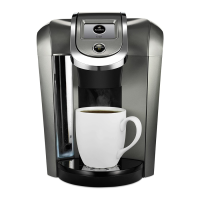
The Brewer has a preset temperature of 192° F. You can
adjust the temperature up or down in 1 degree increments
within the Brewer range (187° - 197° F). Once set, your
beverages will be brewed at the selected temperature.
At high altitudes if boiling occurs, use the temperature
adjustment to lower the temperature so that boiling
does not occur.
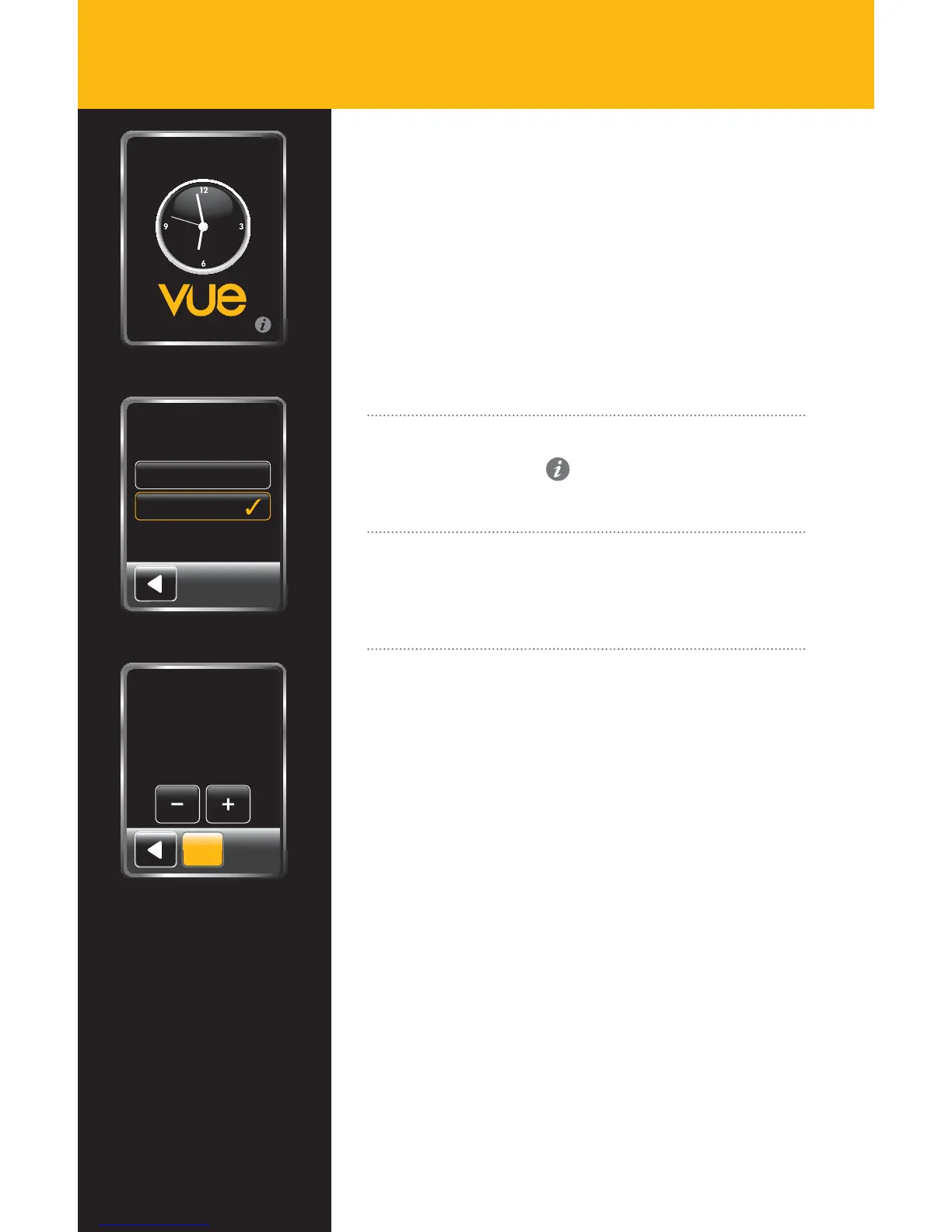
Here is how to set the brew temperature:
Step 1
Select the settings icon
on the Touchscreen,
then select “Temperature.”
Step 2
This screen will allow you to set the temperature
using the + and - buttons.
Step 3
Once the temperature has been set, select “SET” and you
will be returned to the Settings Menu. Select the back
arrow to return to the previous screen.
Lift to Brew
Time
Temperature
Settings
Temperature
(187 º - 197º F)
192
°
F
SET
20
KER484_UserGuide.indd 20 9/16/11 9:35 AM


 To Next Page
 Loading...