6
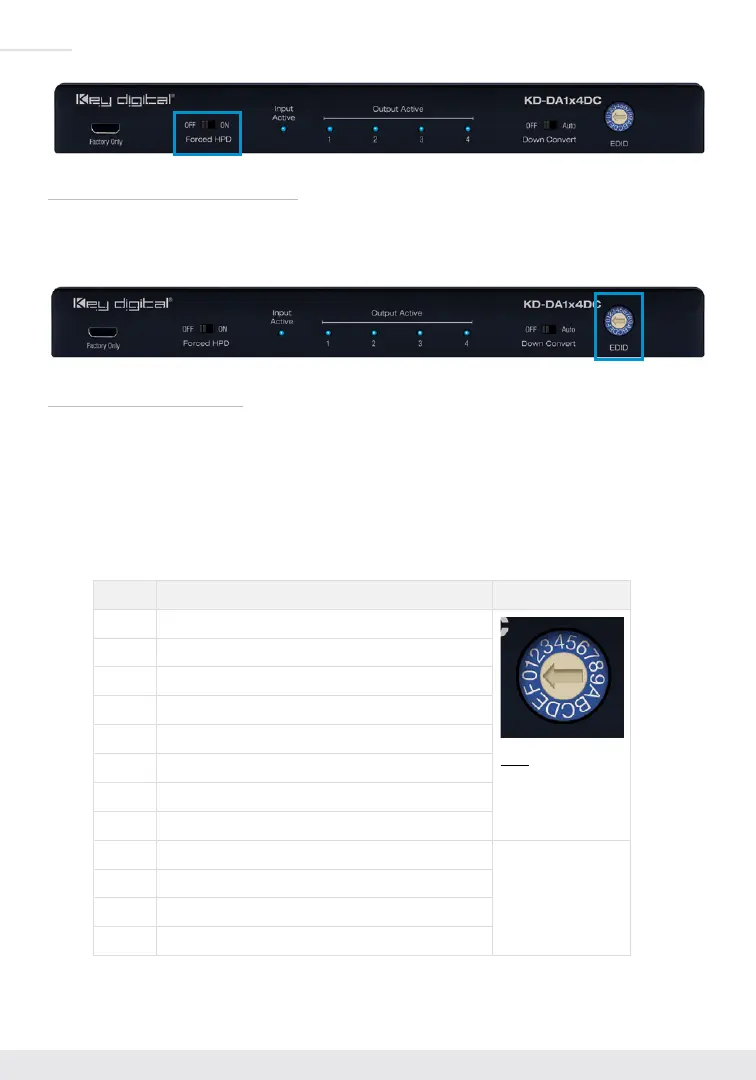
Forced HPD Troubleshooting Tool
» When ON, Hot Plug Detection voltage is fixed on to the connected display
» Standard HPD behavior when set to OFF position
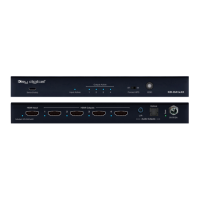
EDID Handshaking Rotary
» EDID authentication is provided from the unit to the connected inputs/sources.
» The EDID file (AKA “handshake”) is selected using the EDID rotary on the unit and provides a list
of compatible video and audio formats as well as digital data, informing the source device what it
should output.
» Most sources will comply with a new EDID file without a power-cycle, but devices do behave
differently
» Adjustments may speed up sync time during source selection.
Position EDID Handshake Description EDID Rotary
0
Copy EDID from HDMI Output 1
Note: Default position
is “A”
1
1080i, 2CH AUDIO
2
1080i, DOLBY/DTS 5.1
3
1080i, HD AUDIO
4
1080p, 2CH AUDIO
5
1080p, DOLBY/DTS 5.1
6
1080p, HD AUDIO
7
4Kx2K@60, 10.2G, HDR, 2CH AUDIO
8
4Kx2K@60, 10.2G, HDR, DOLBY/DTS 5.1
9
4Kx2K@60, 10.2G, HDR, HD AUDIO
A
4Kx2K@60, 18G, HDR, 2CH AUDIO
B
4Kx2K@60, 18G, HDR, DOLBY/DTS 5.1


 To Next Page