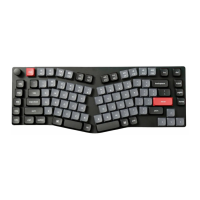
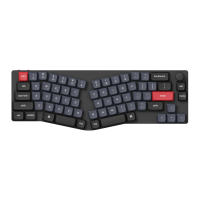
3
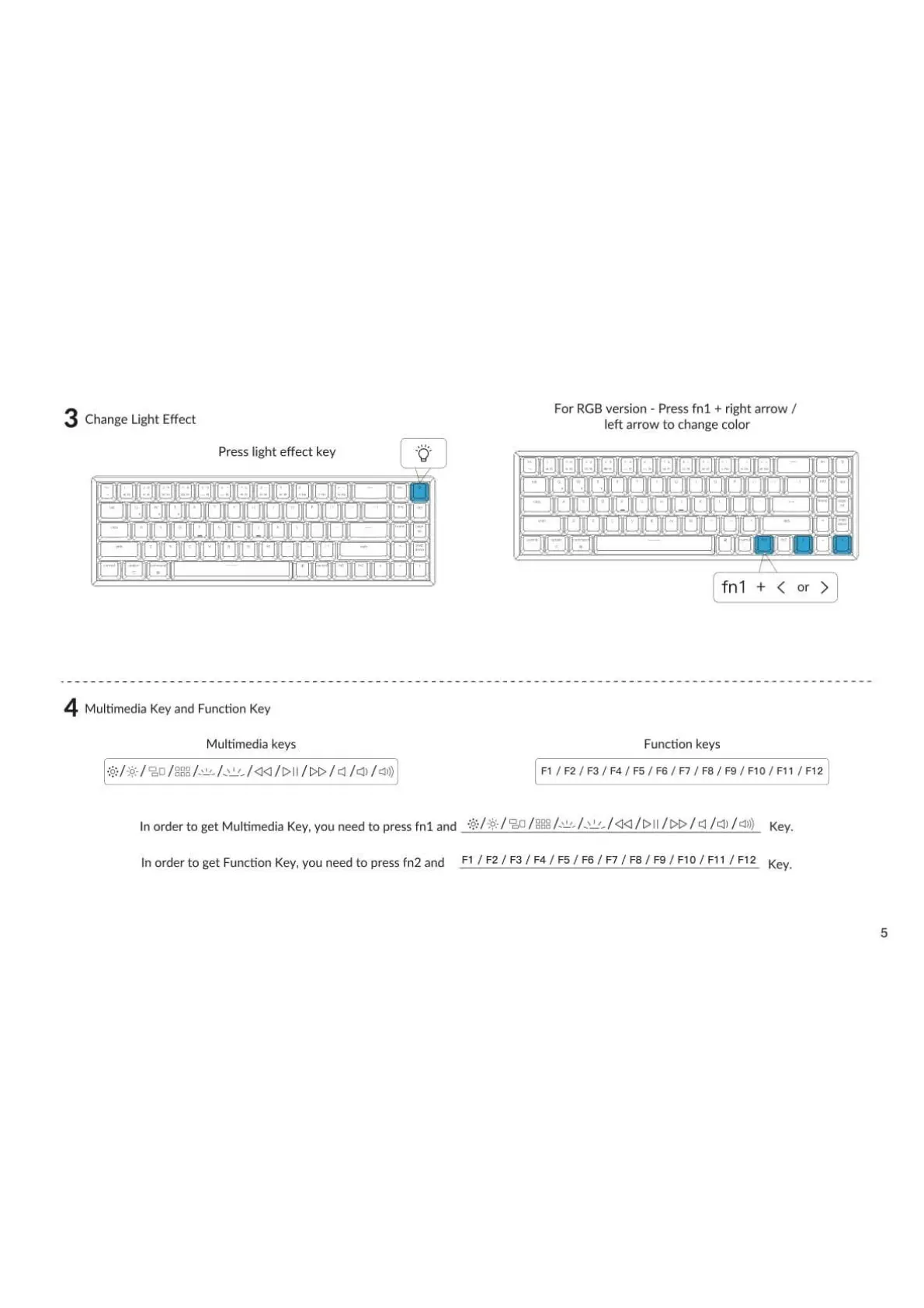
Change Light Effect
Press light effect key
4
Multimedia Key and Function Key
Multimedia keys
ono
For RGB version - press fnl + right arrow /
left arrow to change color
fnl + < or >
Function keys
Fl / / / / F5 / / F7 / / / FIO / Fl 1 / Fl 2
Inorderto getMultimediaKey,youneedto pressfnl and / / 4)) Key.
Inorderto get FunctionKey,youneedto pressfn2 and Fl / F2/ F3/ F4/ F5/ F6/ F7/ F8/ F9/ FIO/ Fl1 / F12
Key.
5

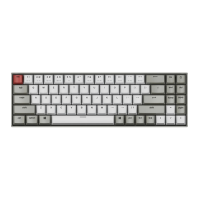

 To Next Page