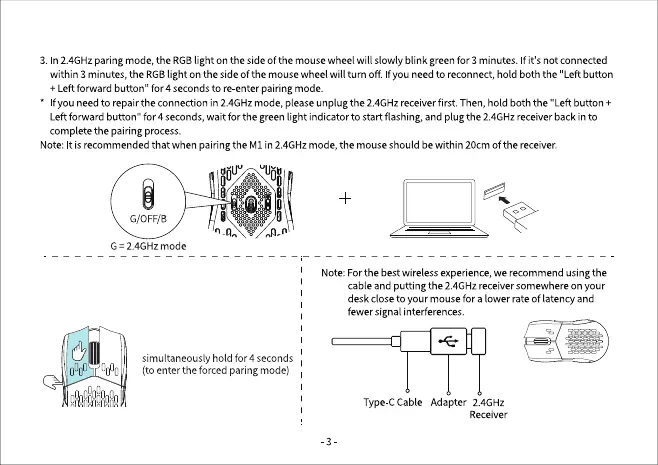
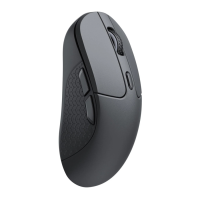
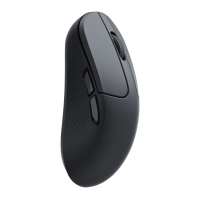
3. In 2.4GHzparing mode,the RGBlight on the sideof the mousewheelwill slowly blink greenfor 3 minutes. If it's not connected
within 3 minutes,the RGBlight on the side of the mousewheelwill turn off. If you needto reconnect,hold both the "Leftbutton
+ Left forward button" for 4 seconds tore enter pairing mode.
f you needto repairthe connection in2.4GHzmode, pleaseunplugthe 2.4GHzreceiverfirst. Then,hold both the "Left button +
Left forward button" for 4 seconds, wait for the green light indicator to start flashing, and plug the 2.4GHz receiver back in to
complete the pairing process.
Note:It isrecommendedthat whenpairingthe MI in 2.4GHzmode, the mouseshouldbewithin 20cmOfthe receiver.
G/OFF/B
G = 2.4GHz mode
simultaneouslyhold for4 seconds
(to enterthe forced paringmode)
Note: For the best wireless experience, we recommend using the
cableand putting the 2.4GHzreceiversomewhereon your
deskcloseto yourmousefor a lower rateof latencyand
fewer signal interferences.
Type-CCable Adapter 2.4GHz
Receiver
-3


 To Next Page