The route to get test code(How to load?)
KS4031(4032) folder/Makecode
Tutorial/Makecode Code/Project
Code/Project 8:Light Detection
Or you could edit code step by step in the editing area.
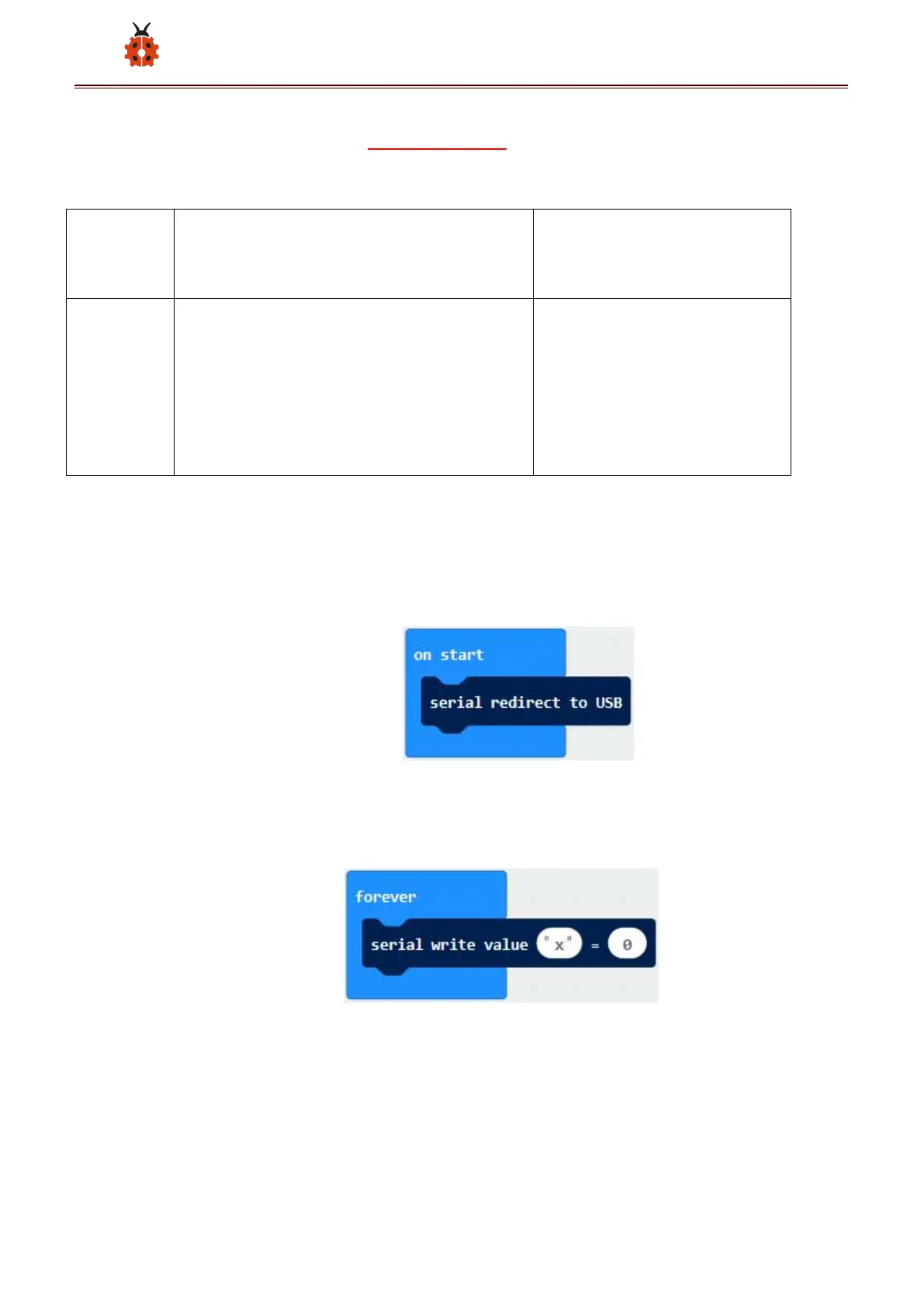
(1)A. Enter“Advanced”→“Serial”→“serial redirect to USB”;
B. Drag it into“on start”block.
***************************************************************************
(2) A. Go to“Serial”→“serial write value x =0”;
B. Move it into“forever”
A. Click“Input”→“acceleration(mg) x”
B. Put“acceleration(mg) x”in the“0”box and change “x”into“Light
intensity”.



 To Next Page