(4)Test Results
Download code to micro:bit and keep USB cable connected. The LED dot
matrix will display and ceaselessly.
(How to download? How to quick download?)
If the download is not success, try to disconnect micro:bit from your
computer and then reconnect them and reopen Makecode to try again.
Project 2: Light A Single LED
(1)Project Description
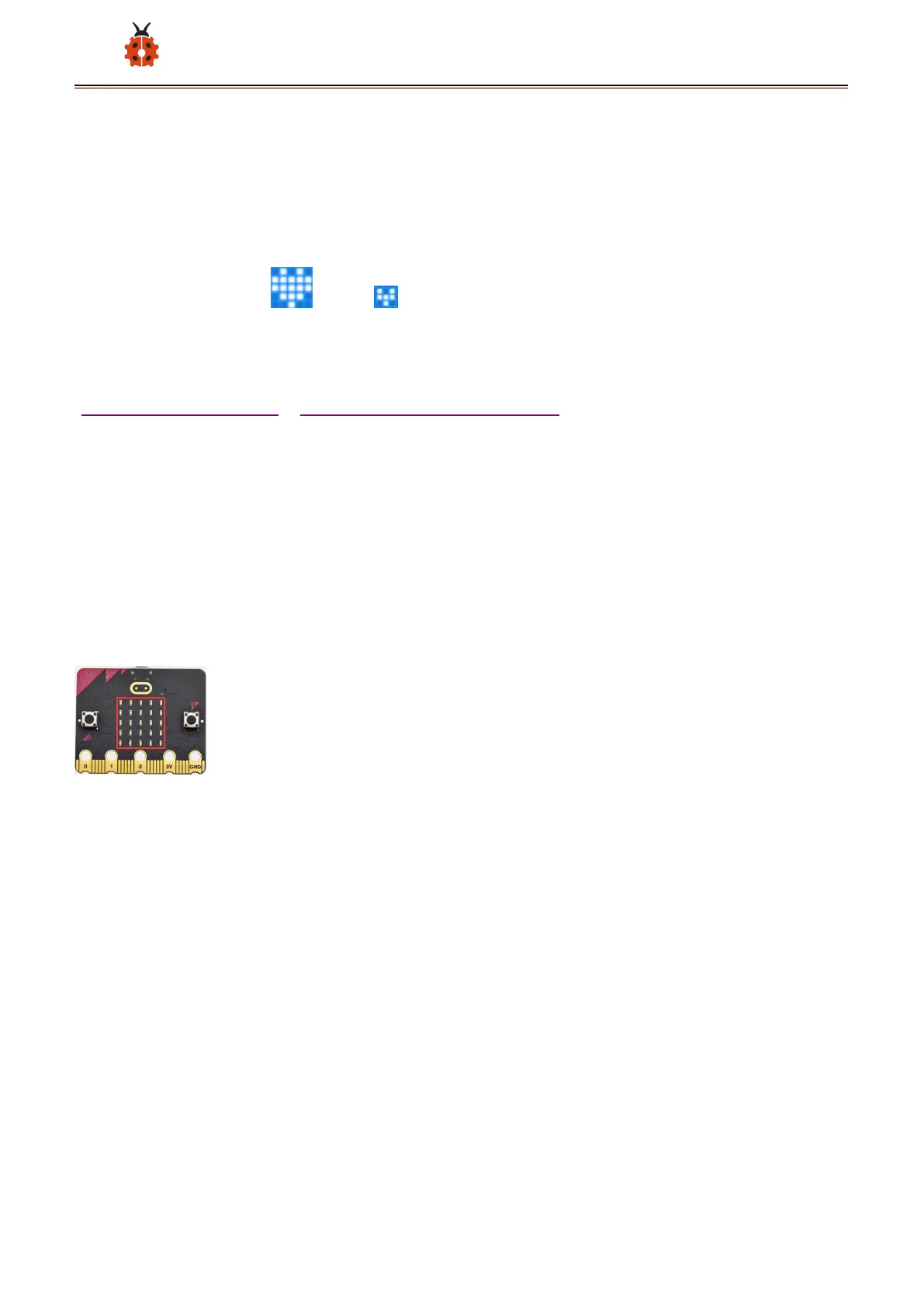
The LED dot matrix consists of 25 LEDs arranged in a 5 by 5 square. In order
to locate these LEDs quickly, as the figure shown below, we can regarded
this matrix as a coordinate system and create two aces by marking those in
rows from 0 to 4 from top to bottom, and the ones in columns from 0 to 4
from the left to the right. Therefore, the LED sat in the second of the first
line is (1,0)and the LED positioned in the fifth of the fourth column is (3,4)



 To Next Page