The route to get test code(How to load?)
KS4031(4032) folder/Makecode
Tutorial/Makecode Code/Project
10:Touch-sensitive Logo
Or you could edit code step by step in the editing area.
( 1 ) Delete block“on start”and“forever”;
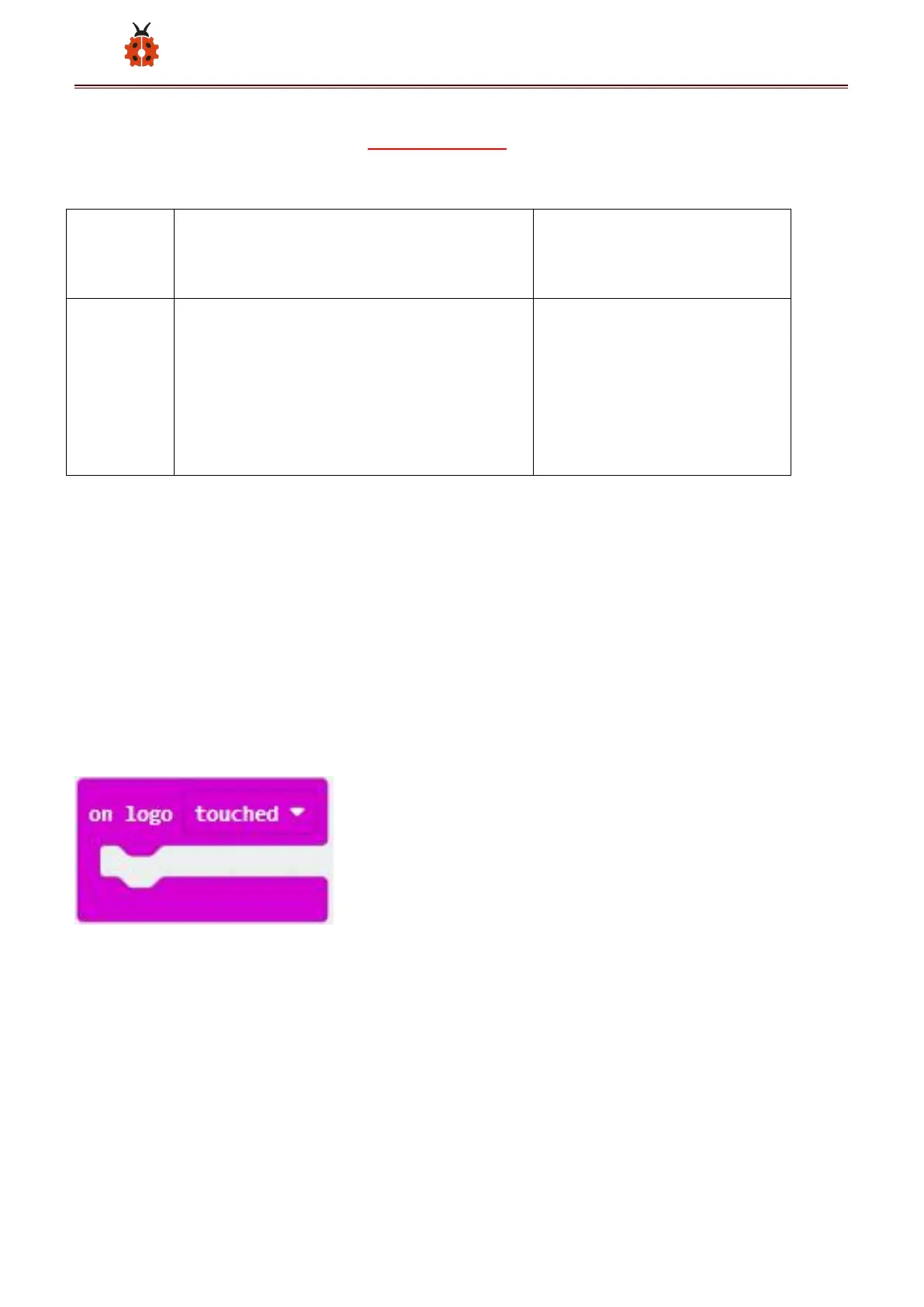
( 2 )Enter“Input”module to find and drag“on logo pressed” ;
Click the little triangle to find“touched”;
( 3 ) Enter module“Variables”→choose“Make a Variable”→input“start”
→click“OK”
The variable“start”is established;
Enter“Variables”module to find and drag “set start to 0” into “on logo



 To Next Page