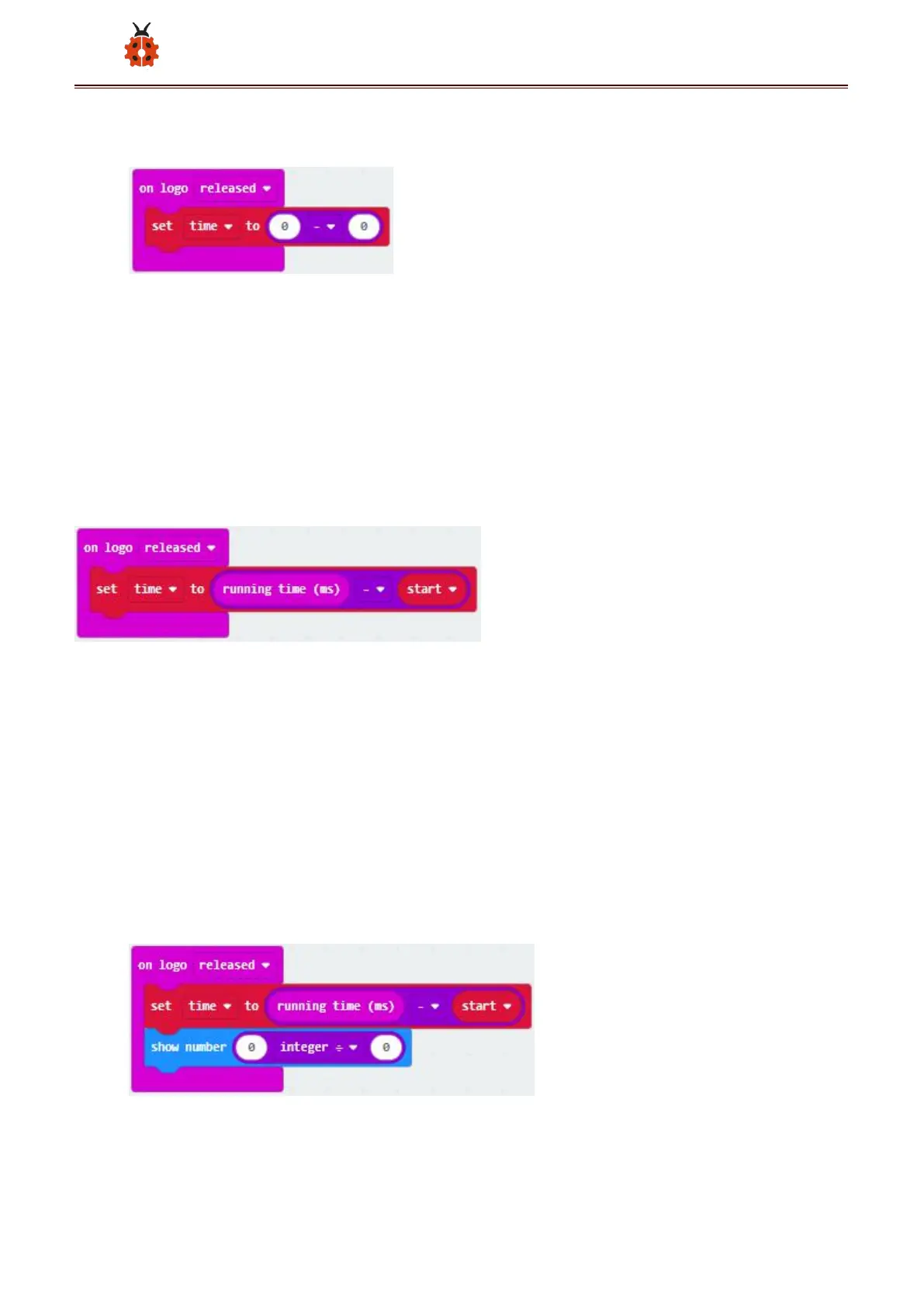
( 7 )Enter“Input”module→ “more” → find and drag “running time(ms)”
into “0”on the left side of “0-0”;
Enter“Variables”module to find and drag“start” into “0”on the right
side of “0-0”;
( 8 )Enter“Basic”module to find and drag“show number” into “on logo
released”block;
Enter“Math”module to find and drag“square root 0” into“0”; Click the
little triangle to find”integer÷”;
( 9 ) Enter“Variables”module to find and drag“time”into“0”on the left



 To Next Page