KS4031(4032) folder/Makecode
Tutorial/Makecode Code/Project
18.2: Ultrasonic Avoidance
Car.hex
Project 18.2:
Ultrasonic Avoidance
Car.hex
Or you could edit code step by step in the editing area.
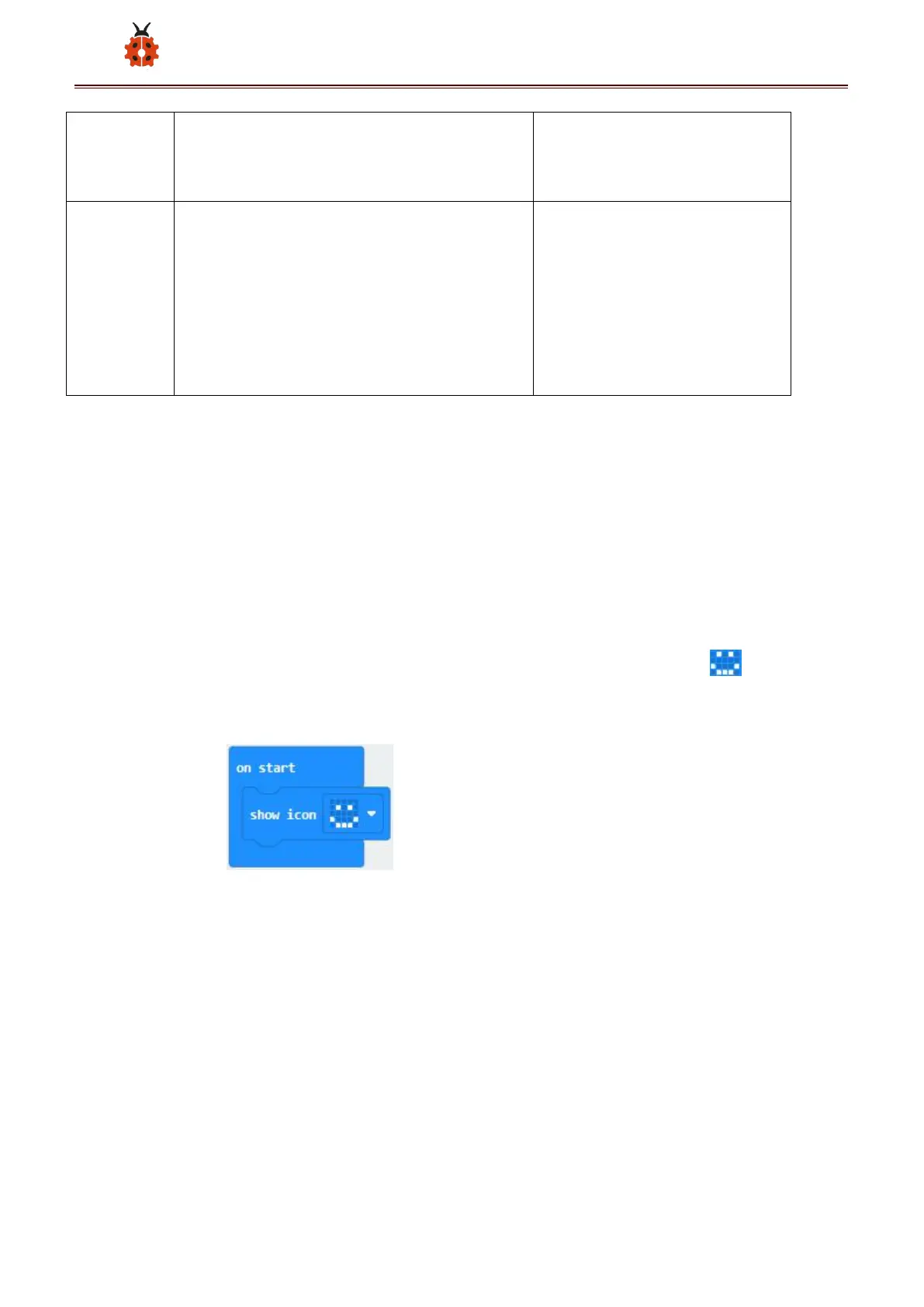
(1)Enter“Basic” →“show icon ♥ ”
Place it into“on start”and click the triangle button to select“ ” pattern
(4) Click“Variables” and then click“Make a Variable..., dialog box“New
variable name:”pops up;
Fill it with “distance”;
Click“OK”to establish variable“distance;
Set the functions of servo:



 To Next Page