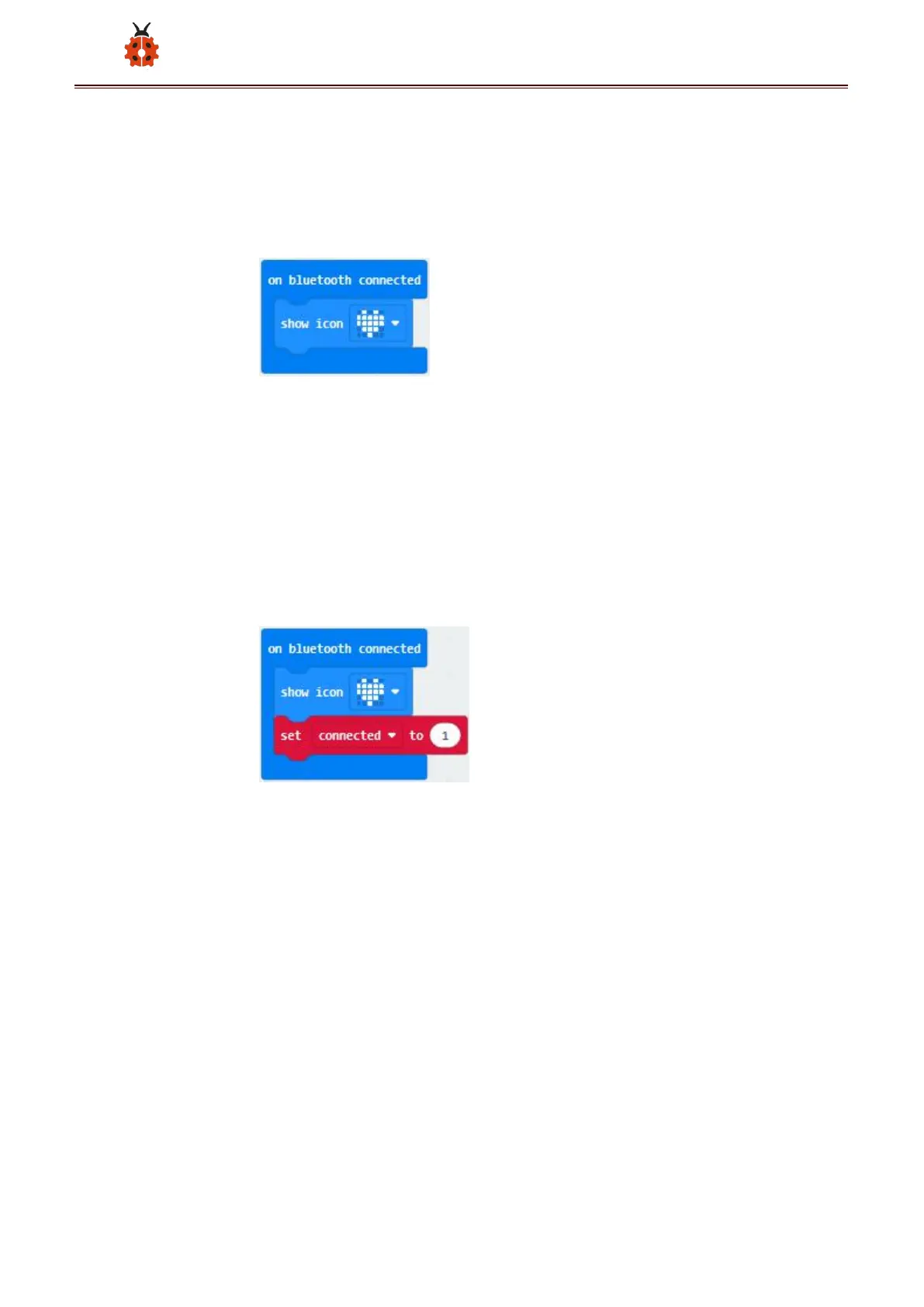
Click“Bluetooth”→“on bluetooth connected”
Go to“Basic”to move“show icon”block into“on bluetooth connected”
block.
*****************************************************************************
Click“Variables”→“Make a Variable...”→“New variable name:”dialog
box.
Input“connected”and click“OK”to create variable“connected”.
Drag“set connected to 0”under block “show icon” and change 0 into 1.
Go to“Loops”to move block“while true do...”into“on bluetooth connected”
block.
Enter“Logic”to drag out “=”block.
Click“Variables” to drag “connected” into left box of “=” block and
change 0 into 1.



 To Next Page