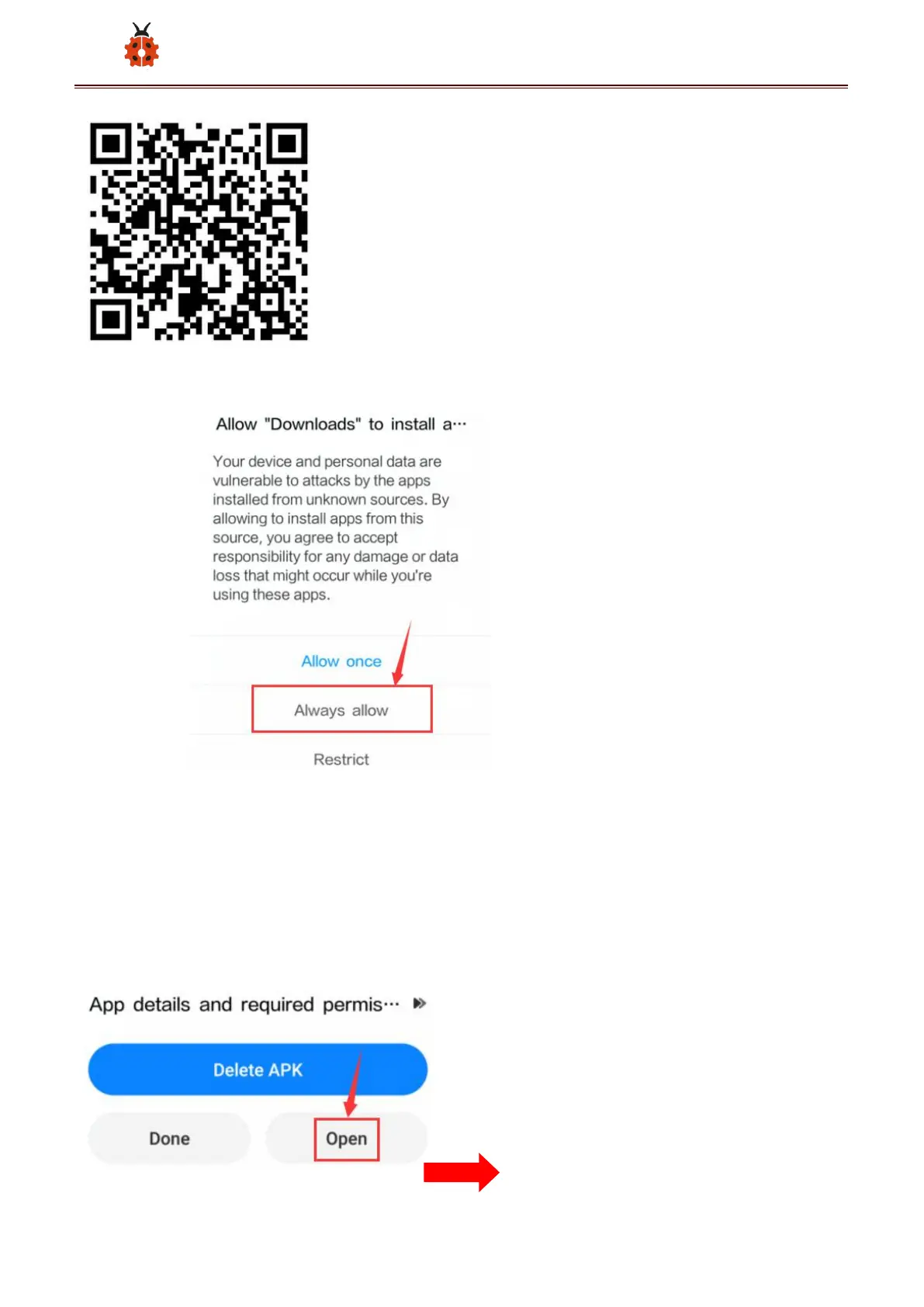
B.Click“Allow allow”to enter Installation Diagram; click“install”to install
the App ;
C.Click "Open" or click the application mecanum_robot on the mobile
phone desktop to open the APP, and a dialog box appears. In the dialog
box, click "Allow" to turn on the Bluetooth of the mobile phone. You can
also turn on the phone's Bluetooth before opening the APP.



 To Next Page