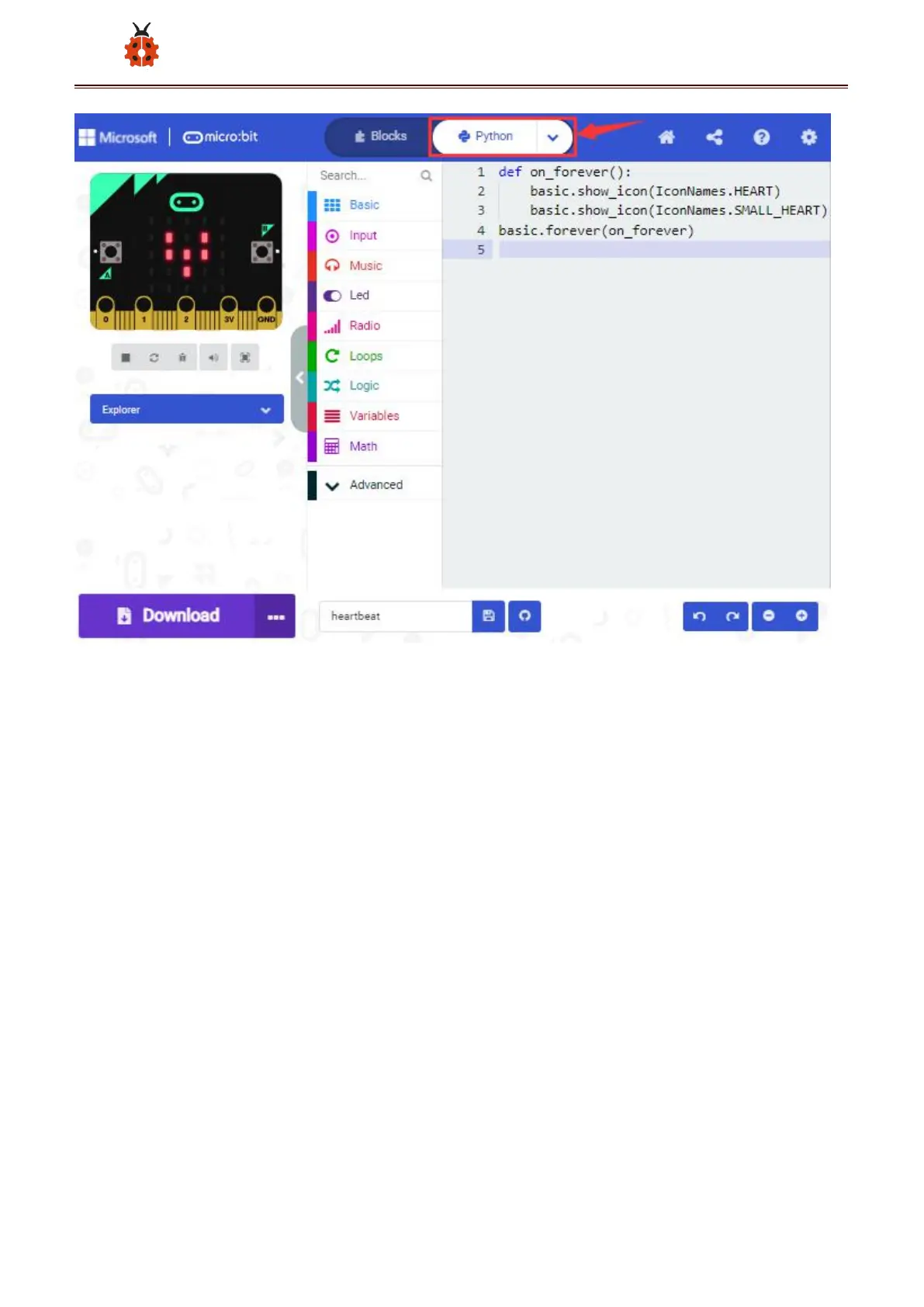
Step 3: download code
If your computer is Windows 10 and you have downloaded the APP
MakeCode for micro:bit to write program, what you will have to do to
download the program to your Micro: Bit main board is merely clicking the
‘Download’ button, then all is done.
If you are writing program through the website, following these steps:
Click the ‘Download’ in the editor to download a "hex" file, which is a
compact program format that the Micro: Bit main board can read. Once
the hexadecimal file is downloaded, copy it to your board just like the



 To Next Page