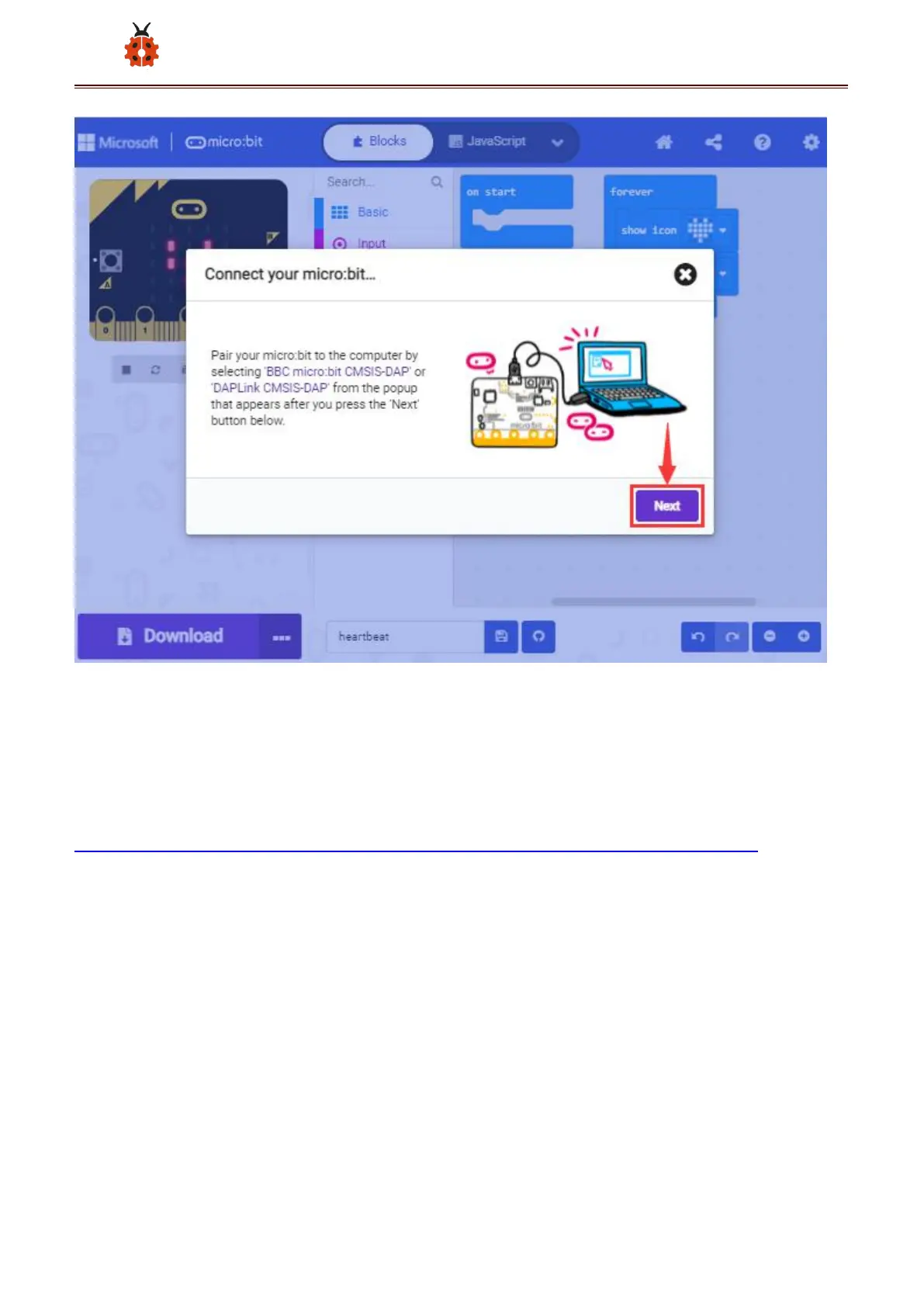
Then select the corresponding device and click“Connect”. If no devices
shows up for selection, please refer to:
https://makecode.microbit.org/device/usb/webusb/troubleshoot
And for updating the firmware of the Micro:bit:
https://microbit.org/guide/firmware/ .
If the links are too troublesome for you , then you can also turn to our
‘Troubleshooting Downloads with WebUSB’and“upload the firmware”



 To Next Page