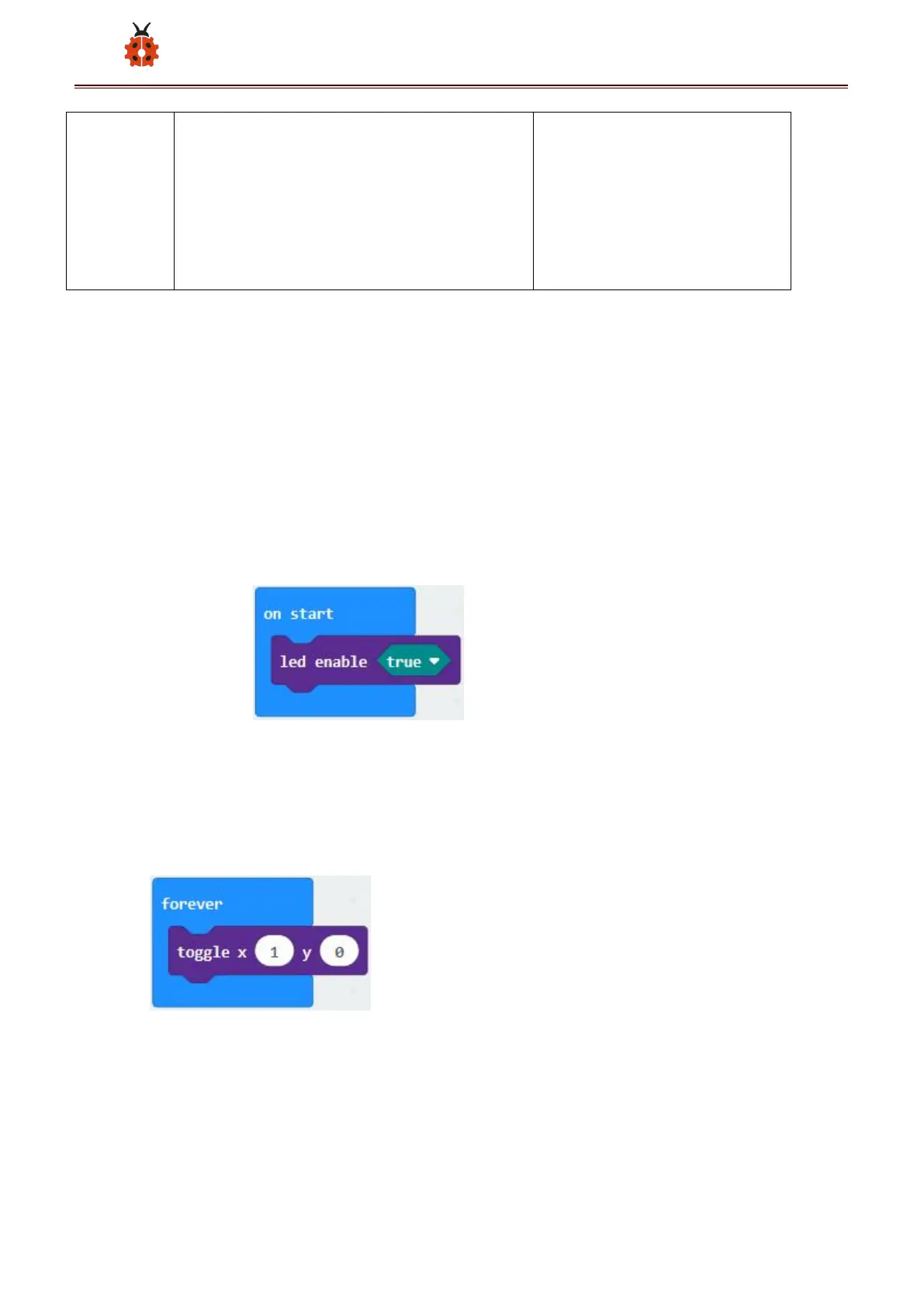
Or you could edit code step by step in the editing area.
A. Click“Led”→“more”→“led enable false”
B. Put it into the“on start”block, and click the drop-down triangle button
to select“true”.
*****************************************************************************
(2) A. Enter“Led”→“toggle x 0 y 0”block;
B. Combine it with“forever”,alter“x 0”into“x 1”.
*****************************************************************************
(3) A. Enter“Basic”→“pause (ms) 100”from“



 To Next Page