EasyManua.ls Logo

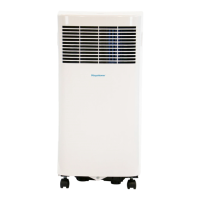
Keystone KSTAP05PHA - User Manual

Keystone KSTAP05PHA
18 pages
Print Icon
To Next Page IconTo Next Page
Loading...
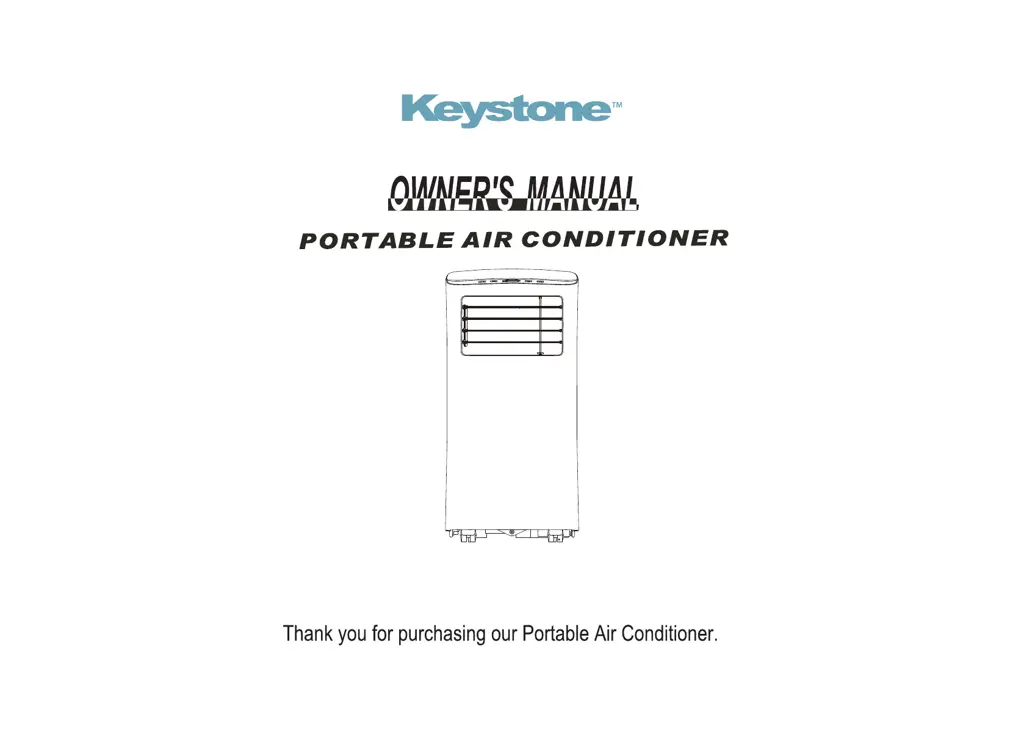
Read this owner’s manual thoroughly before operating the appliance and keep it handy for reference at all times.
KSTAP05PHA
KSTAP07PHA

Questions and Answers

Summary

Preparation

Safety Precautions

Cautions

Installation

Choosing The Right Location

Select a suitable location for the air conditioner, ensuring it meets all operational requirements for optimal performance and safety.

Recommend Installation

Follow recommended installation procedures, including proper spacing from walls and connection of the exhaust system.

Hung Window Installation

Guide for installing the air conditioner exhaust hose and slider in a hung window type.

Sliding Window Installation

Guide for installing the air conditioner exhaust hose and slider in a sliding window type.

Design and Compliance Notes

Unit Temperature Range

Details the operating temperature ranges for the different modes of the air conditioner.

Operation

COOL Operation

Instructions for operating the air conditioner in cooling mode, including temperature and fan speed settings.

DRY Operation

Instructions for operating the air conditioner in dry mode, noting limitations on fan speed and temperature adjustment.

Self-Evaporation System

Explanation of how the unit self-evaporates water in cool mode, and how to manage excess water accumulation.

AUTO Operation

Details on activating AUTO mode via remote control, which automatically selects cooling or fan operation.

FAN Operation

Instructions for operating the air conditioner in fan-only mode, including fan speed selection.

Constant Fan Operation

How to activate the constant fan function in COOL or DRY mode for continuous fan operation.

SLEEP;ECO Operation

Explanation of the SLEEP/ECO feature, activated by remote, which adjusts temperature over time.

AUTO-RESTART Feature

Details the unit's ability to automatically restart with previous settings after a power outage.

Air Flow Direction Adjustment

Guidance on manually adjusting the louver for desired airflow direction and avoiding obstructions.

Water Drainage

Instructions for draining water from the unit, both for continuous drainage and when the collection tray is full.

Maintenance

Maintenance Safety Precautions

Essential safety guidelines to follow before performing any cleaning or servicing of the air conditioner unit.

Clean the Air Filter

Step-by-step instructions on how to remove and clean the air filter for optimal performance.

Clean the Unit

Procedure for cleaning the exterior of the air conditioner unit using a damp, lint-free cloth and mild detergent.

Store the Unit When Not in Use

Instructions on how to properly prepare and store the air conditioner when it is not in use to prevent mold and damage.

Troubleshooting Tips

Summary

Preparation

Safety Precautions

Cautions

Installation

Choosing The Right Location

Select a suitable location for the air conditioner, ensuring it meets all operational requirements for optimal performance and safety.

Recommend Installation

Follow recommended installation procedures, including proper spacing from walls and connection of the exhaust system.

Hung Window Installation

Guide for installing the air conditioner exhaust hose and slider in a hung window type.

Sliding Window Installation

Guide for installing the air conditioner exhaust hose and slider in a sliding window type.

Design and Compliance Notes

Unit Temperature Range

Details the operating temperature ranges for the different modes of the air conditioner.

Operation

COOL Operation

Instructions for operating the air conditioner in cooling mode, including temperature and fan speed settings.

DRY Operation

Instructions for operating the air conditioner in dry mode, noting limitations on fan speed and temperature adjustment.

Self-Evaporation System

Explanation of how the unit self-evaporates water in cool mode, and how to manage excess water accumulation.

AUTO Operation

Details on activating AUTO mode via remote control, which automatically selects cooling or fan operation.

FAN Operation

Instructions for operating the air conditioner in fan-only mode, including fan speed selection.

Constant Fan Operation

How to activate the constant fan function in COOL or DRY mode for continuous fan operation.

SLEEP;ECO Operation

Explanation of the SLEEP/ECO feature, activated by remote, which adjusts temperature over time.

AUTO-RESTART Feature

Details the unit's ability to automatically restart with previous settings after a power outage.

Air Flow Direction Adjustment

Guidance on manually adjusting the louver for desired airflow direction and avoiding obstructions.

Water Drainage

Instructions for draining water from the unit, both for continuous drainage and when the collection tray is full.

Maintenance

Maintenance Safety Precautions

Essential safety guidelines to follow before performing any cleaning or servicing of the air conditioner unit.

Clean the Air Filter

Step-by-step instructions on how to remove and clean the air filter for optimal performance.

Clean the Unit

Procedure for cleaning the exterior of the air conditioner unit using a damp, lint-free cloth and mild detergent.

Store the Unit When Not in Use

Instructions on how to properly prepare and store the air conditioner when it is not in use to prevent mold and damage.

Troubleshooting Tips

Keystone KSTAP05PHA Specifications

General IconGeneral
BrandKeystone
ModelKSTAP05PHA
CategoryAir Conditioner
LanguageEnglish

Related product manuals